
Are you still searching for the best programming AI? If you’ve tested multiple AI coding assistants only to find they still can't fully solve your development challenges, you’re not alone.
Follow along as we explore today’s mainstream models, compare what each brings to the table, and help you find the best programming AI for your workflow.
In this article
- TL;DR
- HIX AI Coding Agent: Best Overall Programming AI
- Claude: Best for Context-Rich Code Refactoring
- ChatGPT & Codex: Best for Conversational Logic and Code Synthesis
- Gemini: Best for Visual UI Debugging
- DeepSeek: Best for Complex Logic Debugging
- Cursor: Best for Seamless In-Editor Coding
- GitHub Copilot: Best for Real-Time Inline Suggestions
TL;DR
- Chat Assistants for Thinking & Scaffolding: ChatGPT excels at 0-to-1 prototyping; Claude untangles legacy architecture; Gemini resolves visual UI issues via screenshots; and DeepSeek isolates tricky logic bugs.
- In-Editor Engines for Developer Flow: GitHub Copilot minimizes keystroke friction with ambient autocomplete; Cursor navigates multi-file context natively; and Codex executes autonomous, test-backed tasks.
- The Multi-Model Pick: Instead of settling for a single ecosystem, HIX AI unifies top frontier models in one interface—letting you prompt multiple engines at once to extract the optimal solution.
HIX AI Coding Agent: Best Overall Programming AI
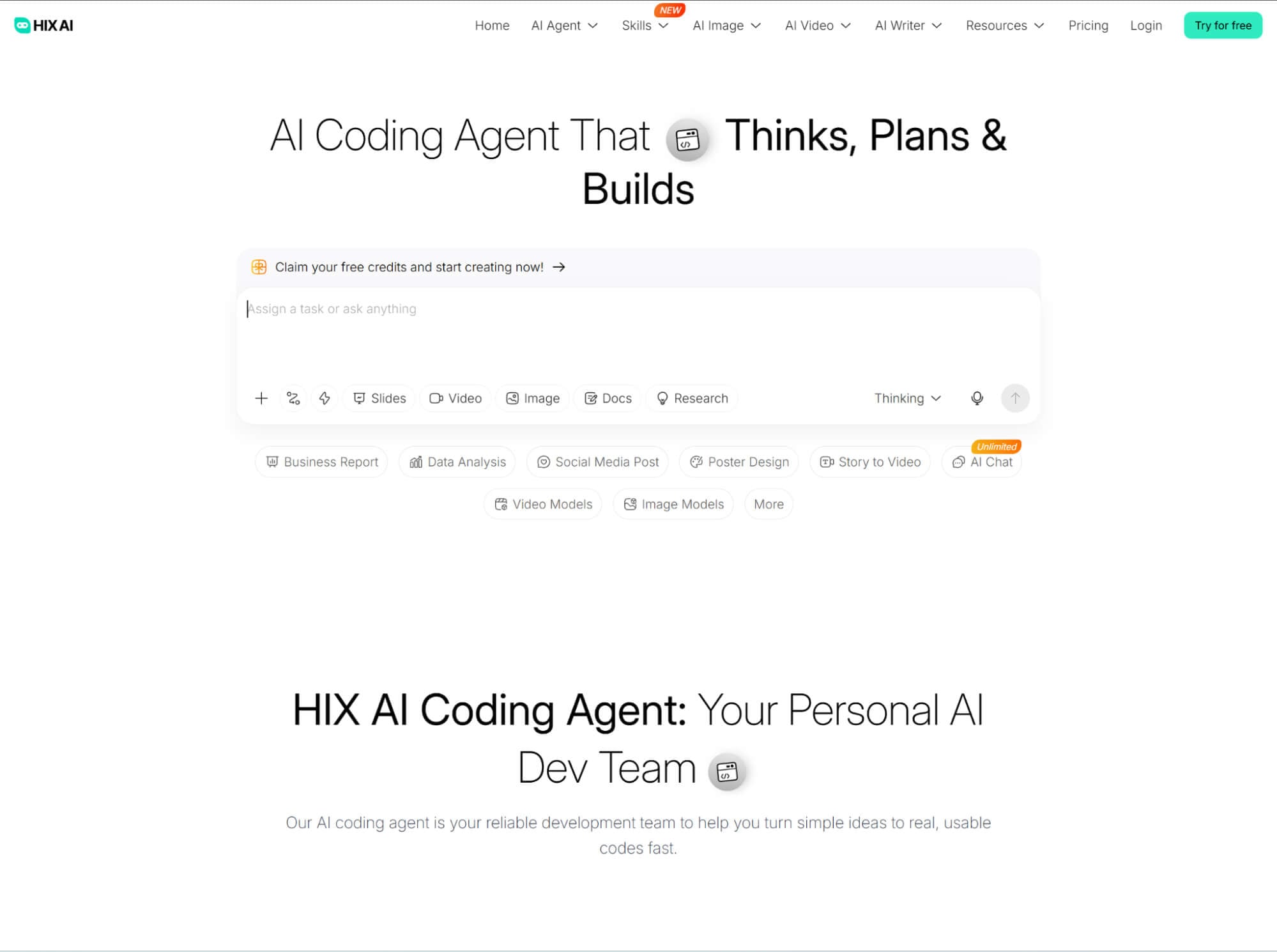
As a versatile AI coding assistant, HIX AI leverages an elite ensemble of flagship models—including Gemini 4 Argon, Claude Opus 5.5, Claude Fable 5.1, and GPT-6 Astra—to adapt to tasks of any complexity. Whether you are scaffolding responsive front-end layouts, building complete websites from scratch, or troubleshooting stubborn bugs, it delivers clean, production-ready code tailored to real-world deployment.
To eliminate context-switching, HIX AI coding agent combines code editing and live visual previews within a single, unified workspace. Developers can instantly render and inspect UI components in real time, validating layout fidelity, styles, and interactive states without ever leaving the interface.
The entire workflow is intuitive and prompt-driven. Simply describe your functional requirements in plain language, and our agent synthesizes the underlying implementation. Refining the output is just as effortless—follow-up natural language instructions let you adjust styling, refactor logic, or introduce new features on the fly.
Pros
- Multi-model engine flexibility
- Unified live visual preview
- Prompt-driven code synthesis
- Seamless natural-language refactoring
Cons
- Lack of local IDE integration
Claude: Best for Context-Rich Code Refactoring
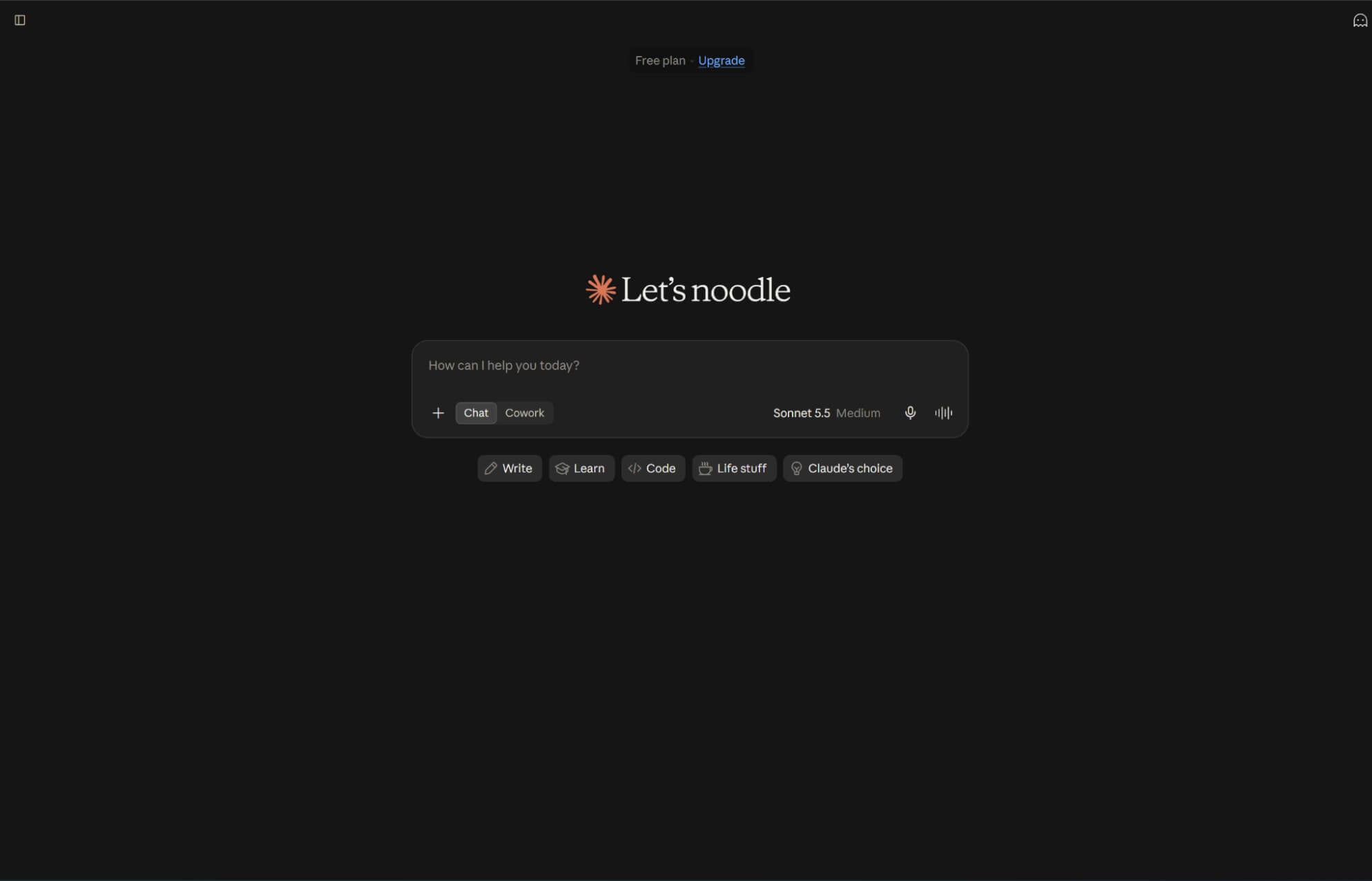
As an advanced AI coding assistant powered by an expansive context window, Claude excels at ingesting entire repositories and documentation. It builds a holistic mental model of your architecture, ensuring cross-file changes preserve dependencies and legacy logic.
Behaving like a senior staff engineer, Claude prioritizes long-term maintainability over quick hacks. It strictly adheres to existing code conventions, proactively catches obscure edge cases, and provides surgical, production-ready diffs rather than risky black-box rewrites.
Pros
- Interactive step-by-step iteration
- In-depth explanations & test guidance
- Flexible, jargon-free explanations
Cons
- Context blind spots across files
- Potential real-world environment mismatch
ChatGPT & Codex: Best for Conversational Logic and Code Synthesis
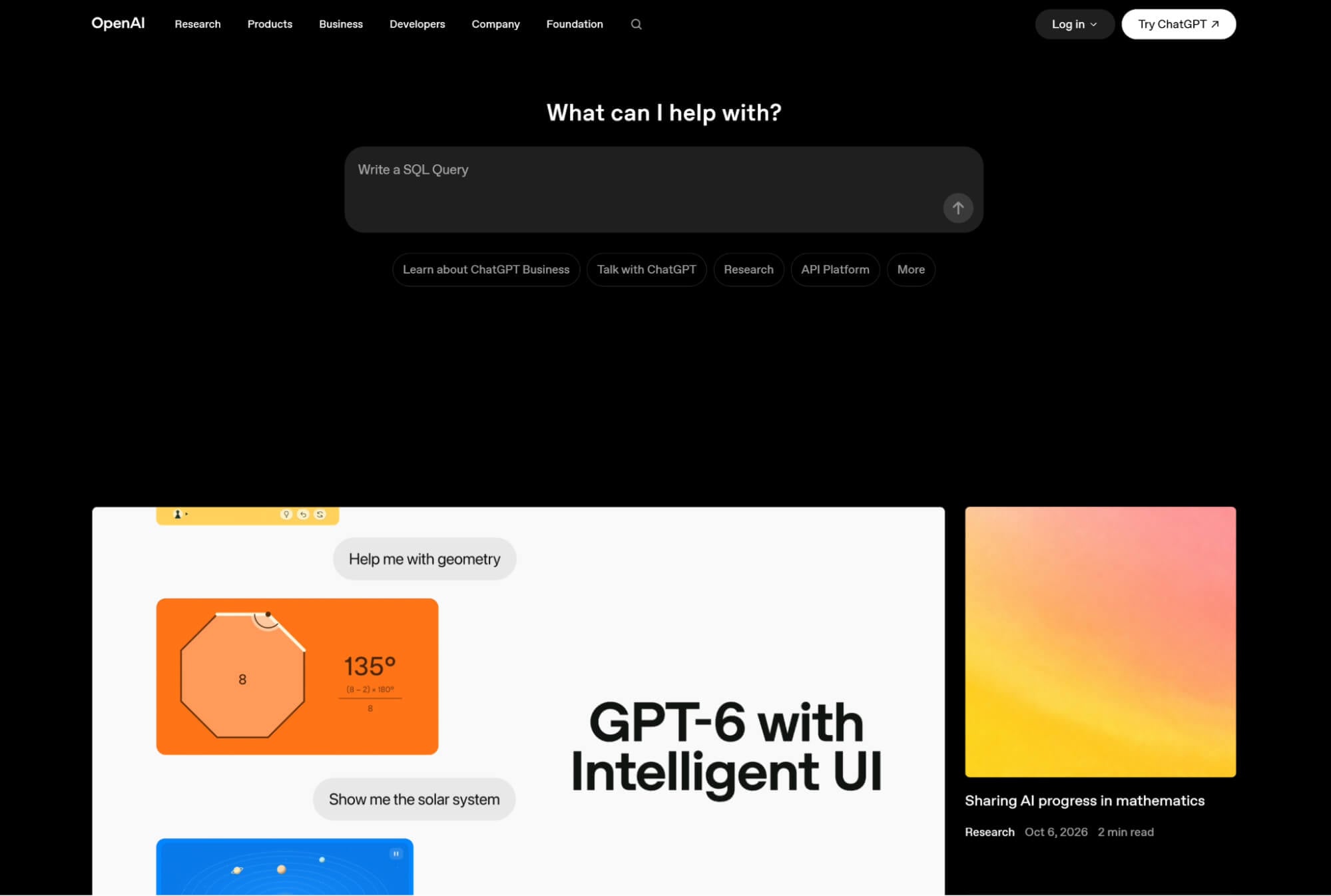
As an interactive pair programmer, ChatGPT excels at untangling complex logic, formulating comprehensive test suites, and explaining unfamiliar codebases. Through multi-turn reasoning, it helps developers brainstorm architectures, catch elusive edge cases, and safely refine implementations before execution.
Operating under the hood, OpenAI Codex translates developer intent directly into functional syntax. It powers IDEs and automations with low-latency completions, turning high-level concepts into reliable code.
Pros
- Deep multi-turn debugging
- Comprehensive edge-case testing
- Fast boilerplate generation
- Headless developer tooling
Cons
- Context-switching friction
- Limited big-picture reasoning
- Lack of standalone interactivity
Gemini: Best for Visual UI Debugging
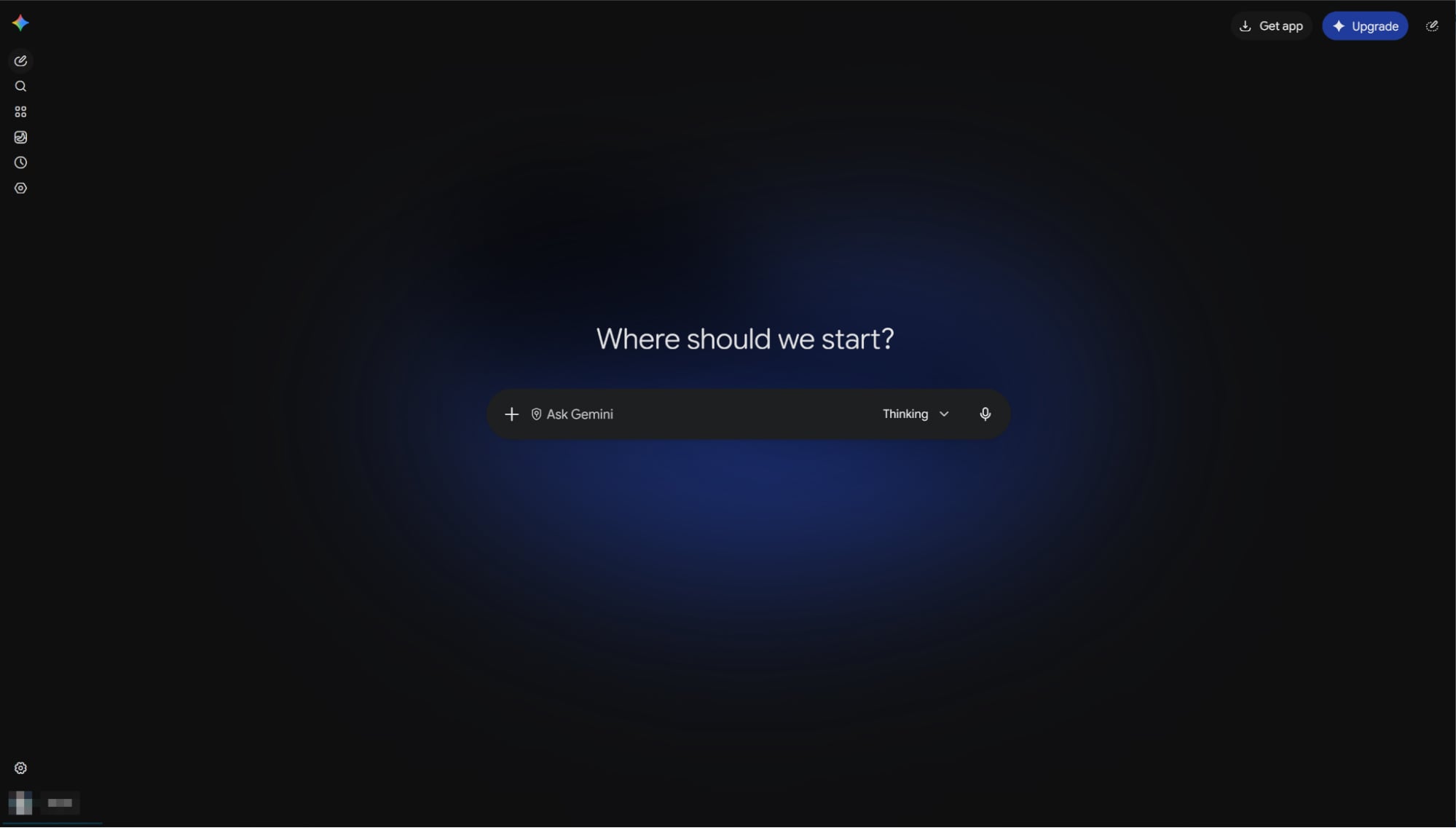
Gemini translates abstract system design into functional implementations effortlessly. Upload whiteboard diagrams, database schemas, or system architecture charts, and it converts complex visual blueprints into structured database migrations, API routes, and production-ready boilerplate.
Equipped with native code execution, this adaptive programming AI doesn’t just predict output—it runs and verifies code internally in a sandbox. It stress-tests computational logic, catches runtime flaws, and self-corrects bugs before handing you the final snippet.
Pros
- Screenshot-based requirement analysis
- UI scoping with step-by-step code guidance
- Zero ambiguity for visual bugs
Cons
- Blind to hidden logic, state & runtime
- Fidelity gaps requiring multi-screen checks
DeepSeek: Best for Complex Logic Debugging

When code runs without errors but produces flawed outputs, DeepSeek shines. Recognized as one of the best programming AIs for deep reasoning, it traces execution paths to isolate obscure algorithmic bugs with surgical fixes.
Beyond debugging, DeepSeek pairs elite algorithmic logic with native fill-in-the-middle precision. Whether untangling complex state machines, solving concurrency bottlenecks, or predicting code right at your cursor, it turns mathematical engineering into clean execution.
Pros
- Logic-first analysis over quick rewrites
- Input/output example-driven debugging
- Valuable second perspective for verification
Cons
- Detailed reasoning without proven accuracy
- Blind spots when missing logs or dependency details
Cursor: Best for Seamless In-Editor Coding
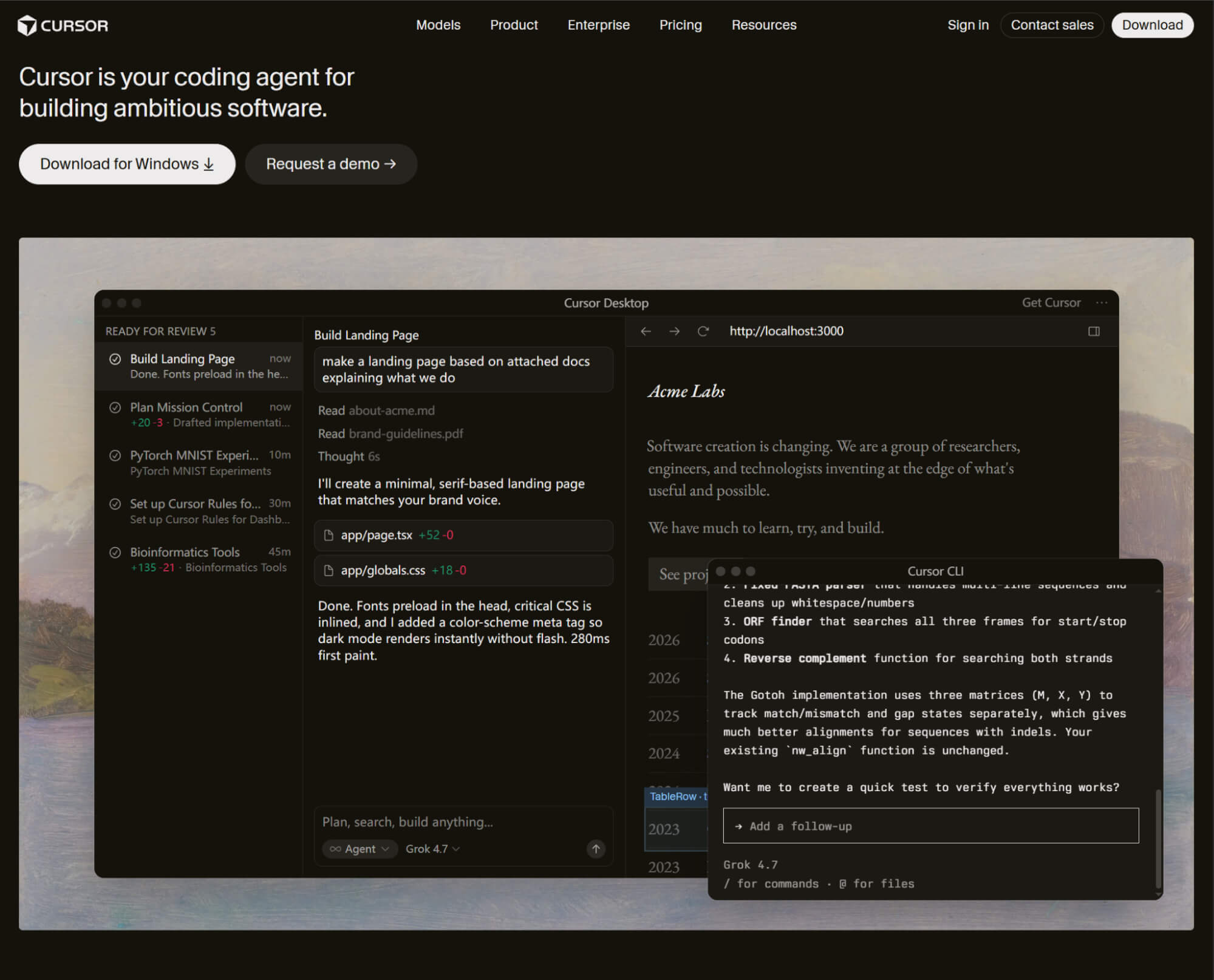
Toggling between separate chat windows shatters developer flow.Built as an AI-native IDE, Cursor indexes your entire codebase to answer questions, trace logic, and understand dependencies directly inside your workspace.
Whether polishing a single component or executing complex multi-file refactors, Cursor orchestrates changes seamlessly. It anticipates your next edits and applies surgical, in-place diffs across your project without breaking your concentration.
Pros
- All-in-one prompt, edit & diff workflow
- Native multi-file context (No copy-paste)
- Ideal for iterating on existing code
Cons
- Switching costs for custom workflows
- Multi-file ripple effects requiring strict review
GitHub Copilot: Best for Real-Time Inline Suggestions
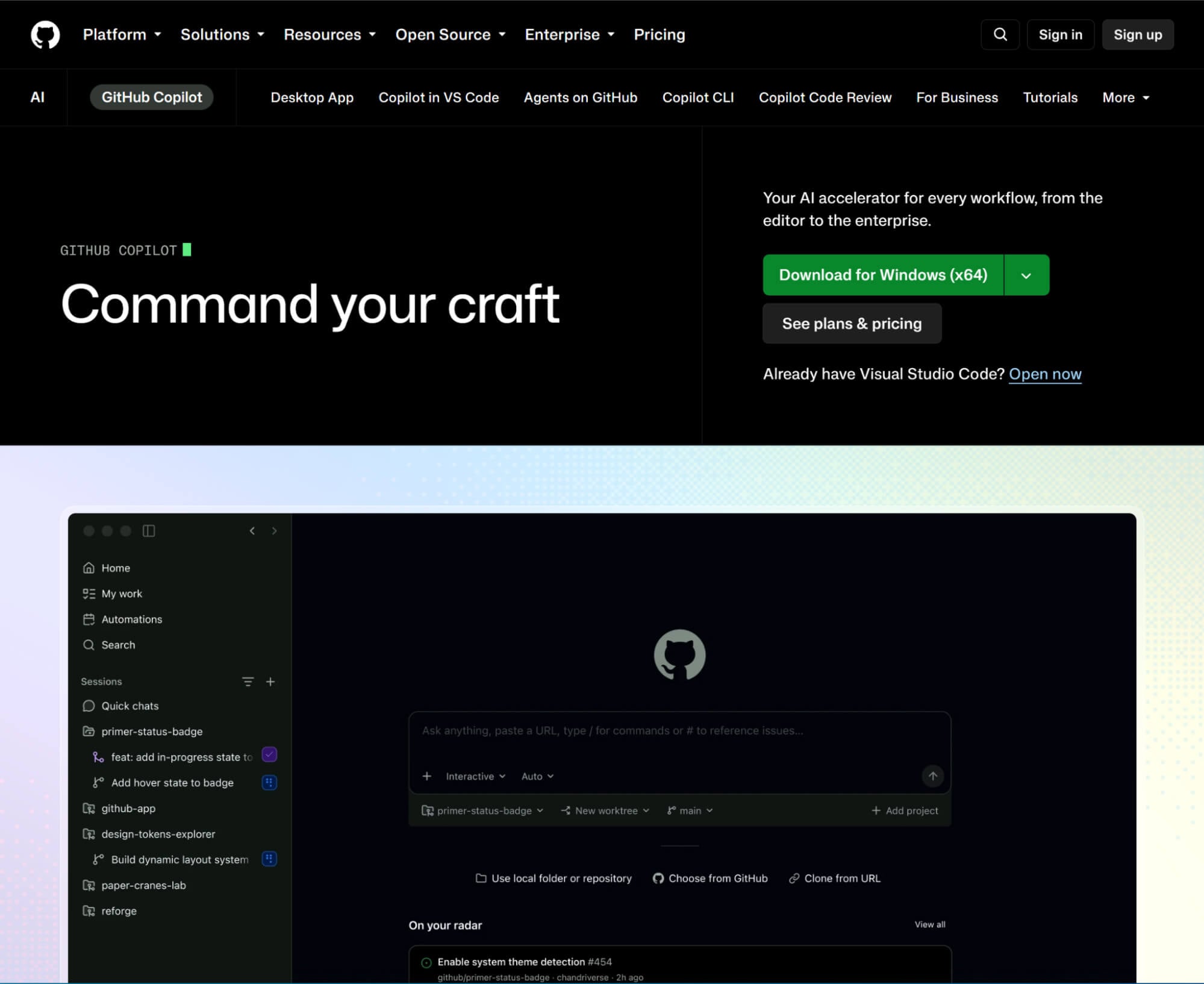
Seamlessly supporting VS Code, JetBrains, and Visual Studio, GitHub Copilot acts as an ambient coding partner. It serves ultra-fast inline completions as you type, keeping you locked in pure developer flow.
Beyond the editor, Copilot connects your entire development lifecycle. It turns GitHub Issues into working logic, audits security vulnerabilities, and automates pull request summaries, eliminating friction across your team's pipeline.
Pros
- Native in-editor assistance
- Less boilerplate & repetitive typing
- Context-aware code discussions
Cons
- Valid syntax, faulty business logic
- Feature disparities across different access points
Conclusion
In the end, succeeding with AI-assisted development isn't about finding one flawless tool. Ultimately, the best programming AI isn't a single standalone model—it is the flexibility to deploy the right strength at the exact moment you need it.
This is precisely why I recommend HIX AI. Instead of forcing you to commit to just one engine, it brings today’s top models together under a single roof—allowing you to harness each one’s distinct strengths across every stage of your workflow.
🔒SSL Secure • 💳No Setup Required • 🌟4.8/5 Rating