HIX AI Project Space : AI Workspace That Keeps Team Aligned

Unify Team Workflow in One AI Workspace
A project space powered by shared context, ensuring your team continuously drives tasks forward without missing a beat.

Multi-Member Collaboration
Unite your team in a collaborative project space for knowledge sharing, transparent conversations, and structured workflows. Members can inspect any task dialogue, branch from existing threads, and seamlessly pass outputs.
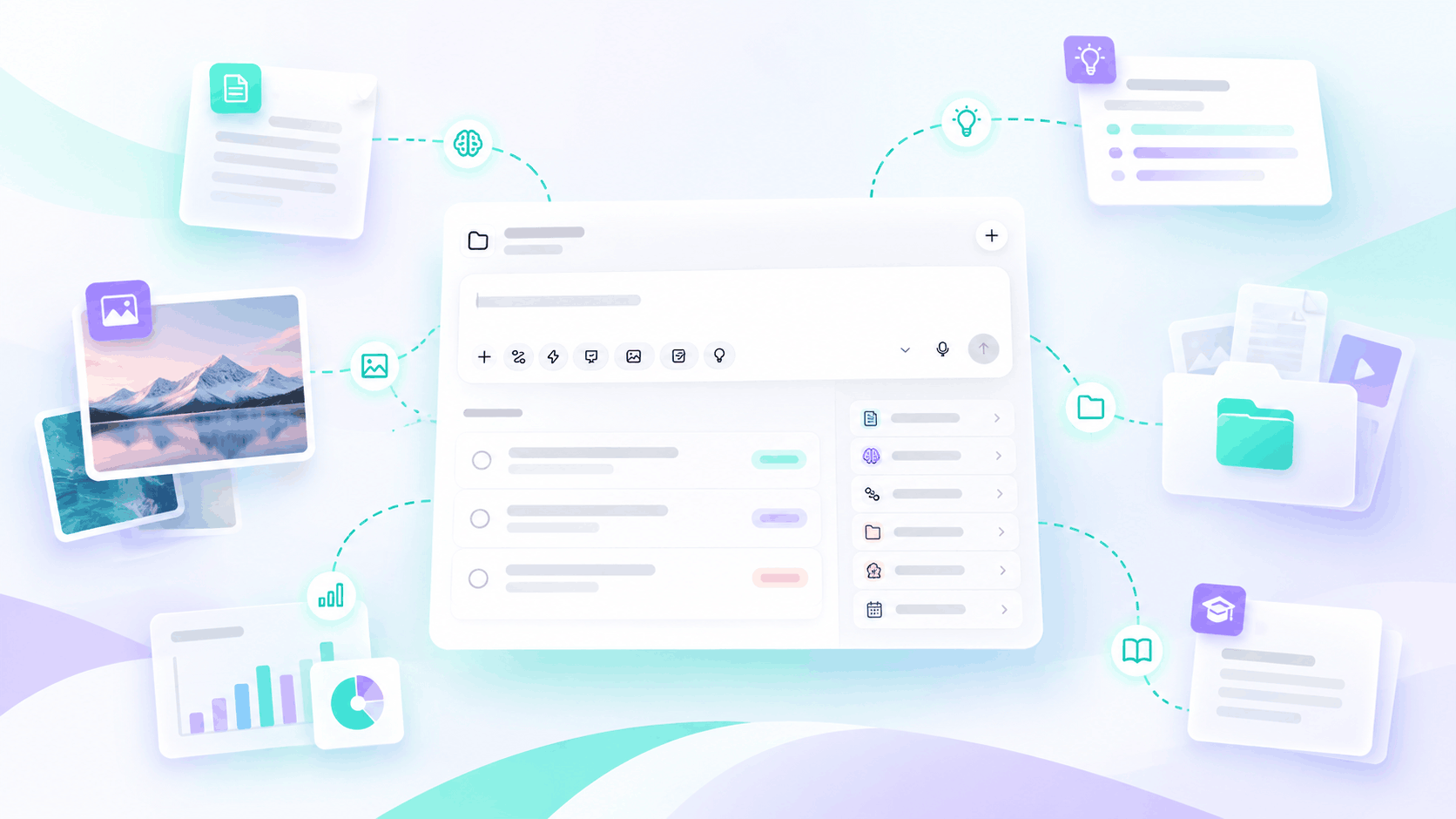
Unified Shared Project Memory
Centralize intelligence by sharing memory, instructions, uploaded files and generated outputs across the entire team. This evolving shared context ensures everyone stays aligned, instantly reusing existing knowledge to streamline future tasks.
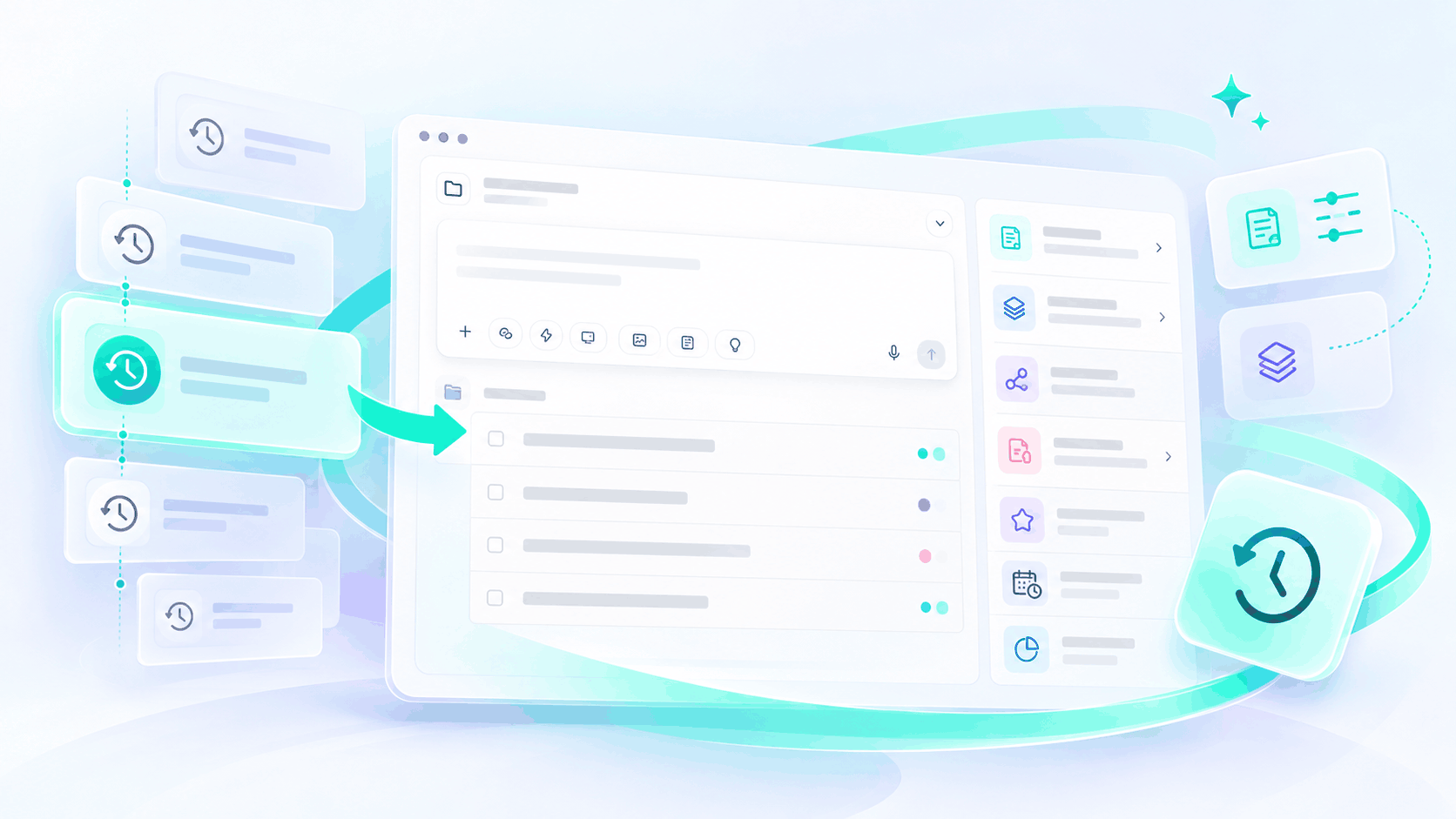
Full Control Over AI Context
Maintain perfectly accurate behavior by freely editing, updating, or tracing the history of your memory and instructions. Instantly restore to any previous version so our smart agent always relies on trustworthy directives.
Who Is HIX AI Workspace Built For?
Product Teams
Coordinate technical roadmaps, align architecture specs, and maintain project context across sprints without endless sync meetings.
Marketing Agencies
Manage multi-asset campaigns, centralize brand collateral, and instantly repurpose high-performing outputs within a single workspace.

Cross-Functional Operations
Bridge communication silos, automate recurring progress reports, and ensure frictionless task handoffs across distributed teams.
Startup Founders
Maximize output without expanding headcount by centralizing institutional knowledge and turning loose concepts into shipped initiatives.
How to Use HIX AI Project Space
Get your team onboarded and start collaborating in just a few simple steps.
- 1
Simply invite team members via email to grant them instant access to your shared collaborative AI workspace.
- 2
Work alongside project owners and peers in a shared project space to drive progress and execute tasks as a cohesive unit.
- 3
Customize your workflow by setting prompt-based tasks, uploading knowledge documents, integrating specialized skills, and scheduling automated routines.
Questions and Answers
