Schedule Tasks with a Smart AI Scheduling Assistant

AI Scheduling Assistant That Puts Your Recurring Work on Autopilot
Turn repetitive team workflows into reliable, hands-free routines with HIX AI.
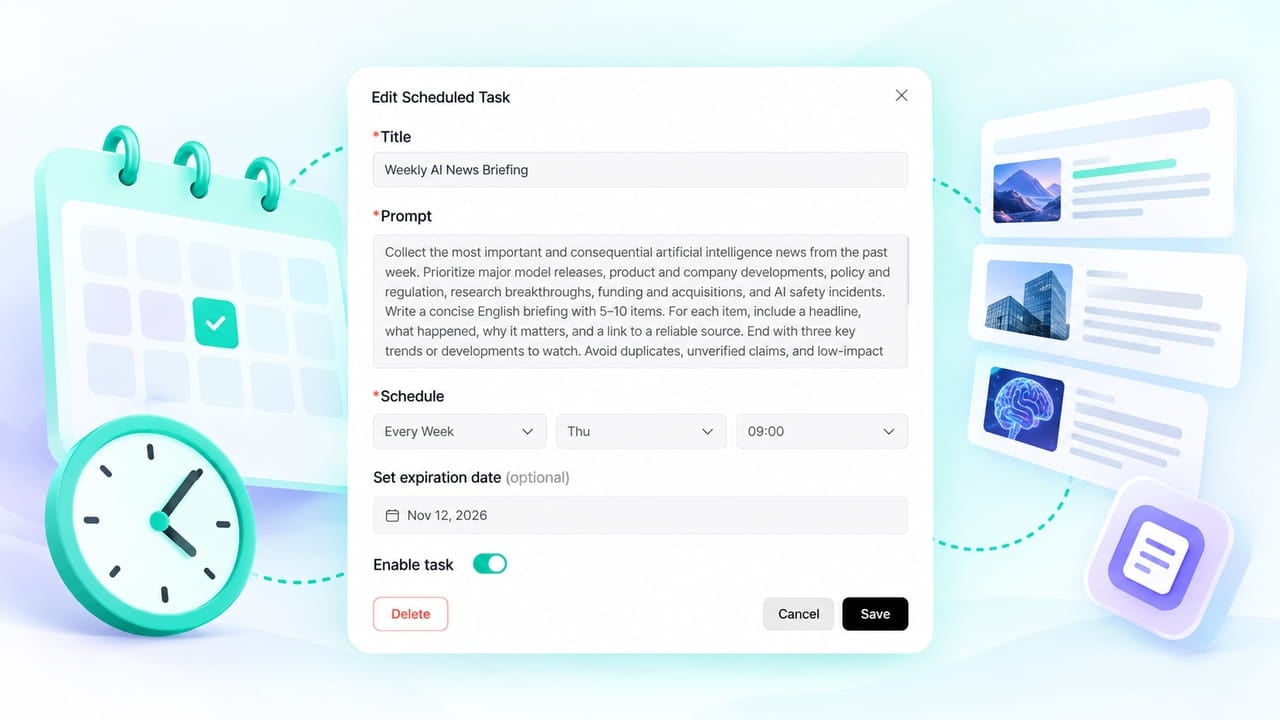
Scheduled Tasks for Real Team Workflows
HIX AI is built to simplify recurring professional tasks handling. From content planning, marketing, and knowledge management to market research, sales and business strategy, your team can stay consistent and prepared while spending less time on manual follow-ups.
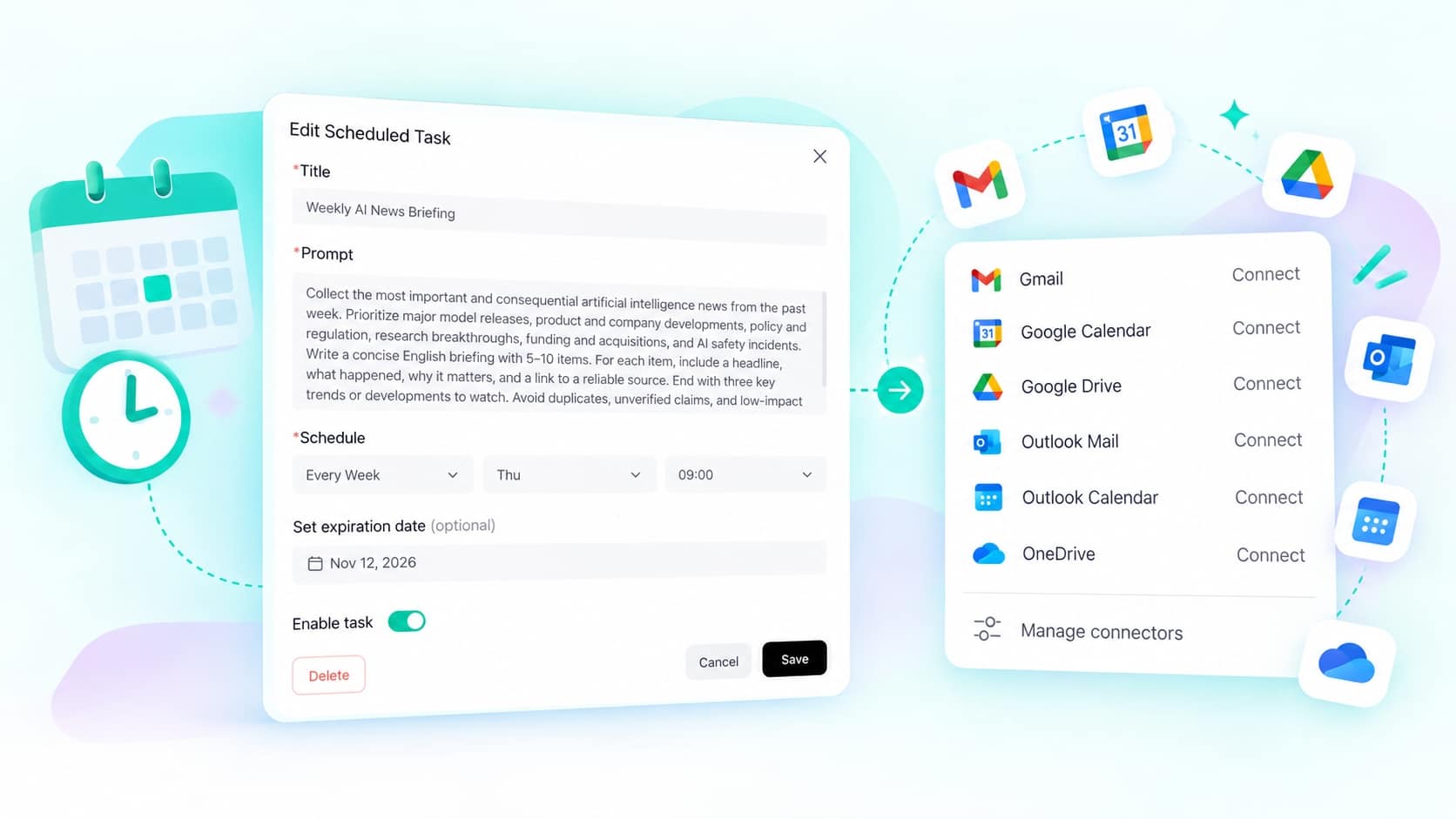
Hands-Free Automation
Just tell HIX AI what you need to do and the schedule. It connects to your apps, researches, creates, and organizes results right on time, so you never have to re-enter the same prompt or chase down updates manually.
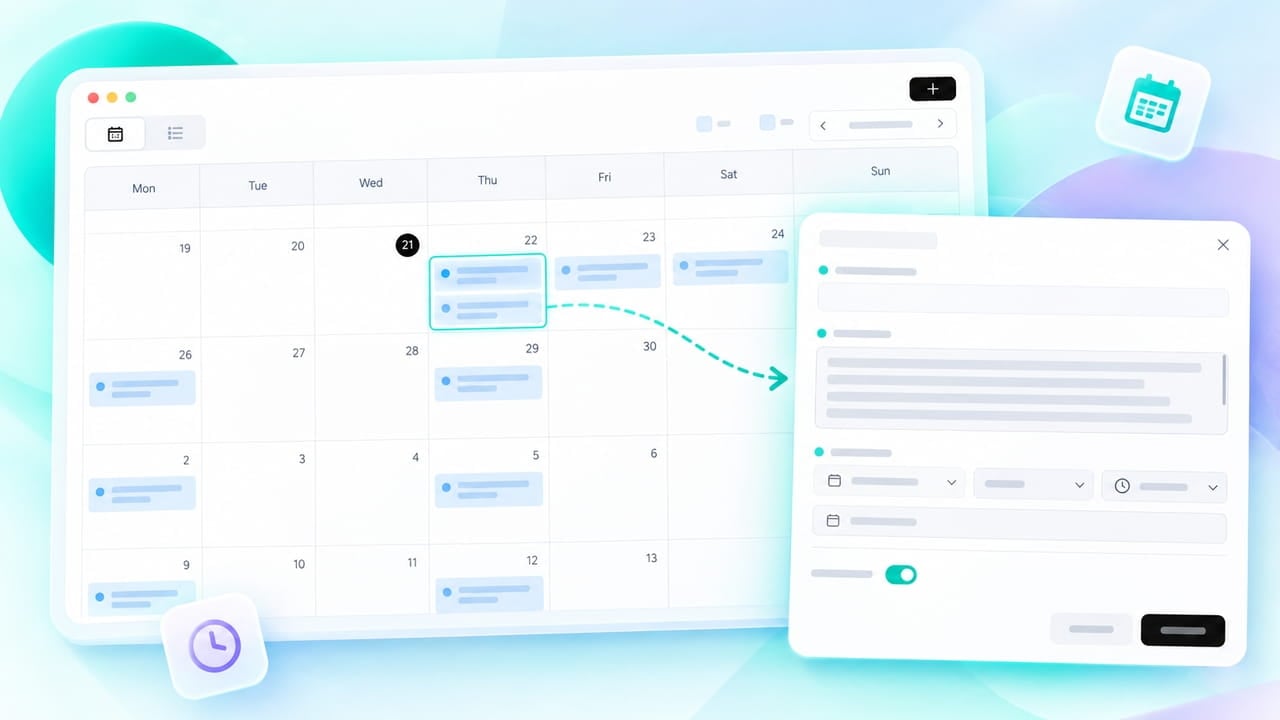
Visual Calendar Control
Never lose track of an automated run. All scheduled tasks live in your personal calendar on HIX AI, giving you a dynamic workbench to plan future runs, review past outputs, and launch scheduled tasks with a single click.
Designed to Save Everyone from Manual Repetition

Marketers
Schedule topic research, draft generation, post publishing, and performance recaps, so your content and campaigns keep moving without last-minute scrambles.
Sales
Surface client and industry news, prepare outreach drafts, and get meeting context ready before key calls.

Strategy Teams
Track competitor moves, industry signals, and external variables on a fixed schedule, and turn scattered updates into briefings you can compare and reuse.
Students
Automate reading digests, note organization, and weekly learning reviews, to keep turning important information into usable knowledge.
How to Set Up Scheduled Tasks in 3 Steps
- 1
Tell HIX AI the tasks you want to schedule and their details.
- 2
On the Edit Scheduled Task window, specify details like prompt, schedule, expiry date, etc. Then create the task.
- 3
Check your scheduled tasks on the calendar. Use the task cards to pause, resume, Run Now, edit, or delete tasks anytime.
Questions and Answers
