AI Data Analysis Skill That Offers Effortless Insights

The AI Data Analysis Solutions for All Professional Data Needs
Explore our data analysis skill sets, designed to automate complex analysis, guarantee data accuracy, and deliver strategic business decisions.

Sales Data to KPI
Convert order and product data into KPIs, root causes, charts, and recommended actions.

Monthly Management Report
Turn monthly data and work logs into charts, conclusions, risks, and action items.

Budget vs. Actual Variance Analysis
Turn budget and actual figures into variance drivers, risk flags, and next-month actions.
Your Automated All-in-One AI Data Analysis Skill
Process and analyze raw data and get presentation-ready insights without the manual grind.
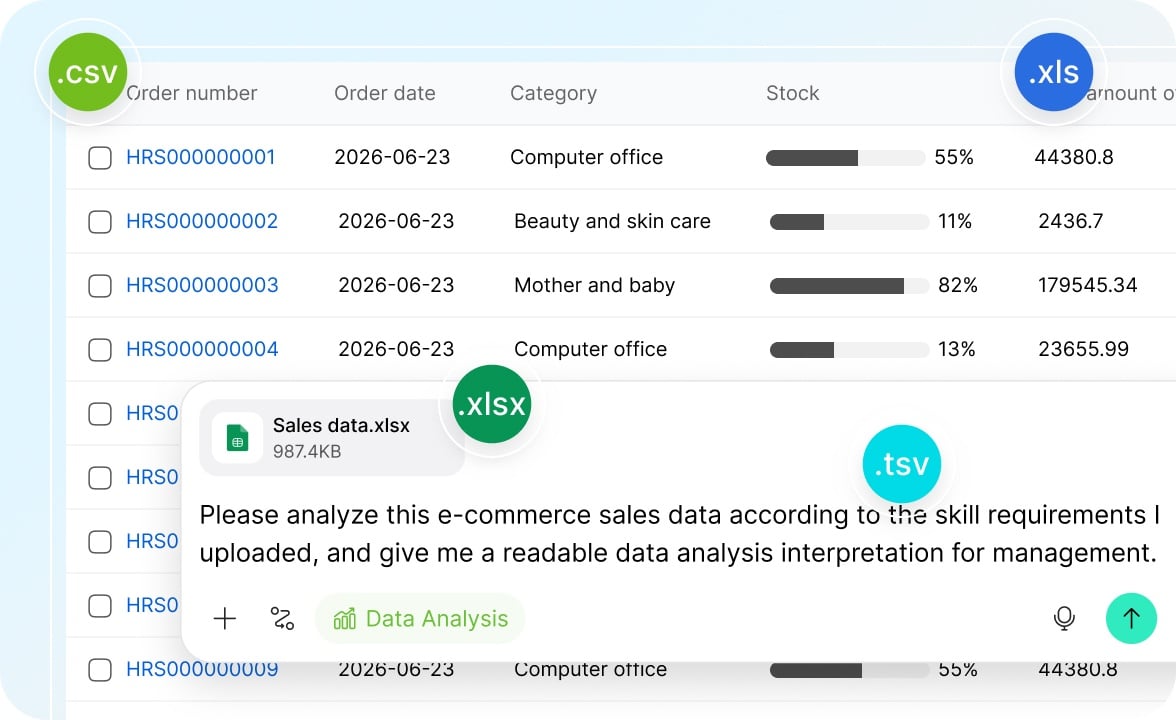
Any Sheet Supported
Supporting .xlsx, .xls, .csv, and .tsv formats, our smart skill automatically parses your headers and data structure—no cleanup, no reformatting, no prep work required. From sales reports to daily operations logs, your files are ready to analyze the moment you upload them.
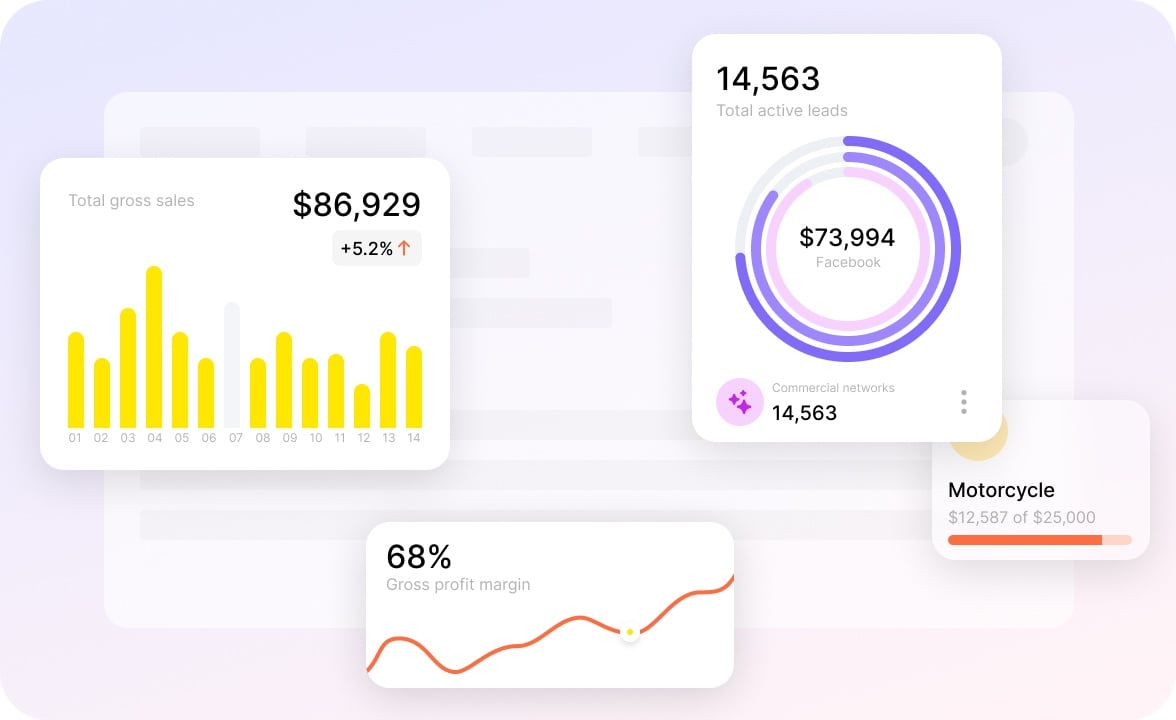
Multi-Dimensional Analysis
Our skill can run period-over-period comparisons, group aggregations, filtered breakdowns, and more. Whether you're tracking sales targets, breaking down costs, or comparing budgets against actuals, you always get analysis that handles your most complex scenarios.
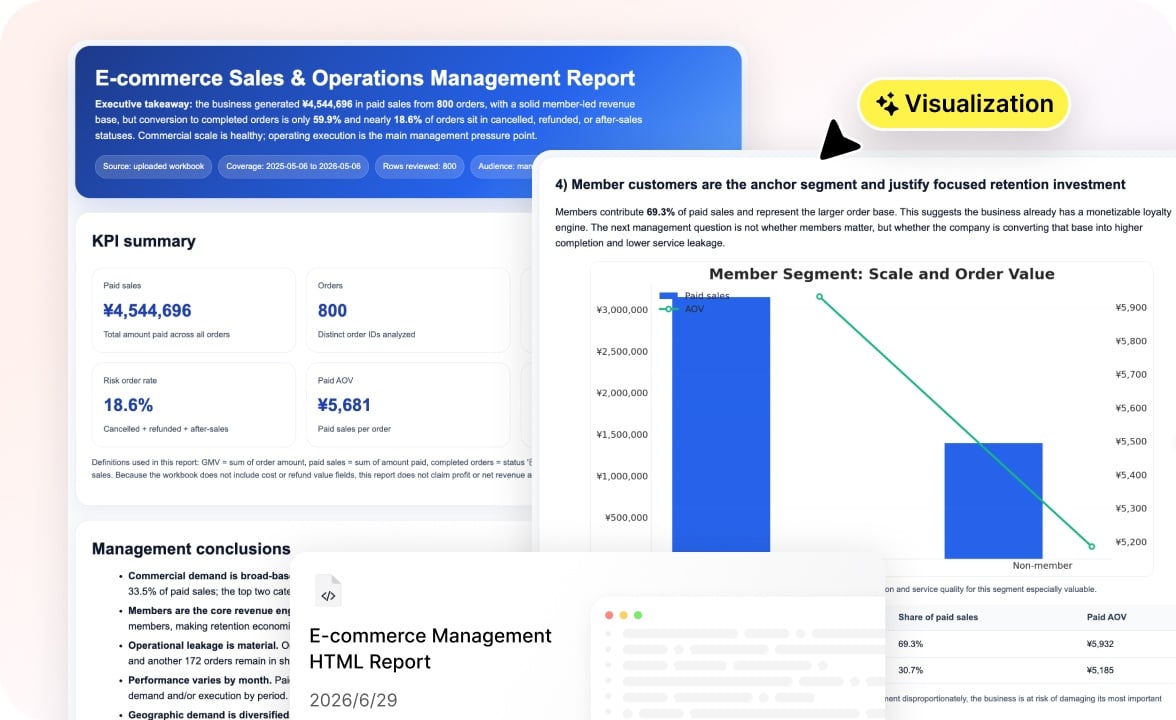
From Data to Report in One Step
Receive your results as a polished, visual report with charts and narratives seamlessly woven together. Your report is instantly ready to be included in weekly updates, monthly reviews, or executive presentations. No more tedious reformatting!
AI Data Analysis Skill Built for You

Business Analysts
Spend less time wrangling data and more time finding the story within it. Skip the repetitive pivot tables and let the skill handle the heavy lifting.
Finance Teams
From cost breakdowns to budget-versus-actual comparisons, get accurate calculations and clear visualizations.

Sales Operations
Track sales performance, measure target attainment, and compare results across periods with year-over-year and month-over-month analysis built in.
Marketing Teams
Make sense of campaign performance, channel metrics, and conversion data without exporting to a dozen tools.
How to Use Our AI Data Analysis Skill
No technical skills, no manual prep—here's how it works.
- 1
Upload your data files and tell our skill how to analyze your data.
- 2
Our skill parses your files, analyzes your intent and data, and compiles the results.
- 3
Get a polished report and a cleaned spreadsheet. Export the files or chat with the skill to make edits or change the analysis direction.
Questions and Answers
Explore Our Other Skills

- AI Business Strategy
- AI Poster Generator
- AI Literature Review
- Brand Video Production
- Business Report
- AI Headshot Generator
- Image to Video
- AI Ads
- AI SEO
- AI Rubric Maker
- AI Product Management
- AI Website Builder
- AI Meeting Assistant
- AI Knowledge Management
- AI Faceless Video Generator
- PDF AI
- AI Keywords Planner
- AI Product Photography
- AI Report Generator
- AI Market Research
