Interactive AI Image Editor for Accurate, Consistent Results
An AI Image Editor That Gives You Complete, Flexible Control
Edit your images easily and get professional-grade results in minutes.
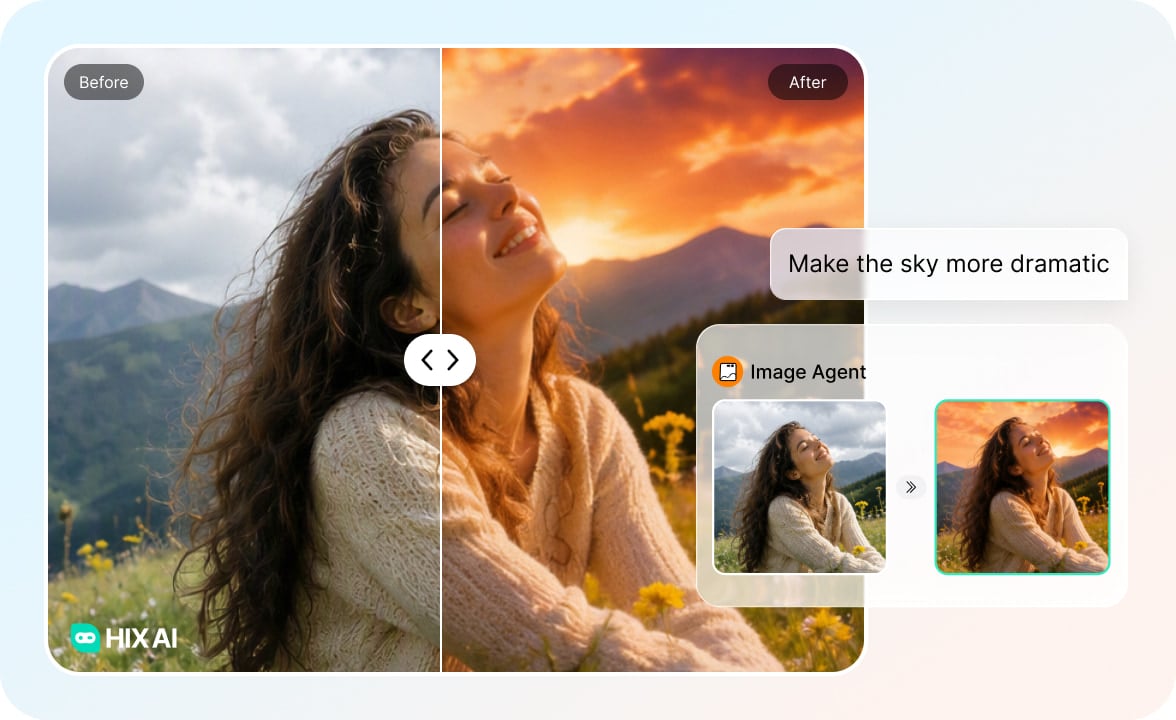
Talk Your Way Through Any Edit
Tell our AI image editor whatever you want — "make the sky more dramatic,""remove the person on the left," or "brighten her face"— and it handles the rest. If the first result isn't quite there, just reply, and it will adjust.
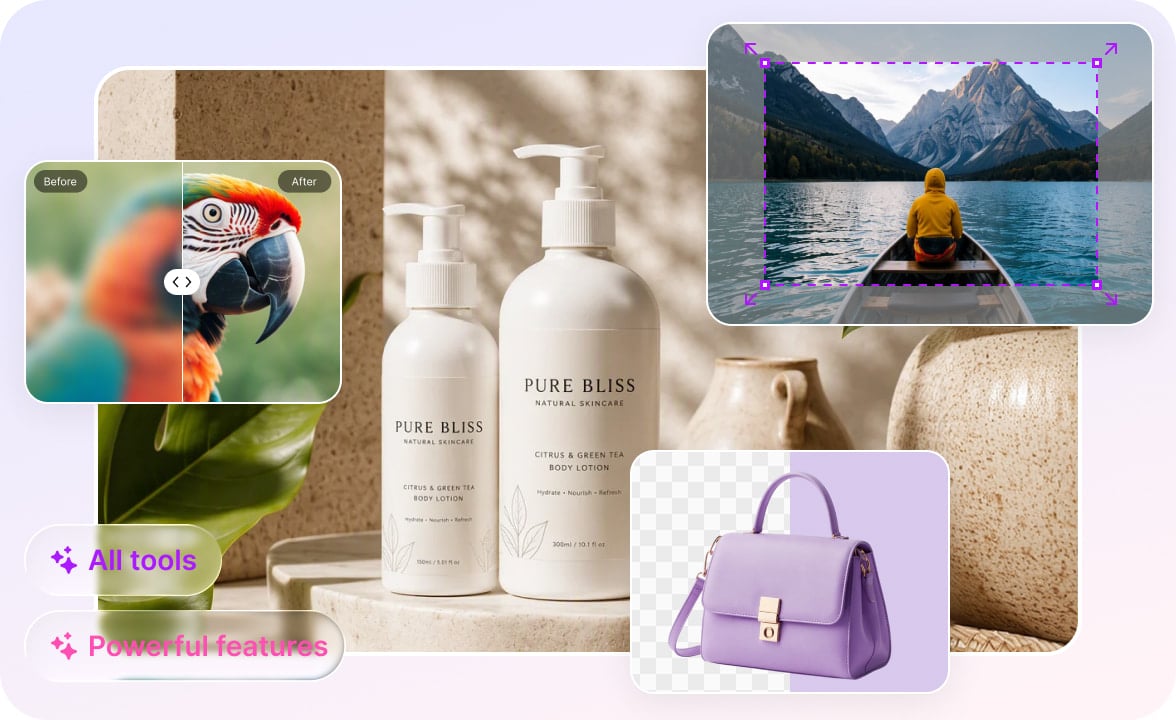
Extensive Capabilities for Any Task
From quick fixes to complex campaigns, we have the tools you need. Upscale graphics for crisp printing, uncrop photos to fit social media banners, or instantly build lifestyle product mockups using our background removal or AI background creation tools.
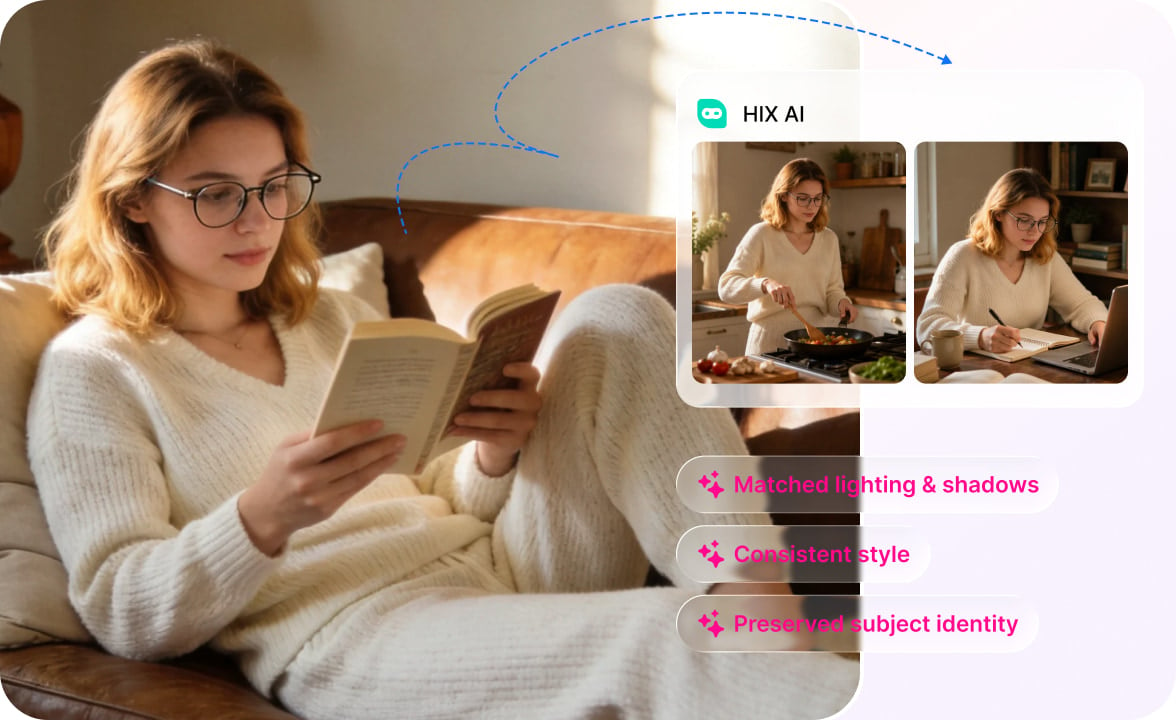
High-Consistency Editing
Maintain your subject's identity, lighting, and artistic style across multiple edits. Our advanced AI locks in the core elements of your image while executing precise modifications, ensuring your visual story remains perfectly cohesive.
An Image Editor Designed for Every Vision
Marketers & Social Media Managers
Create assets and visuals on demand for every channel without waiting on lengthy design turnarounds.
E-Commerce Sellers
Get clean, professional product images and promo graphics with zero editing experience.
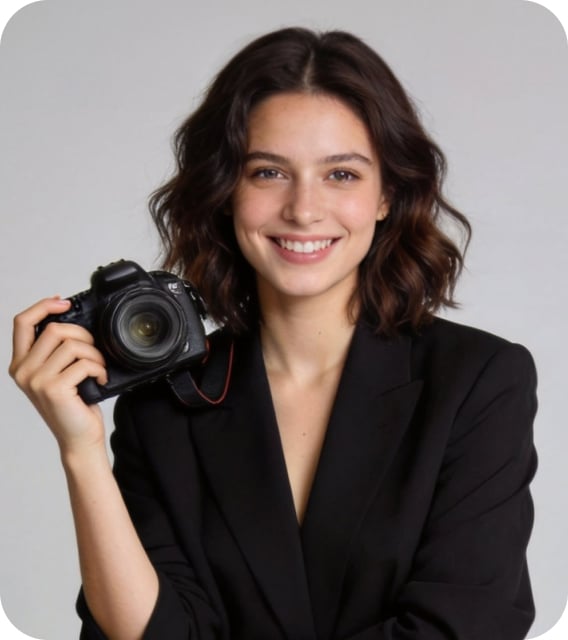
Graphic Designers & Artists
Speed up rapid ideation and precise retouching while having complete creative control over every detail.
Photographers
Handle photo cleanup, masking and resolution upgrades in minutes.
How to Use Our AI Image Editor
A streamlined image editing process with just a few simple steps.
- 1
Upload your images, enter your prompt telling our AI how to edit the images, and click Send.
- 2
Review the output and send another message to adjust it. Or click the Upscale, Uncrop, Erase, Remove BG, or AI Background directly to trigger an edit.
- 3
If you're happy with the final result, download the final images and use them anywhere you like.
Questions and Answers