Consistent & Creative AI Video Editor

AI Video Editor You Can Count On

Our AI video editor applies precise, prompt-driven edits to your videos.
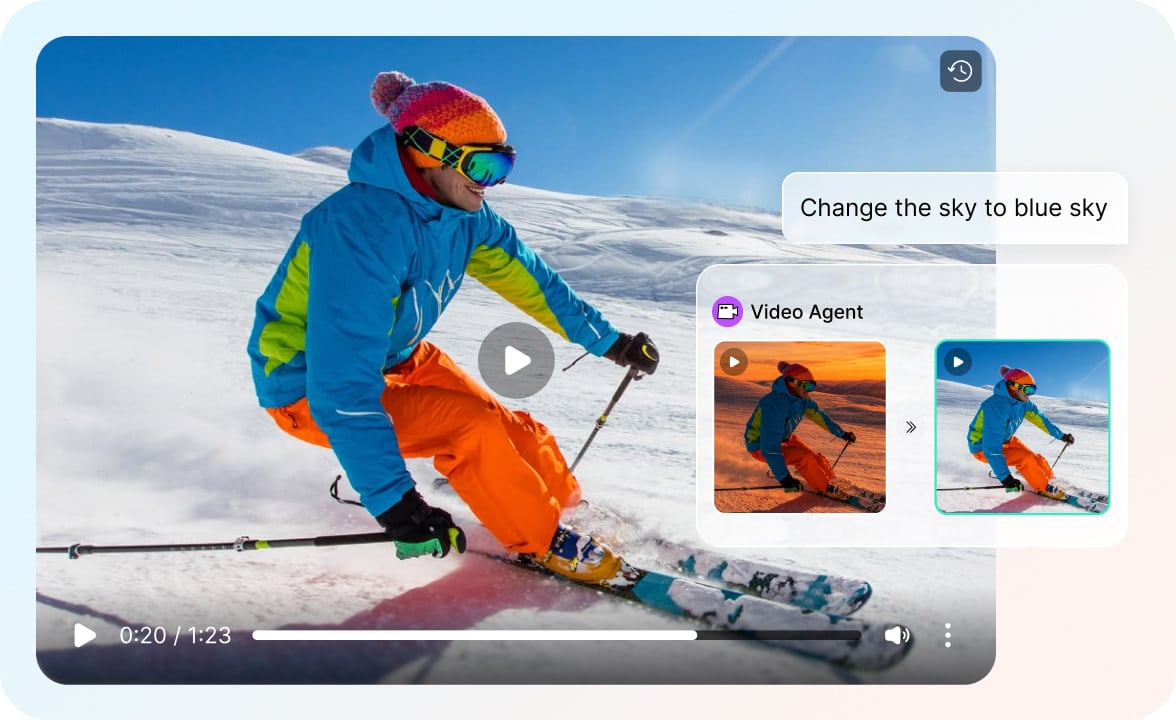
Edit by Prompt, Refine by Chat
Tell HIX AI what to change in plain language and it applies the edit directly — no timelines, no masks, no layers. To make further adjustments, just provide instructions through chat so you can easily refine the style, environment, and small details.
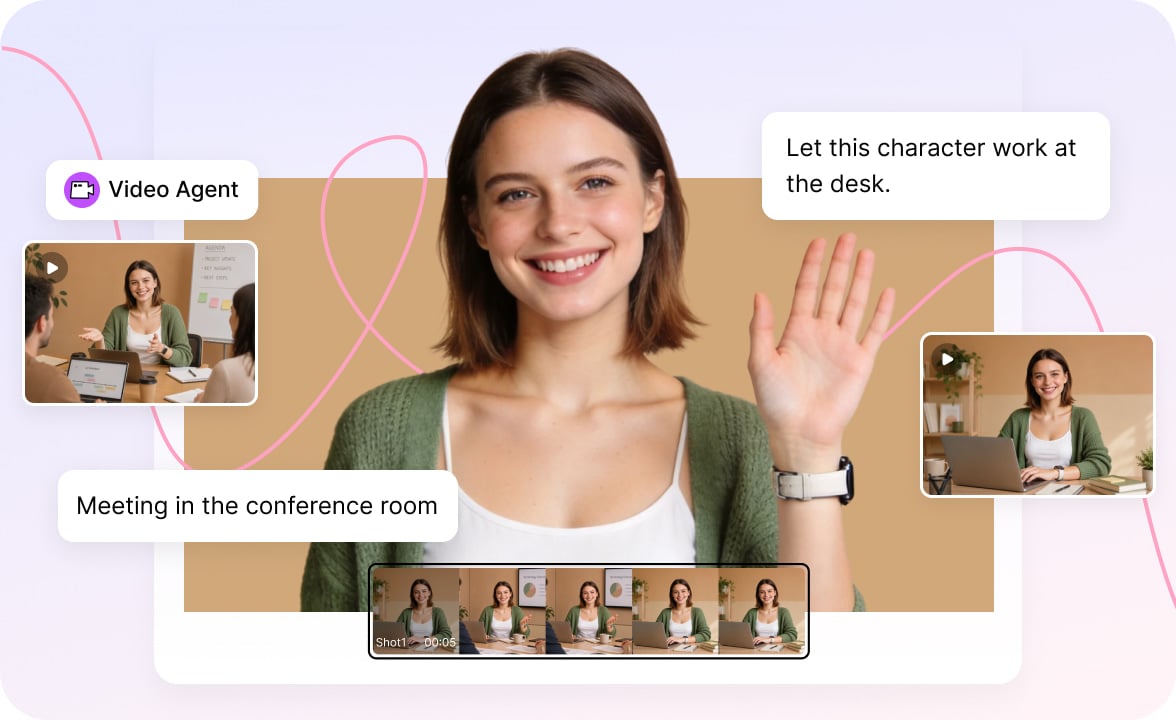
Change Anything, Break Nothing
Add, remove, or replace elements, change visual styles, shift the lighting, or add motion effects. We apply these edits seamlessly, ensuring everything you didn't ask to change—characters, framing, motion, and scene continuity—stays exactly as it is.

Infinite Canvas, Easy Management
Every edited version lands on an infinite canvas as its own node — hover to play it inline, click to regenerate, upscale, duplicate, or download. Each new version appears right below the original, so you can compare takes side by side and never lose a single one.
Designed for Anyone Who Needs Fast Video Editing

Content Creators & Influencers
Refresh styles, fix details, and repurpose clips without reshooting. Rapidly edit and iterate on your videos to maintain a fast-paced posting schedule.
Everyday Creators
Turn clips of everyday moments—family gathering, trips, holiday greetings—into fun, shareable videos. No editing skills needed.

Marketers & E-commerce Sellers
Turn one product video into many: swap backgrounds, adjust colors, add promo elements, and tailor versions for every channel and A/B test.
Educators
Polish recorded lectures and demos—clean up cluttered backgrounds, highlight key visuals, and refine the look to keep students focused.
Edit Any Video in 3 Simple Steps
Turn your idea into a finished edit in minutes.
- 1
Upload your video and type what you want changed. You can also add a reference image to guide the edit or integrate into the video.
- 2
Start the editing process and wait as our AI video editor completes your editing request.
- 3
Review the result and keep chatting to do follow-up editing. When you're happy, export your video and share it anywhere.
Questions and Answers