Adobe Firefly AI Image Generator

Since its landmark 2023 launch, Adobe Firefly has successfully empowered the global design community with its commercially safe generative fill, versatile style controls, and seamless workflow integration. However, if your daily creative projects demand advanced multi-model precision, it is time to switch to HIX AI. Generate Images with HIX AI Now
Key Features of Adobe Firefly
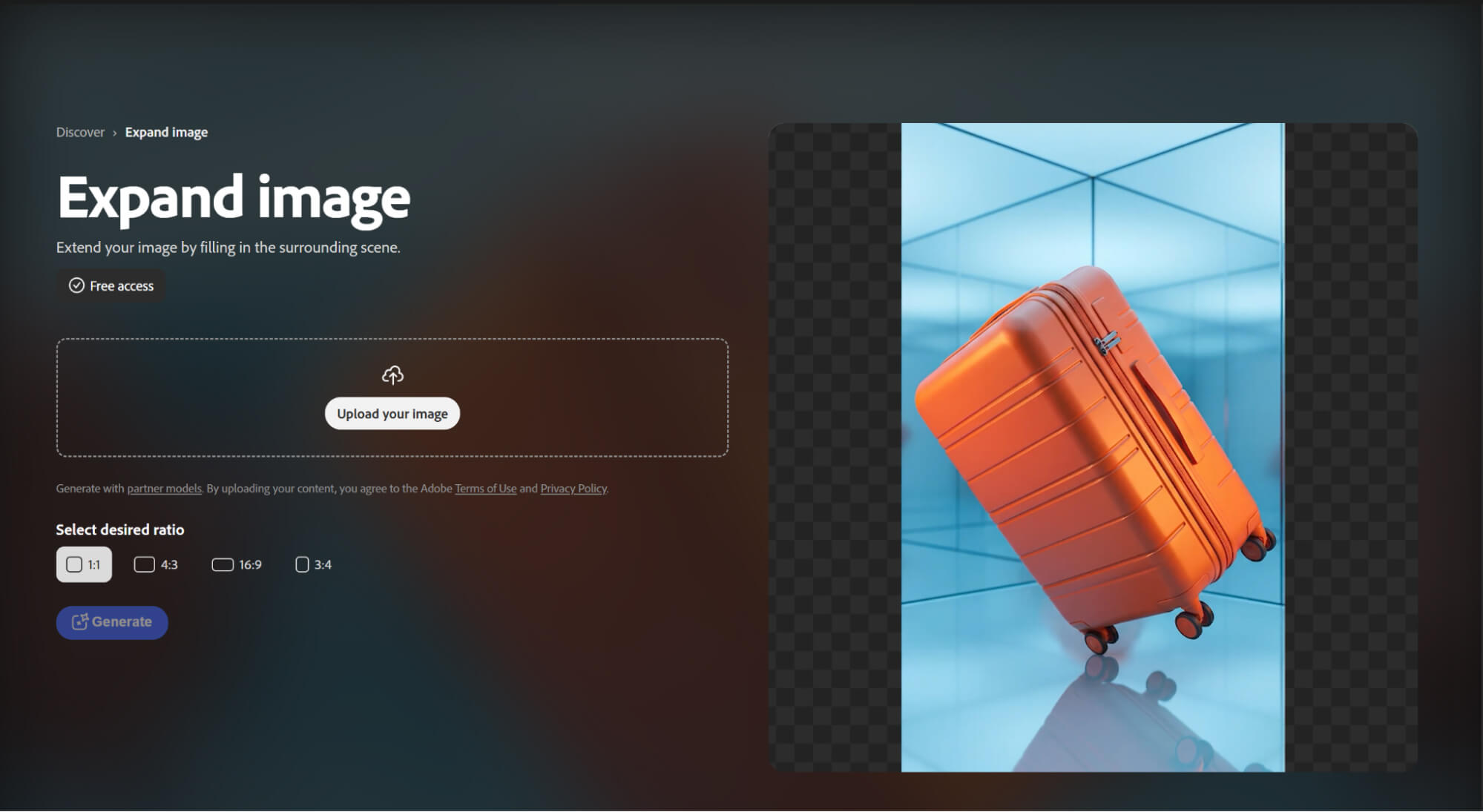
- Generative Expand: Seamlessly extend your canvas and expand the boundaries of any image.
- AI Image Upscaling: Instantly enhance image quality and bring low-resolution visuals to life.
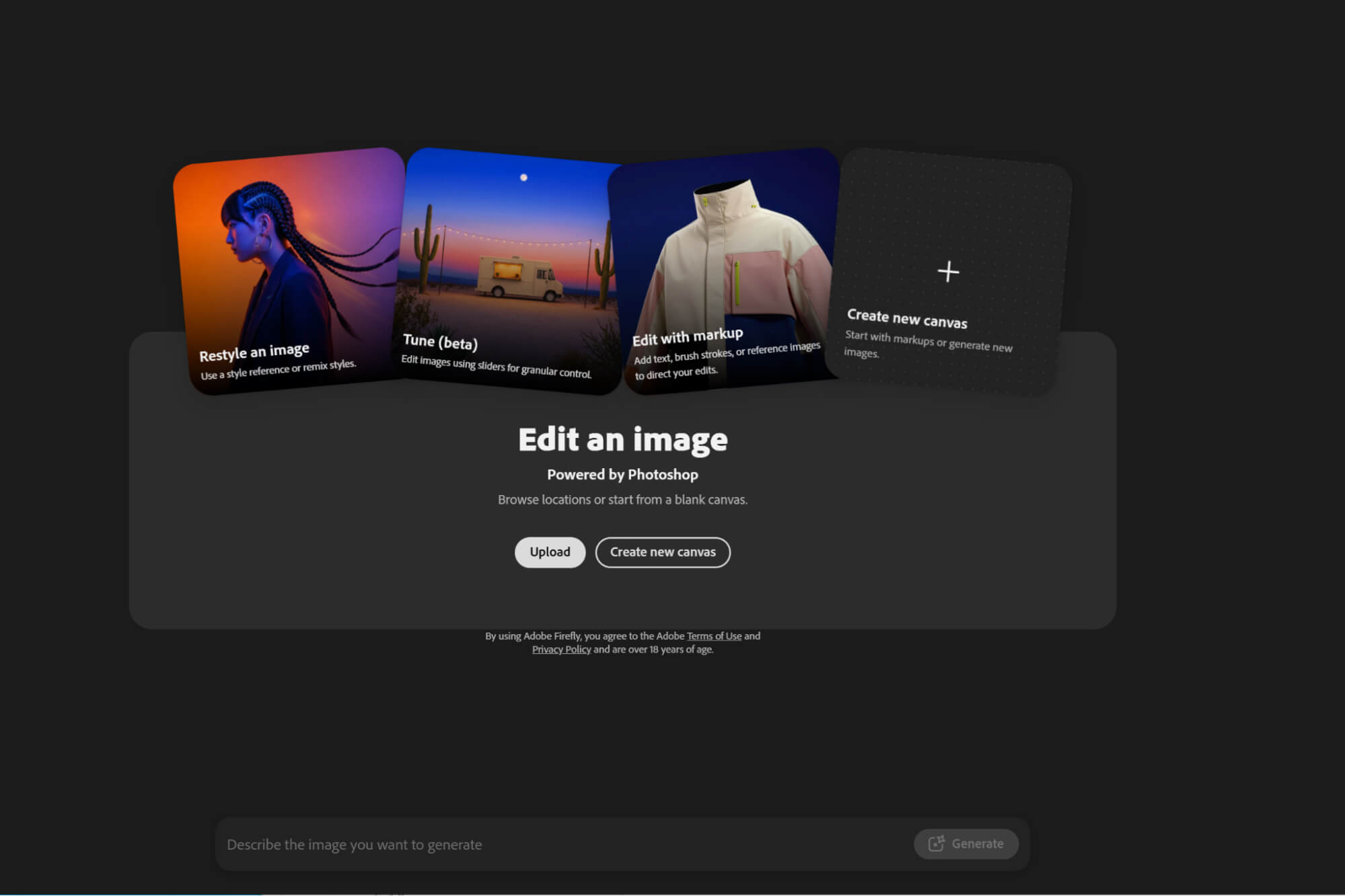
- Prompt to Edit: Modify and transform your visuals using simple text descriptions.
- Object Removal: Clean up your photos by effortlessly erasing any unwanted elements.
- Generative Fill: Add or modify specific details within your images with perfect blending.
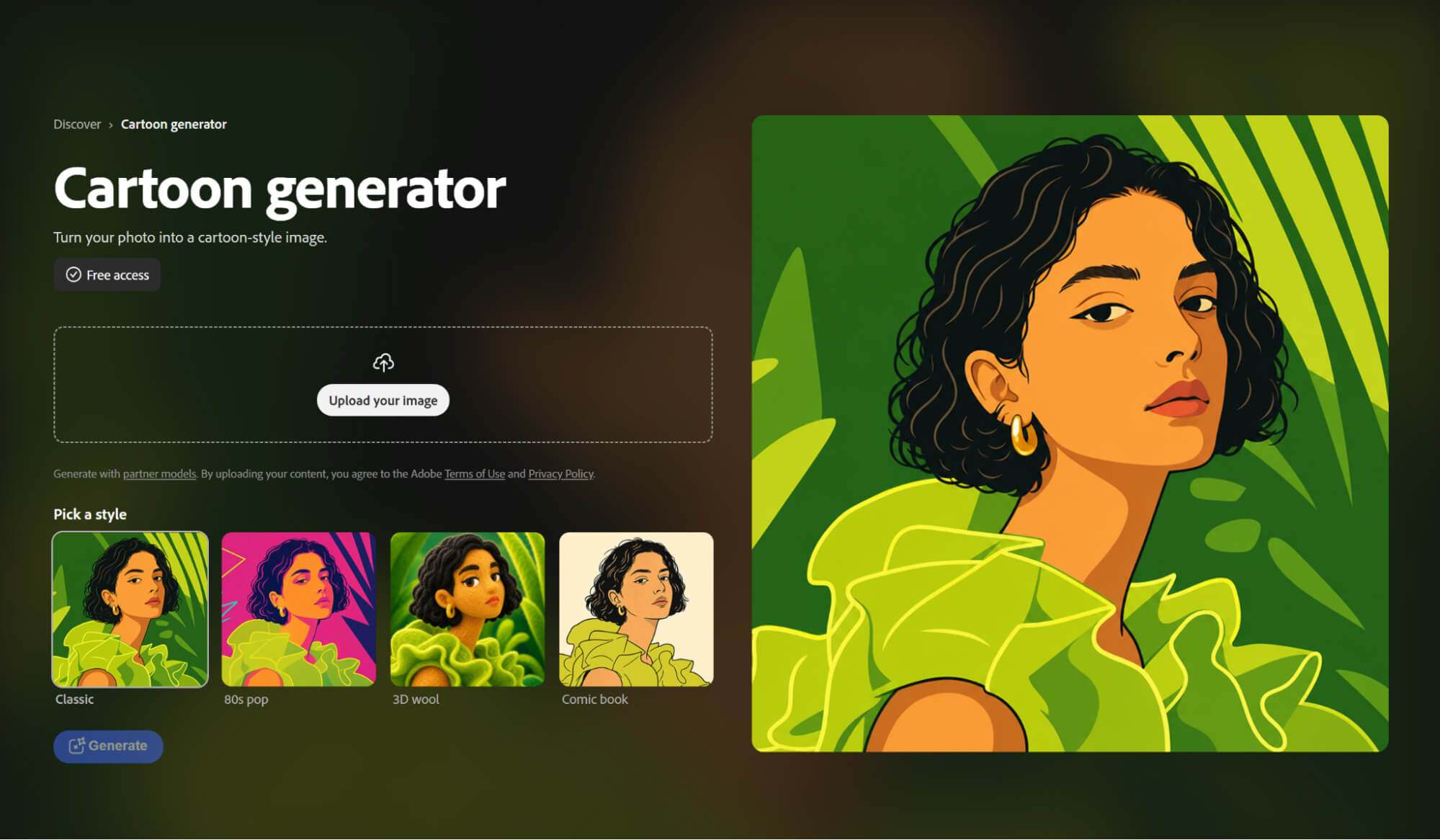
- Style Variations: Recreate your original visuals in multiple artistic and creative styles instantly.
Generative Expand
Break free from the constraints of your original camera frame. By analyzing the existing visual context, the AI naturally generates cohesive new surroundings, allowing you to change aspect ratios and extend your canvas effortlessly.
AI Image Upscaling
Say goodbye to pixelated visuals and low-quality assets. This feature leverages advanced AI algorithms to intelligently restore lost details and textures, elevating low-resolution images into sharp, print-ready masterpieces with a single click.
Prompt to Edit
Streamline your post-production workflow by making complex adjustments using natural language. Simply describe the changes you want to see, and watch the AI execute precise modifications instantly without the need for tedious manual masking.
Object Removal
Declutter your compositions and eliminate background distractions with unprecedented precision. The intelligent eraser detects and removes unwanted elements while seamlessly patching the background, leaving no trace of alteration behind.

Generative Fill
Experience ultimate creative flexibility by effortlessly adding new elements or modifying details directly within your image. Whether introducing a new object or transforming existing content, the AI seamlessly blends the updates with the original lighting, perspective, and shadows.
Style Variations
Accelerate your ideation process by exploring a vast spectrum of creative aesthetics. This tool allows you to instantly render a single concept across multiple artistic styles, color palettes, and moods to find the perfect visual direction for your project.
Adobe Firefly Commercial Readiness
Adobe built Firefly from day one with businesses in mind, positioning it as a tool that is completely safe for commercial use. To avoid any copyright or intellectual property headaches, Adobe trained its core models strictly on Adobe Stock images, openly licensed content, and public domain materials where the copyright has already expired.
Even if a feature is still in its Beta testing phase, you are generally free to use its outputs for your real-world commercial projects, unless the product explicitly tells you otherwise.
For companies and brands, this makes Adobe Firefly a super safe and worry-free choice. Whether you need to whip up quick marketing materials, launch global ad campaigns, or create new branding designs, you can do it all with total peace of mind.
Adobe Firefly’s Pros and Cons
| Pros of Adobe Firefly | Cons of Adobe Firefly |
| Easy to generate images from text prompts | Less artistic and dramatic than some competitors |
| Strong editing tools like Generative Fill and Generative Expand | Can feel more business-focused than experimental |
| Works well with Photoshop, Illustrator, and Adobe Express | Limited model selection |
| Strong commercial-safety and brand-use positioning | Watermark on free outputs |
Main Use Cases of Adobe Firefly
- Marketing and advertising: Create promotional images, ad visuals, banners, and campaign graphics quickly.
- Social media content: Generate eye-catching posts, cover images, story visuals, and branded content for platforms like Instagram, Facebook, and LinkedIn.
- Brand content creation: Produce polished visuals for businesses while keeping a professional and brand-safe look.
- E-commerce and product visuals: Improve product images, create new backgrounds, and design attractive promotional content.
What Users Actually Say about Adobe Firefly
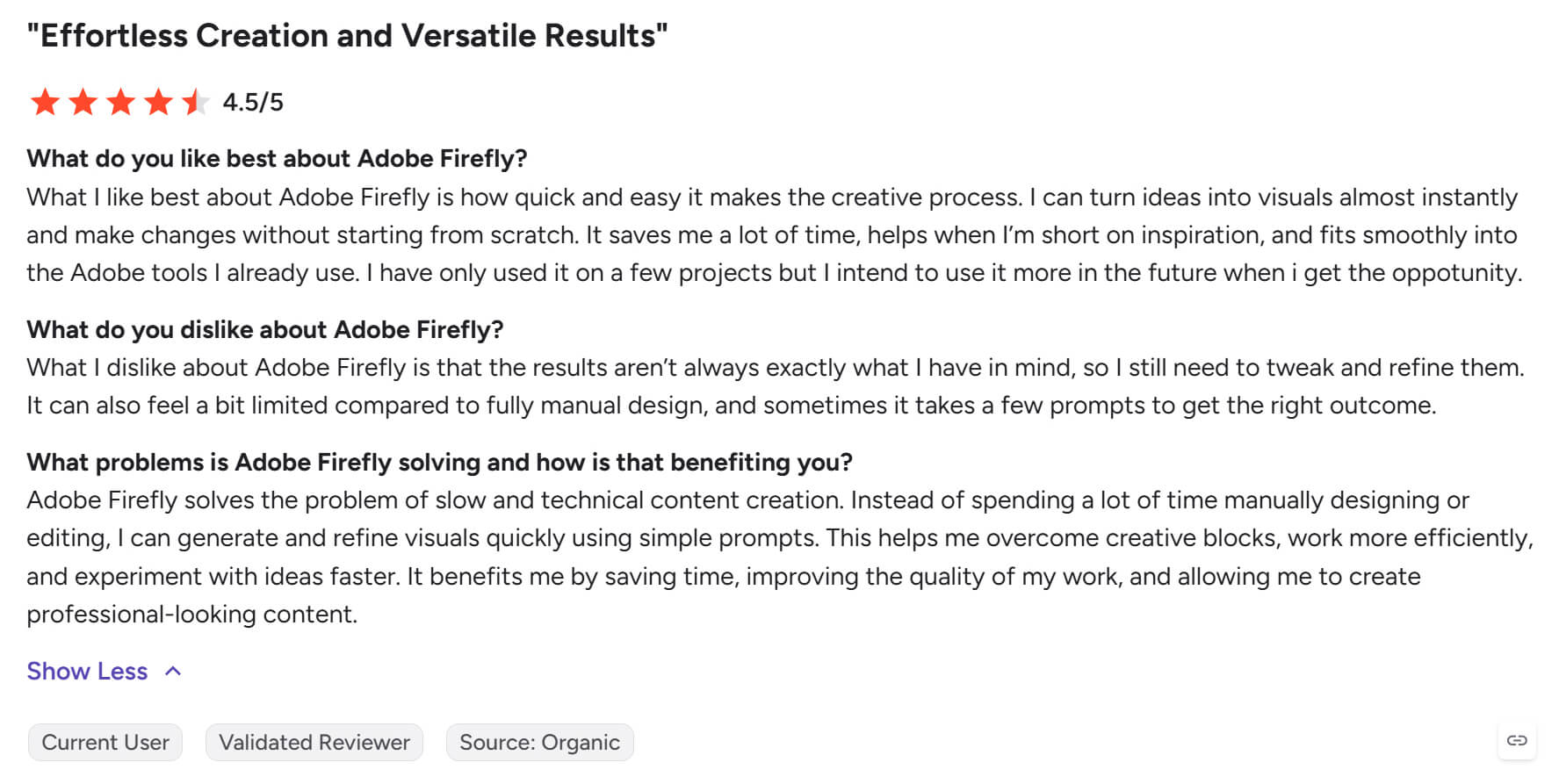
While Adobe Firefly boasts a solid 4.4/5 rating on G2—earning high praise for its rapid efficiency and seamless integration within Photoshop, Illustrator, and Express—it still leaves some creators hit with workflow friction. Users frequently note that Firefly’s outputs can be inaccurate, often demanding endless, repetitive prompt adjustments to get the desired result.
By contrast, HIX AI excels where precision matters most. Through superior natural language comprehension and robust image-to-image capabilities, it effortlessly blends text instructions with reference visuals to deliver flawlessly tailored imagery that hits the mark right out of the gate.
What sets HIX AI apart is its unified workspace, which bridges generative design and post-editing. Instead of toggling between different applications, users can perform precise modifications directly through text commands within the same interface.
Beyond precision editing, HIX AI also houses a versatile catalog of dynamic photo effects, allowing creators to effortlessly transform ordinary images into engaging, stylized visual assets.
Adobe Firefly vs Ideogram vs HIX AI
| Features | Adobe Firefly | Ideogram | HIX AI |
| Ease of Use | Moderate | Moderate | Easy for beginners |
| Image Models Available | Mainly Adobe’s own Firefly models | Primarily Ideogram’s own image model family | Multiple models available to choose from, including GPT-Image 2, Nano Banana, Seedream, Flux, and more. |
| Image Quality & Variety | Excellent for commercial photography and illustrations | Strongest for typography, posters, and layout-heavy visuals | Perfectly optimized for blog banners, ad creatives, and social media posts |
| Commercial Safety | Strong | Standard AI licensing | Strong(commercial-grade outputs) |
| Pricing | $9.99 - $199.99/month | $15 - $42/month | $0 - $29.99/month |
Why Marketers Choose HIX AI
- 1
Multi Model Rapid Testing
Featuring a rich selection of top-tier AI models, HIX AI enables rapid experimentation, letting you test different engines and find the perfect match instantly.
- 2
Smart Editing
Effortlessly edit and retouch your graphics using smart text prompts, enabling lightning-fast modifications and precise visual enhancements in just a few clicks.
- 3
Diverse Style Generation
Whether you need photorealism, vibrant anime, or modern digital art, our Agent supports multiple styles to perfectly match all your creative needs.
