Dokie AI Presentation Maker

Dokie AI turns your prompts and files into slide decks and visuals. Want a faster, more flexible way to create clean presentations? Switch to HIX AI Slides to build structured decks in minutes. Get started with HIX AI Slides!
Key Features of Dokie
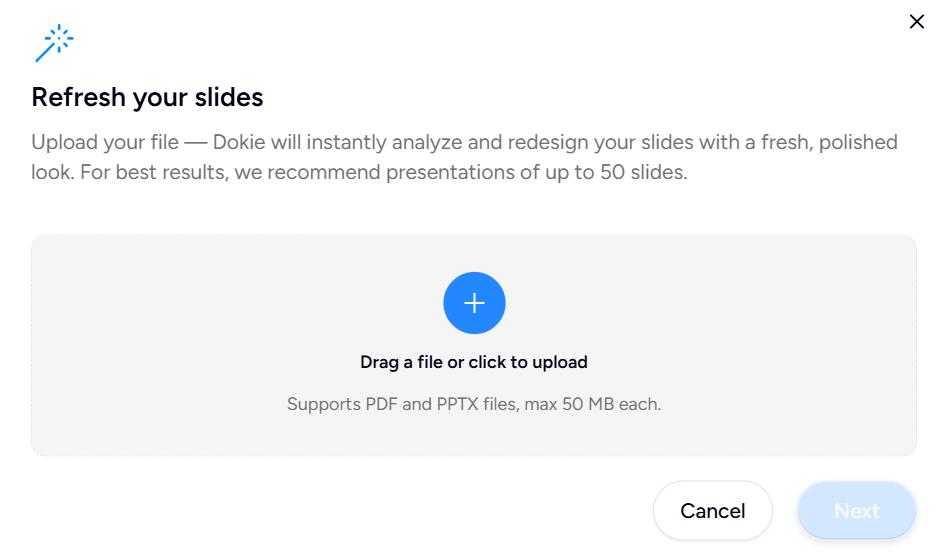
- Refresh Your Slides: Analyzes and redesigns uploaded PDF or PPTX decks (up to 50 MB each, recommended up to 50 slides) with a fresh look.
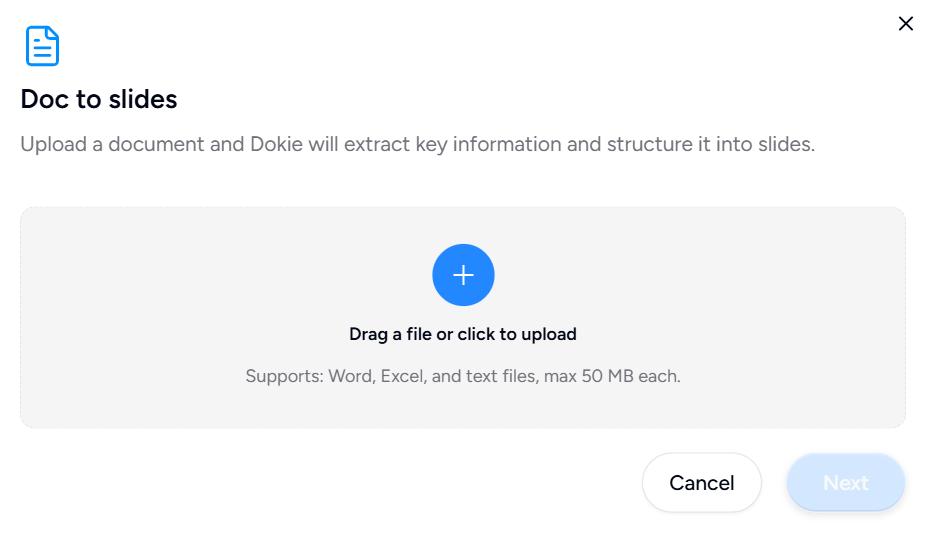
- Doc to Slides: Extracts key details from Word, Excel, or text files (up to 50 MB each) and structures them into slides.
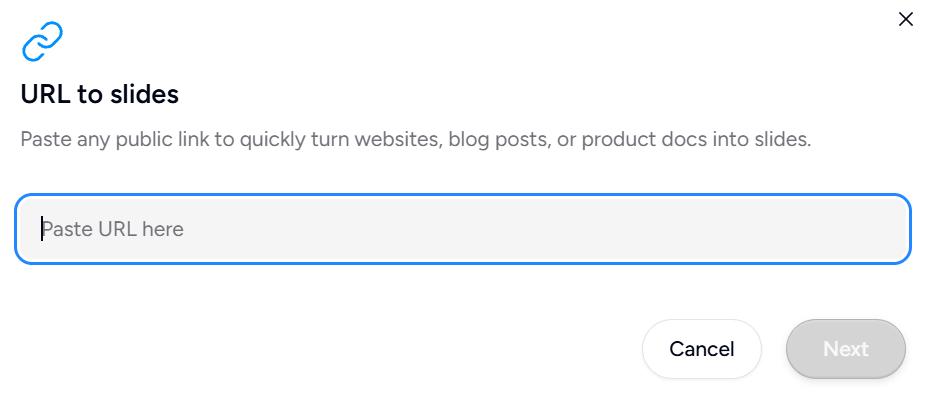
- URL to Slides: Turns public links for websites, blog posts, or product docs into slide presentations.
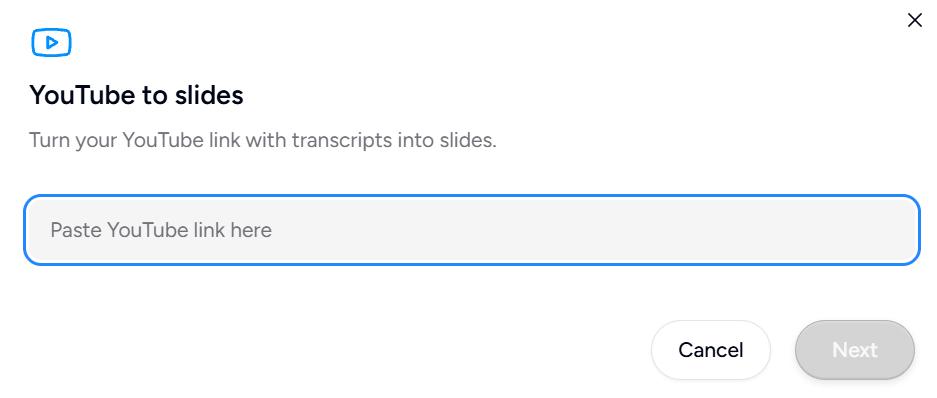
- YouTube to Slides: Converts YouTube links with transcripts into structured slide decks.
Refresh Your Slides
Dokie AI lets you upload a PDF or PPTX file and analyzes the content to redesign your deck with a cleaner, more polished look. It supports files up to 50 MB each and works best for presentations of up to 50 slides.
Doc to Slides
Dokie AI turns a Word document, spreadsheet, or text file up to 50 MB into structured presentation slides. It pulls out key information automatically so you do not have to build the outline from scratch.
URL to Slides
Dokie converts any public link for web pages, blog posts, or product documentation into slides. This helps you turn existing online material into a deck without manually copying sections over.
YouTube to Slides
Dokie turns a YouTube link that includes transcripts into structured slides. It gives you a fast way to recap talks, tutorials, or video guides in presentation format.
The Pros and Cons at a Glance
Pros
- Dokie AI converts multiple input sources—including Word, Excel, PDFs, public web URLs, and YouTube links with transcripts—directly into structured slides.
- Provides a wide selection of preset visual themes alongside custom theme options to match different presentation styles.
- Separates generated outputs from uploaded source files inside a clean library for straightforward asset management.
Cons
- File uploads are capped at 50 MB each, with slide redesigns recommended for decks of 50 slides or fewer.
- Switching visual themes after generation requires extra credits, and YouTube conversions only work on videos with available transcripts.
- Lacks an integrated multi-format workspace for building full research reports and spreadsheets alongside slide decks.
The Creator’s Voice: How Real Users Rate Dokie
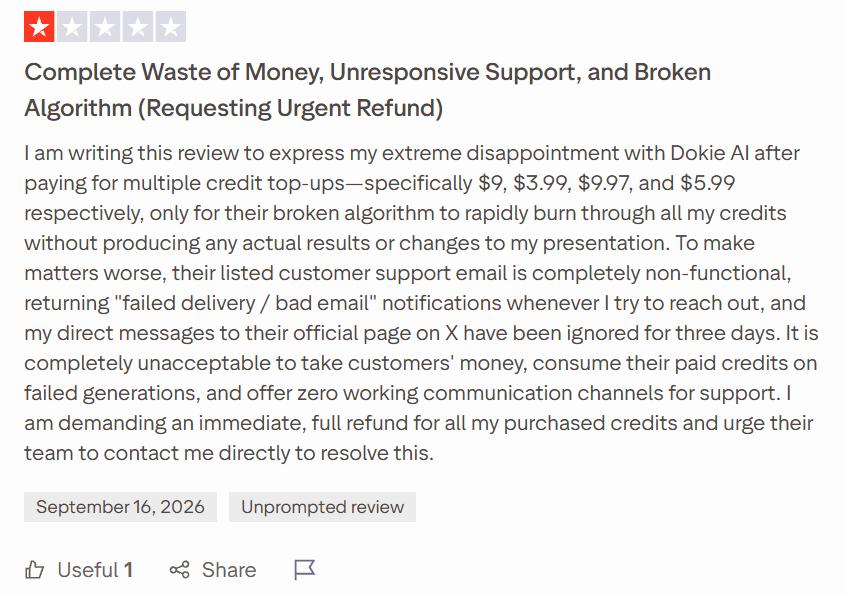
With a 2.8 rating on Trustpilot, real user reviews for Dokie highlight rapid credit consumption without tangible presentation updates, unresponsive customer support, and extra credit fees just for switching themes.
In contrast, HIX AI slides runs on third-party generative models to keep your presentation workflow moving without wasted credits or dead-end support loops. You can move smoothly from an initial prompt or outline to a finished slide deck in one place without bouncing across disconnected tools.
Additionally, HIX AI slides gives you flexible, prompt-driven control over your slide structure, content, and layout from the start. Instead of getting stuck on rigid deck conversions or extra theme fees, you can build clean, well-structured presentations tailored to your goals.
Dokie AI vs. Gamma vs. HIX AI Slides
| Comparison Dimension | Dokie AI | Gamma | HIX AI Slides |
| Core Workflow Focus | Converts prompts, files, URLs, and YouTube links into visual slides and drafts | Generates polished presentations, documents, and web pages from prompts, outlines, or pasted content | Builds structured slide decks from prompts and outlines with flexible layout and content control |
| Input & File Limits | Caps uploads at 50 MB per file, recommends 50 slides max for refreshes, and requires YouTube transcripts | Turns prompts, briefs, or imported materials into decks quickly with streamlined editing flows | Handles complex multi-step prompts and diverse source materials without rigid single-deck conversion bottlenecks |
| Theme & Design Flexibility | Offers preset and custom visual themes, though switching themes requires extra credits | Applies automated visual styling with brand controls, sharing, and presentation analytics | Provides flexible, prompt-driven customization across layouts, tone, and visual outputs without surprise fees |
| Outline & Content Structuring | Extracts key points from uploaded files or links into preset slide structures | Generates editable card-by-card outlines from short prompts or pasted notes | Builds clear, logical slide outlines from scratch or rough prompts with full section-level control |
Why Choose HIX AI Slides as a Dokie Alternative?
- 1
Convenient Slide Editing
HIX AI slides makes revising slide outlines, text, and layouts straightforward so you can refine your presentation smoothly.
- 2
Streamlined Deck Updates
HIX AI slides lets you adjust slide structure and content effortlessly as your presentation evolves without getting bogged down in rigid deck conversions.
- 3
No Rigid File or Slide Count Bottlenecks
HIX AI slides handles complex prompts and diverse source inputs without 50 MB file or 50-slide limits.
Questions and Answers