Hotpot AI Image Generator

Hotpot AI provides an accessible platform for quickly creating custom app graphics, vibrant photo colorizations, and specific real estate or seasonal headshots. While excellent for swift visual assets, professionals demanding perfect instruction-following and frictionless image editing should look to HIX AI. Try HIX AI Now!
Key Features of Hotpot AI
- AI Art Generator: Transform your textual ideas into visually striking digital artwork instantly.
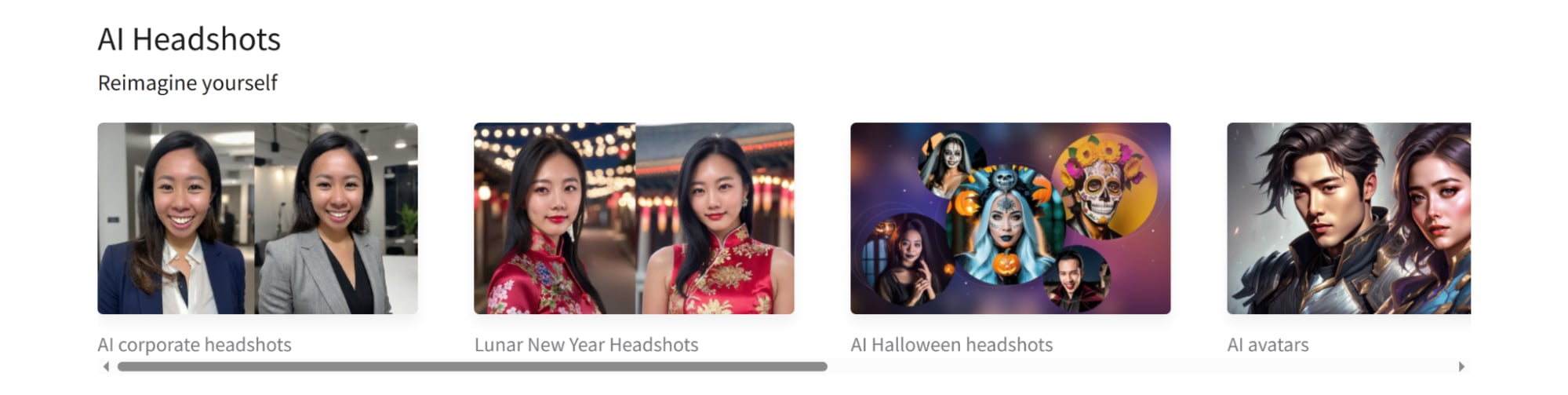
- AI Headshots: Create customized corporate headshots, real estate marketing photos, and festive Halloween portraits from personal selfies.
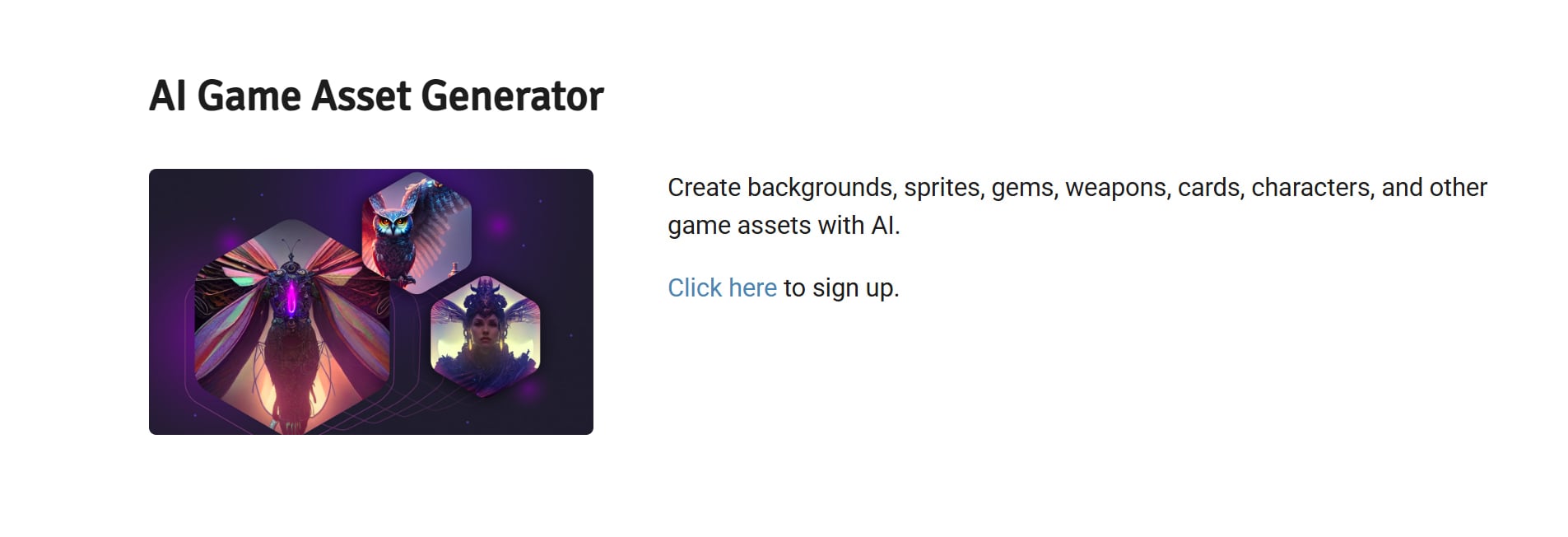
- AI Game Tools: Generate custom graphics and various visual design components for video game production.
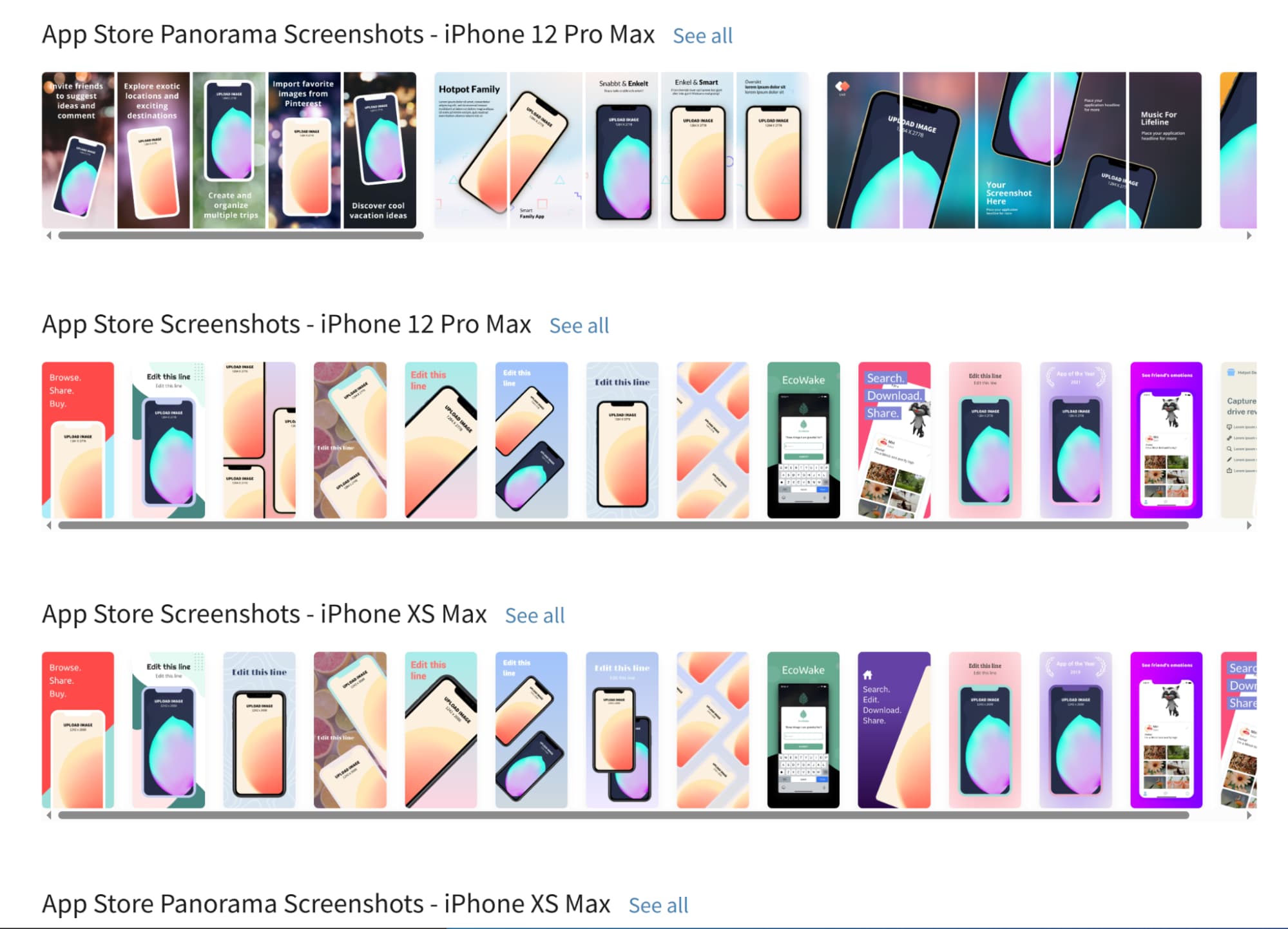
- App Content: Easily design customized app icons, assets, and store screenshots using pre-built layouts.
- Object Eraser: Remove unwanted elements and photobombers from your pictures seamlessly.
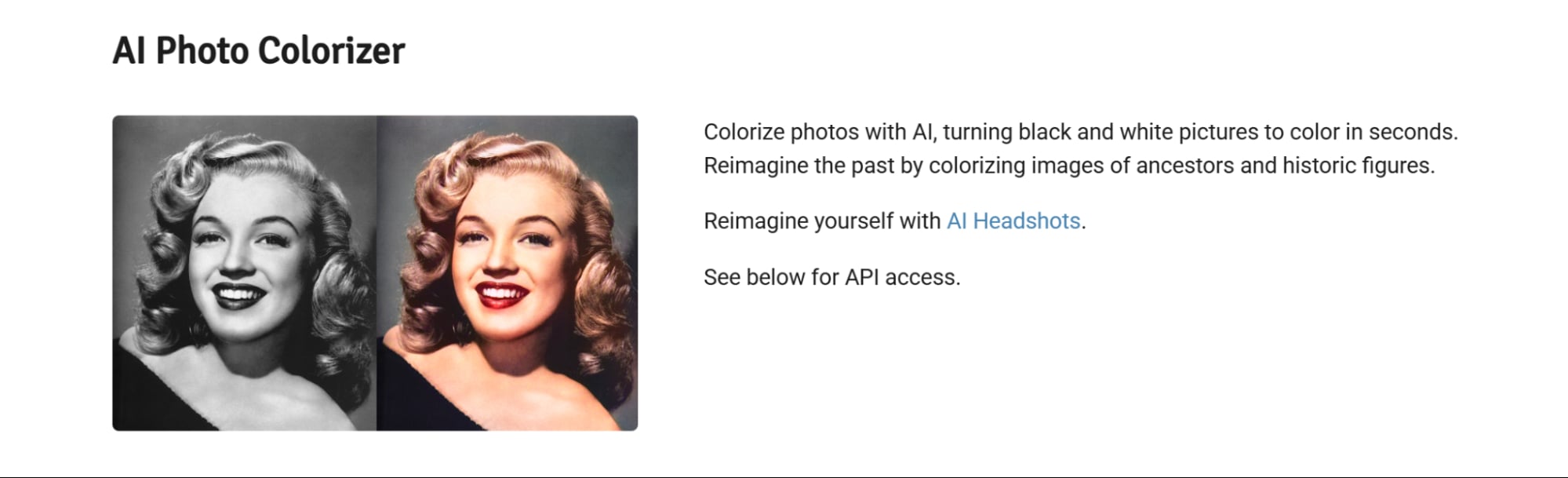
- Colorize Photos with AI: Automatically transform old, black-and-white photographs into realistic, vibrant color images.
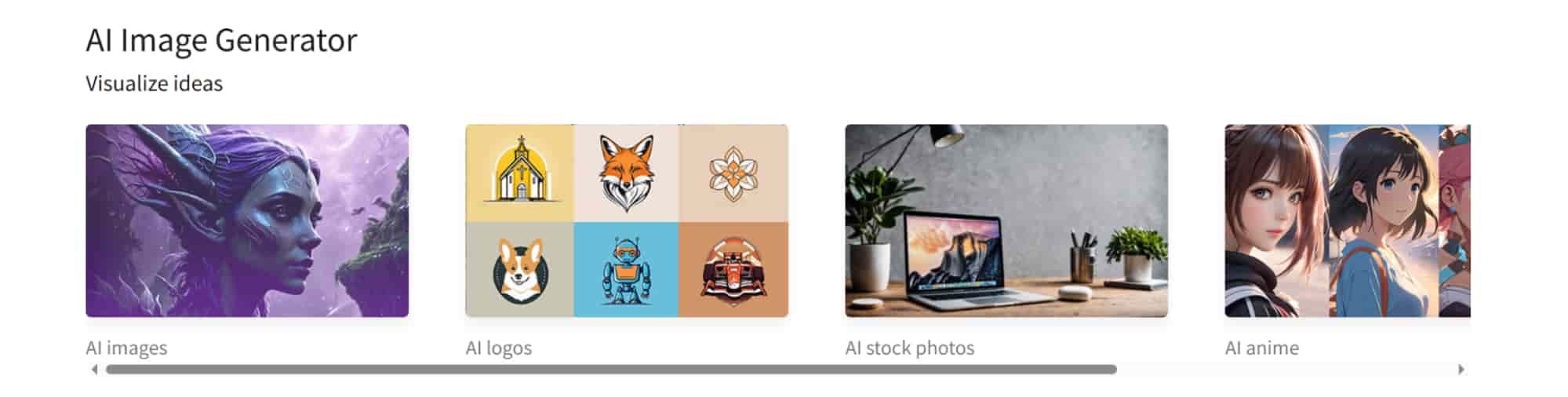
AI Art Generator
This dynamic tool effortlessly converts simple text prompts into highly customizable illustrations and graphics. Users can experiment with various artistic styles and dimensions, making it the perfect choice for producing captivating social media headers and advertisements.
AI Game Tools
This highly efficient utility automatically detects and erases unwanted background elements from any uploaded photograph. It consistently delivers clean, transparent PNG files, which enables online sellers and marketers to instantly elevate their product showcases and digital promotional composites without hassle.
AI Headshots
Users upload a few personal selfies to generate corporate headshots, real estate branding photos, or themed Halloween headshots. This feature effortlessly modifies outfits, settings, and clothing styles, delivering customized portraits tailored for company directories, agent listings, and festive social media profiles.
App Content
This streamlined feature enables developers and designers to rapidly generate polished interface elements, logos, and promotional graphics. It simplifies the tedious app store submission process by providing properly scaled assets and cross-platform layouts, allowing creators to launch products much faster.
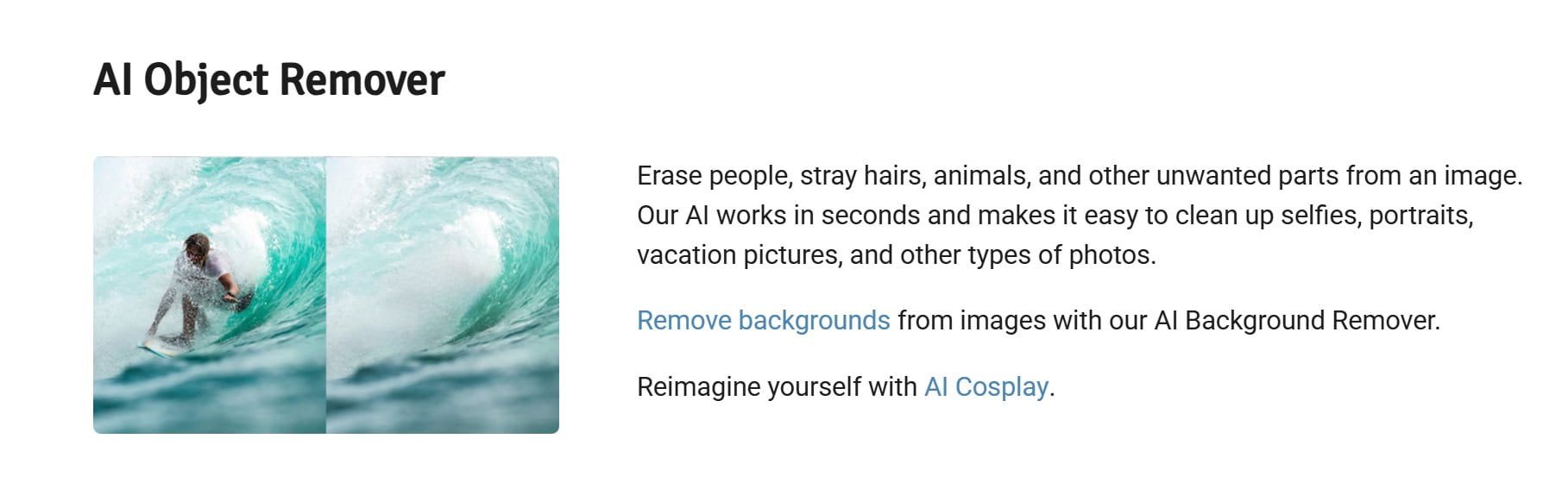
Object Eraser
By simply brushing over undesirable background subjects or blemishes, this editing tool smartly reconstructs the underlying scenery with remarkable accuracy. It helps creators maintain visual focus and achieve a flawlessly polished aesthetic for their professional or personal photography projects.
Colorize Photos with AI
This tool transforms monochrome photographs into full color images by adding realistic hues to every element. It allows historians, archivists, and everyday users to update vintage files, ensuring that these visual records are no longer limited to plain black and white formats.
Hotpot AI: Pros and Cons
Pros
- Easy browser-based workflow with minimal setup friction
- Broad suite of generation, editing, and enhancement tools in one place
- Wider ecosystem of headshots, avatars, logos, and backgrounds increases versatility
- Approachable interface lowers the learning curve for users without formal design experience
Cons
- Output quality varies noticeably depending on prompt quality and task type
- Precise scene composition and detail-sensitive prompts may require multiple retries
- Hotpot AI exhibits clear limitations in generating precise quantities of elements and strictly adhering to complex prompt instructions.
Practical Applications of Hotpot AI
- Blog illustrations and article hero images: Fast visual support for written content.
- Product-page cleanup and merchandising visuals: Useful for ecommerce presentation and refreshes.
- Profile images and AI headshots: Convenient for personal branding and team profiles.
- Background cleanup and simple image enhancement: Helpful when polishing existing assets.
- Mood boards and rough concept visuals: Good for exploring ideas quickly without a complex production process.
How Real Users Rate Hotpot AI
Hotpot AI positions itself as an idea-to-asset solution, but user feedback reveals a significant gap between its promises and actual performance.
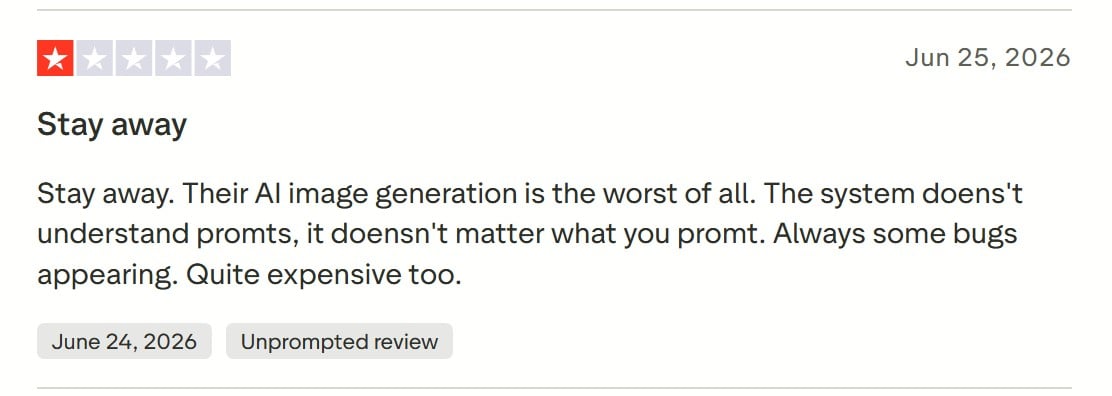
According to authentic user reviews on Trustpilot, the platform frequently struggles with basic prompt comprehension, routinely triggering various bugs regardless of the specific layout or design instructions provided.
For a tool built on generative AI, this persistent inability to accurately interpret user inputs severely hampers workflow efficiency, ultimately resulting in a remarkably frustrating and subpar user experience.
HIX AI solves this bottleneck by combining top-tier models. This multi-model intelligence ensures it accurately decodes complex prompts, delivering precise and stunning visuals right away.
Furthermore, HIX AI allows you to freely edit these graphics using simple, conversational prompts. By natively blending image generation and editing into a single workflow, it eliminates the friction of constantly swapping between different design platforms.
This fluid workspace makes it an incredibly versatile art generator. It adapts effortlessly to commercial marketing visuals, detailed character concept art, or highly personalized artwork, turning unpredictable AI creation into a streamlined professional routine.
Hotpot AI vs Artguru AI vs HIX AI
| Aspect | Hotpot AI | Magnific AI | HIX AI |
| Asset Generation Variety | Mainly images, graphics, headshots, avatars, simple creative assets | Broad creative output across image, video, and audio tools | Broadest workspace coverage: image, video, slides, writing, chat, research, coding, and more |
| Model Access and Flexibility | Custom styles and prompt control, but less model-centric | Strong multi-model positioning with high workflow flexibility | Strongest model breadth, including multiple named image models and auto-selection |
| Editing and Enhancement | Good for quick enhancement: upscaling and simple graphic edits | Strongest for deep image enhancement and creative control | Strong conversational editing and prompt-based refinement |
| Best Fit | Users who want quick, lightweight graphics and image utilities | Creators/teams focused on high-end visual enhancement and production control | Best for users who want one platform for multiple asset types, broader model access, and a more unified end-to-end workflow |
Why HIX AI Outshines the Competition
- 1
Accessible to Everyone
With its clean interface and simple controls, the platform makes visual creation instantly accessible to all skill levels.
- 2
Precision Element Editing
It offers granular control, letting users precisely modify specific image elements using simple text instructions.
- 3
Versatile Content Generation
The engine delivers diverse artistic styles, adapting seamlessly from quick social media posts to large-scale poster designs.
