Recraft AI Image Generator

Recraft, built its own image generation models from scratch, competes with other image generators like Stable Diffusion. It particularly excels at generating images for brands, which means allowing users to easily create marketing materials that comply with existing branding guidelines. Try Recraft AI for free on HIX AI now!
Main Features of Recraft AI
- Text to Image: Create stunning images based on your text prompts
- Vector Generation: Transform text prompts into scalable vector graphics
- Mockup Generator: Create realistic product mockups
- Advanced Text Generation: Generate accurate text strings within images
- Multiple Style Creation: Create superb images from a wide range of styles
- Seamless Pattern Production: Produce high-quality pattern from text
Text to Image
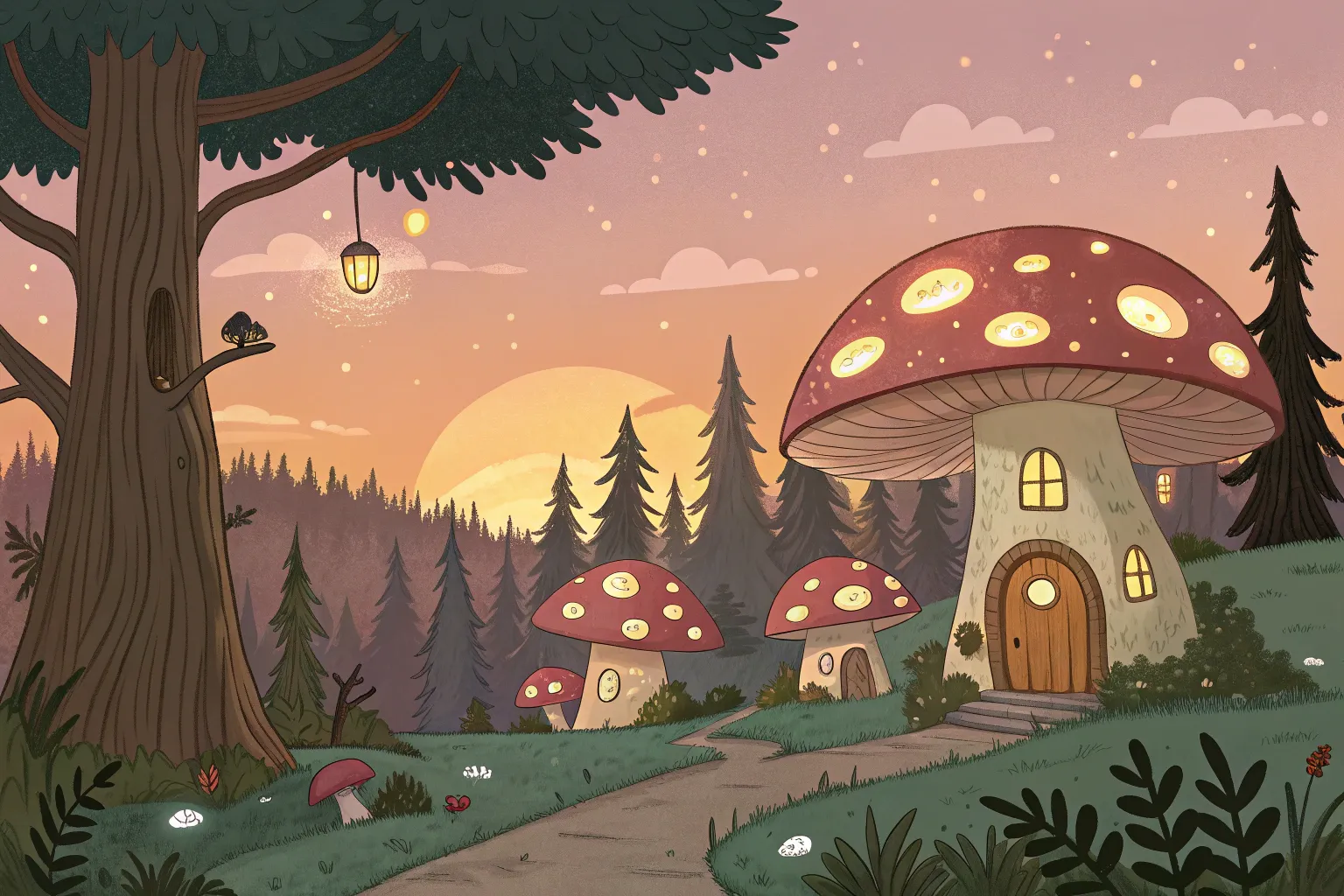
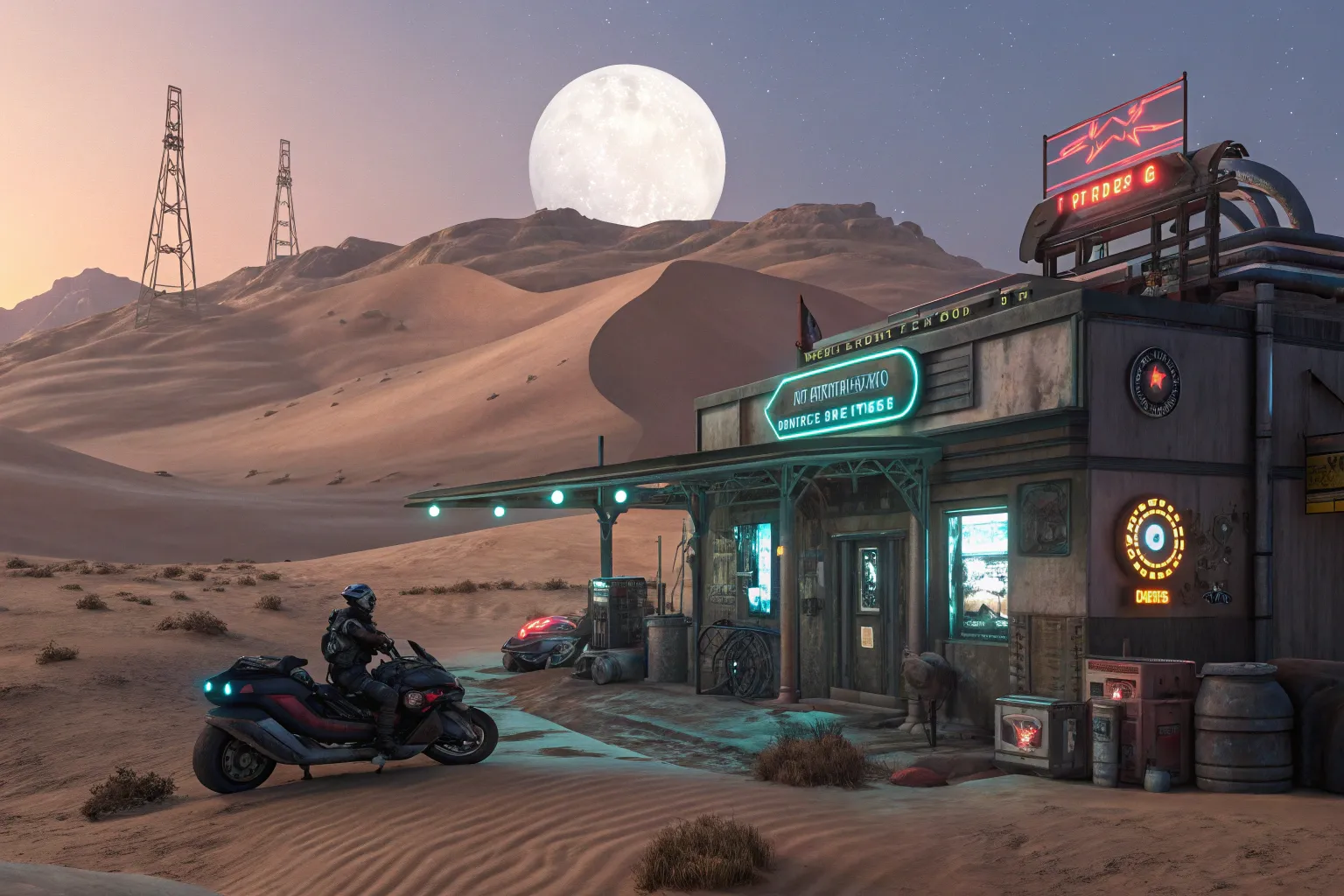
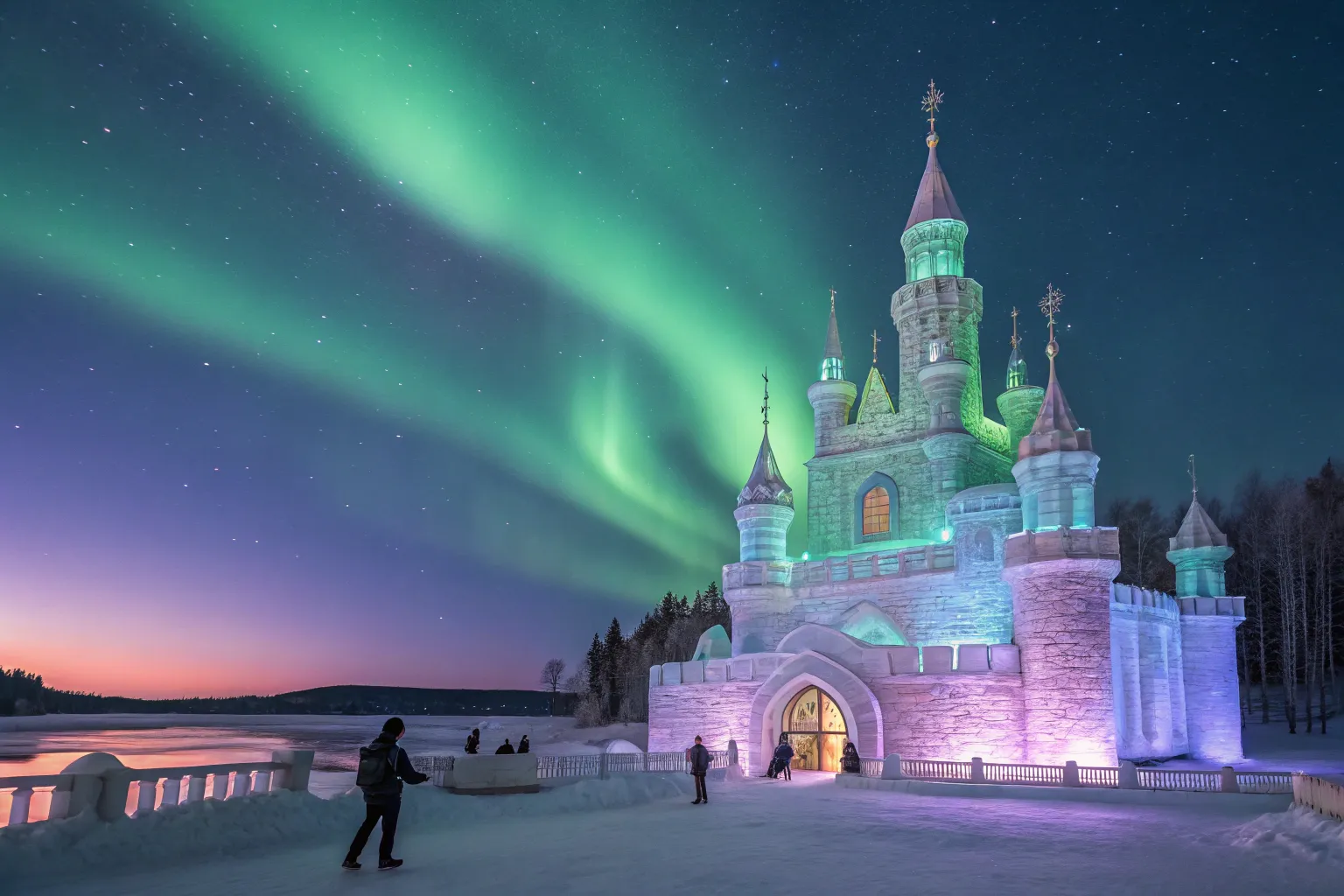
Recraft AI’s text-to-image feature empowers users to create professional-grade visuals from detailed text prompts with exceptional precision. Leveraging the advanced V3 model, it generates high-quality images, with seamless text integration for design-ready outputs.
| Text Prompts | Output Image |
| A whimsical forest village at twilight, with glowing mushroom houses nestled among ancient trees, inhabited by tiny, bioluminescent creatures, rendered in a vibrant, storybook illustration style. |
 |
| A futuristic desert outpost under a twin-moon sky, with sleek hoverbikes parked near a neon-lit cantina, surrounded by towering sand dunes and holographic signs, in a gritty cyberpunk aesthetic. |
 |
| A majestic ice castle floating on a frozen lake, illuminated by auroras in shades of emerald and violet, with intricate frost patterns and ethereal figures skating nearby, depicted in a dreamy, photorealistic style. |
 |
Vector Generation
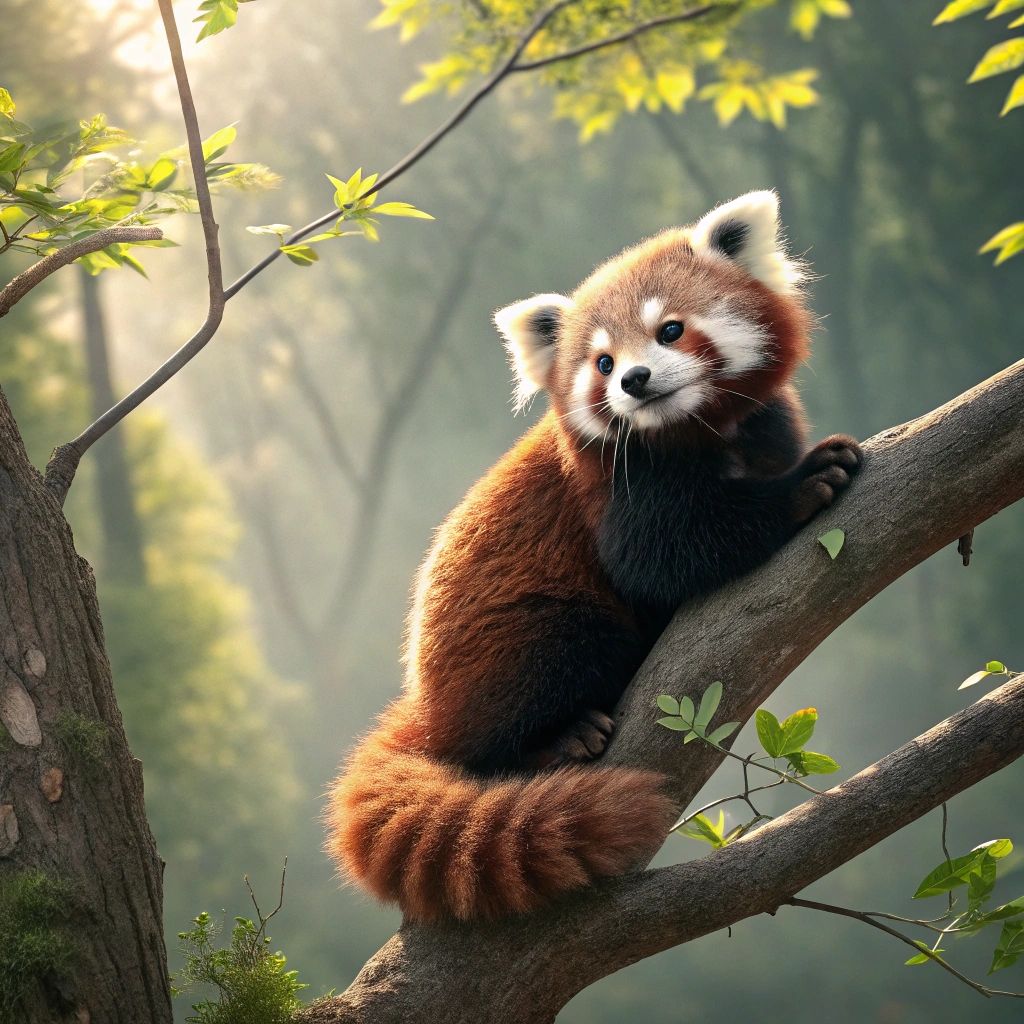
Recraft AI’s AI Vector Generator transforms text prompts or existing visuals into scalable vector graphics, perfect for logos, icons, and illustrations. It ensures sharp, editable designs that maintain quality at any size, with precise control over colors and styles for professional branding needs.
| Text Prompts | Output Image |
| Cute red panda |
 |
| A cup of coffee |
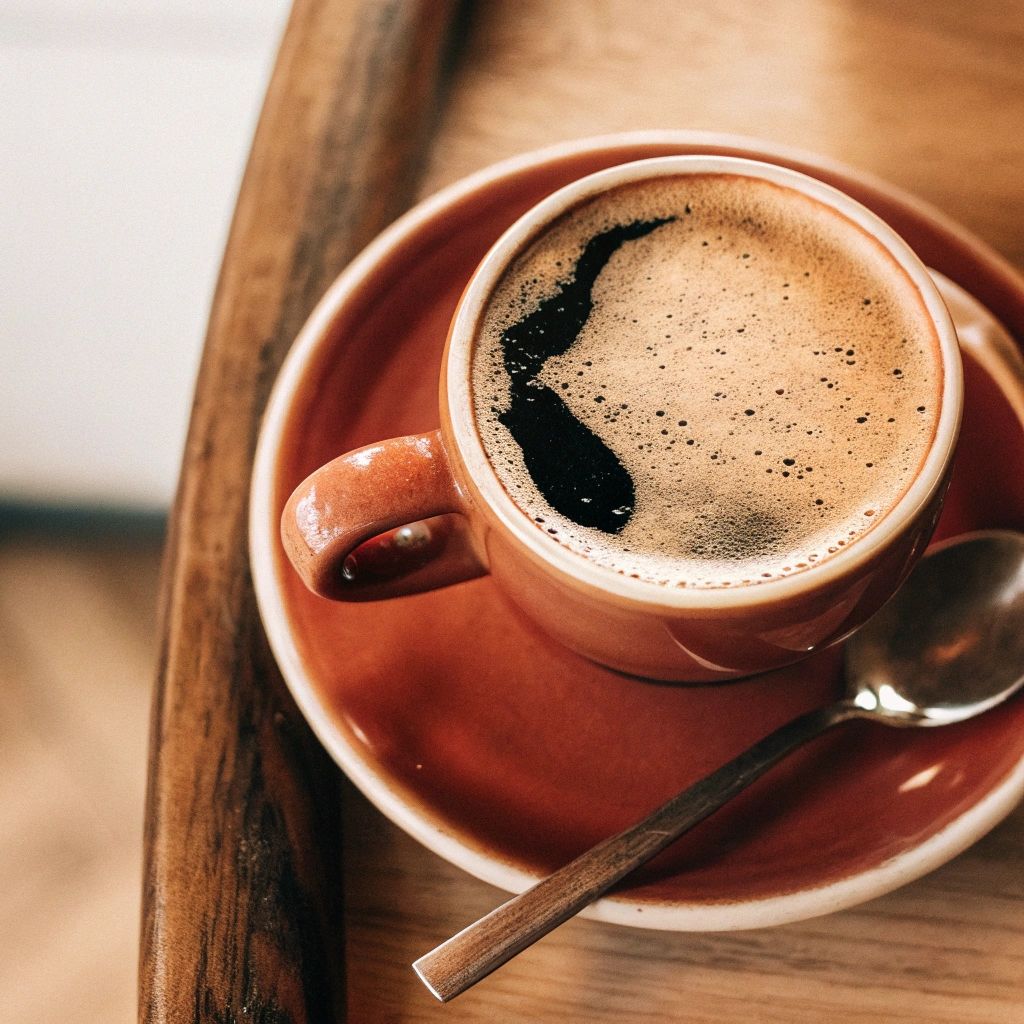 |
| Iceland aurora |
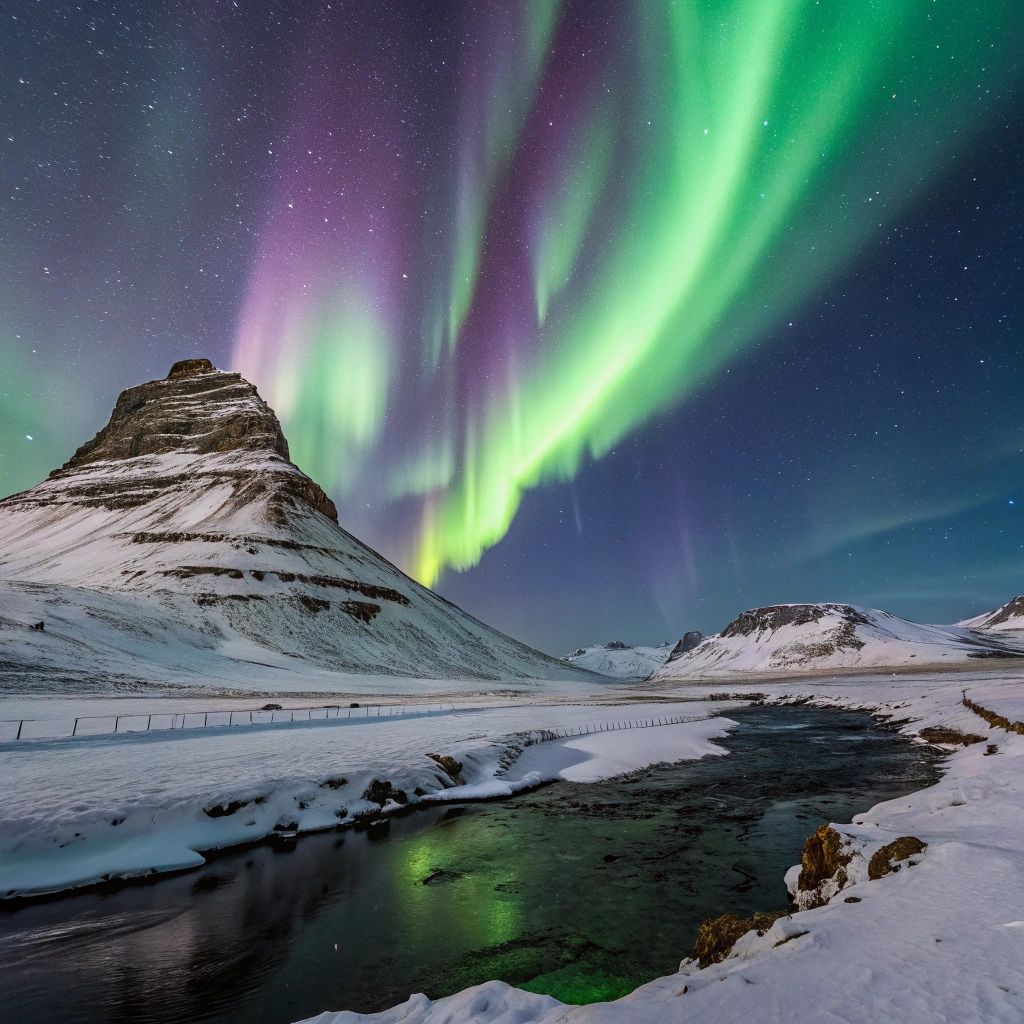 |
Mockup Generator
Recraft AI’s Mockup Generator enables users to create realistic product mockups effortlessly, placing designs on surfaces like packaging, apparel, or digital screens. Simply input a prompt or upload an image, select a style, and generate high-quality, customizable mockups ideal for presentations, marketing, or client previews.
| Text Prompts | Output Image |
| Woman wearing a black coat |
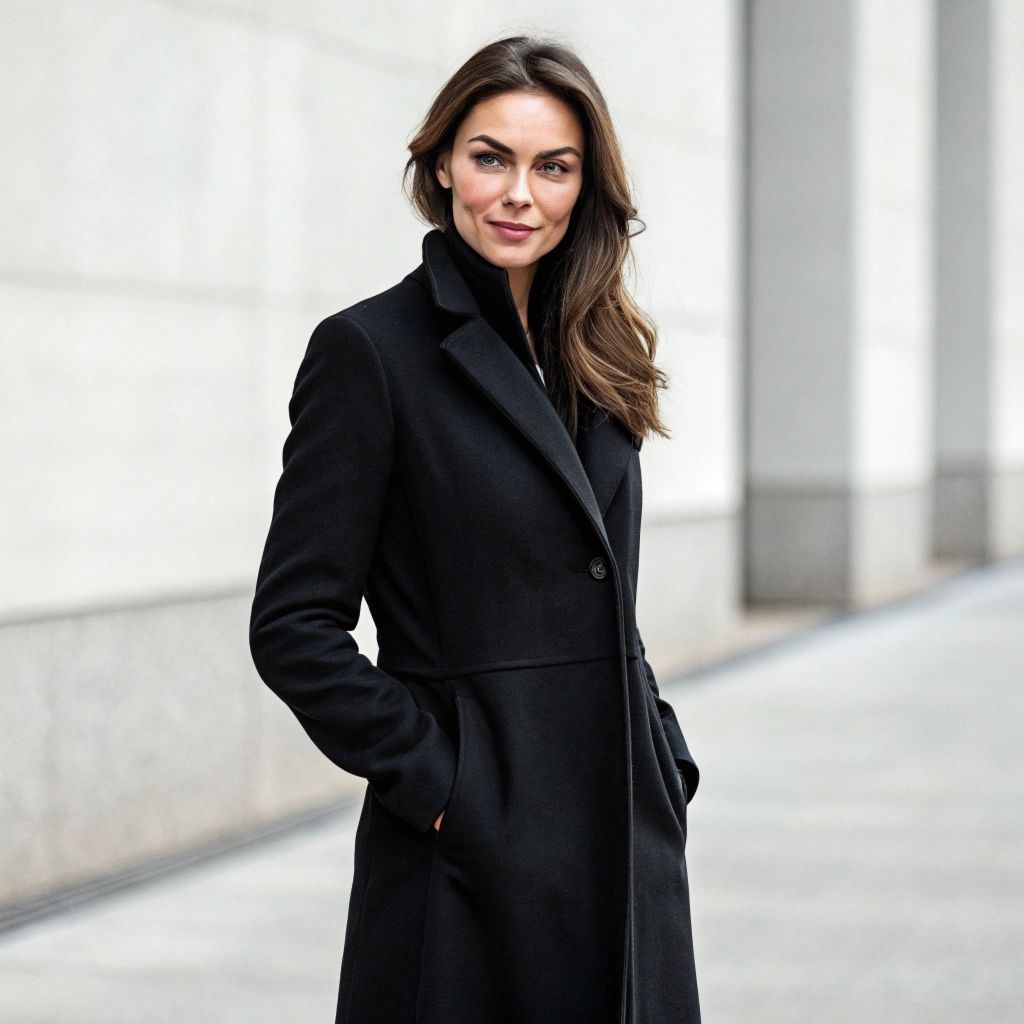 |
| A trendy sunglasses on a desk |
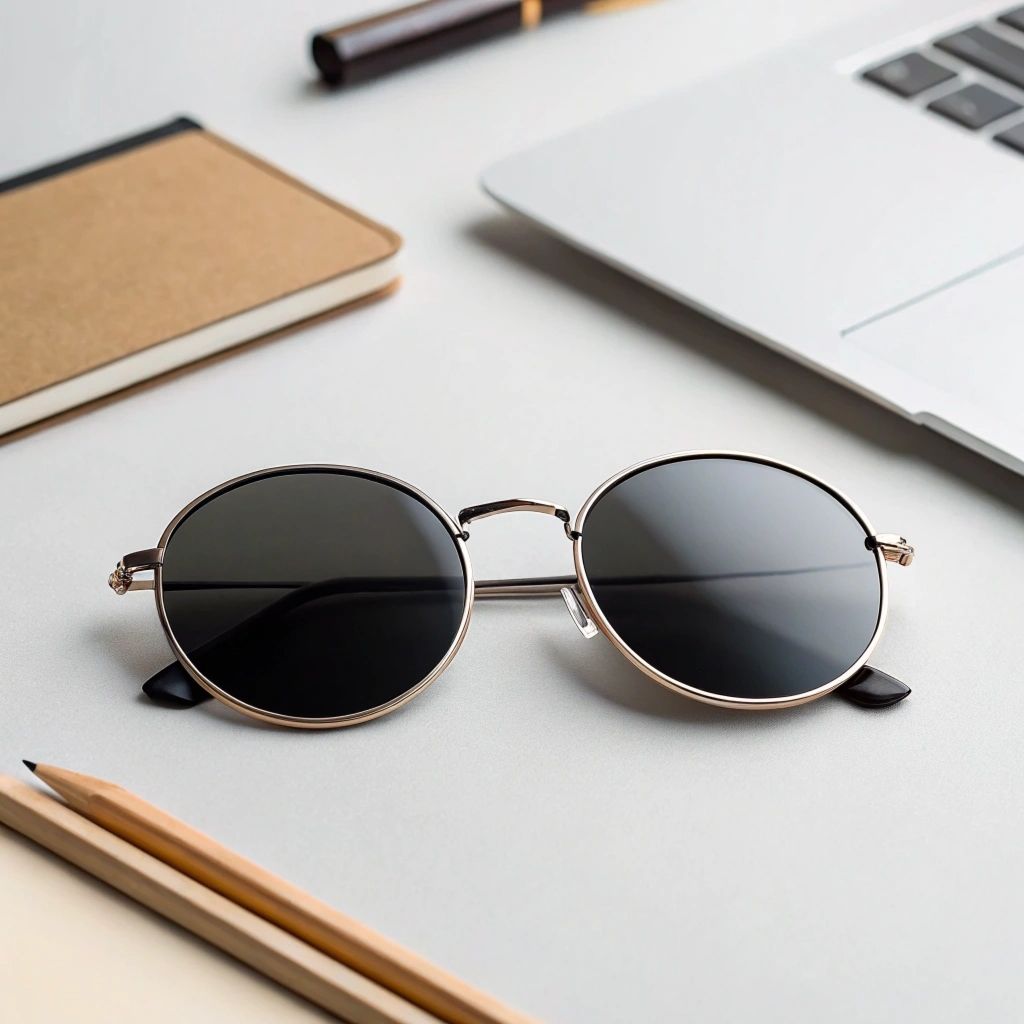 |
Advanced Text Generation
Recraft is able to generate long, accurate text strings of any size and length within images. It renders legible text in various fonts, ideal for versatile uses.
| Text Prompts | Output Image |
| A sleek coffee shop signboard in a cozy urban setting, displaying 'Morning Brew' in elegant serif font, surrounded by steaming coffee cups and warm lighting. |
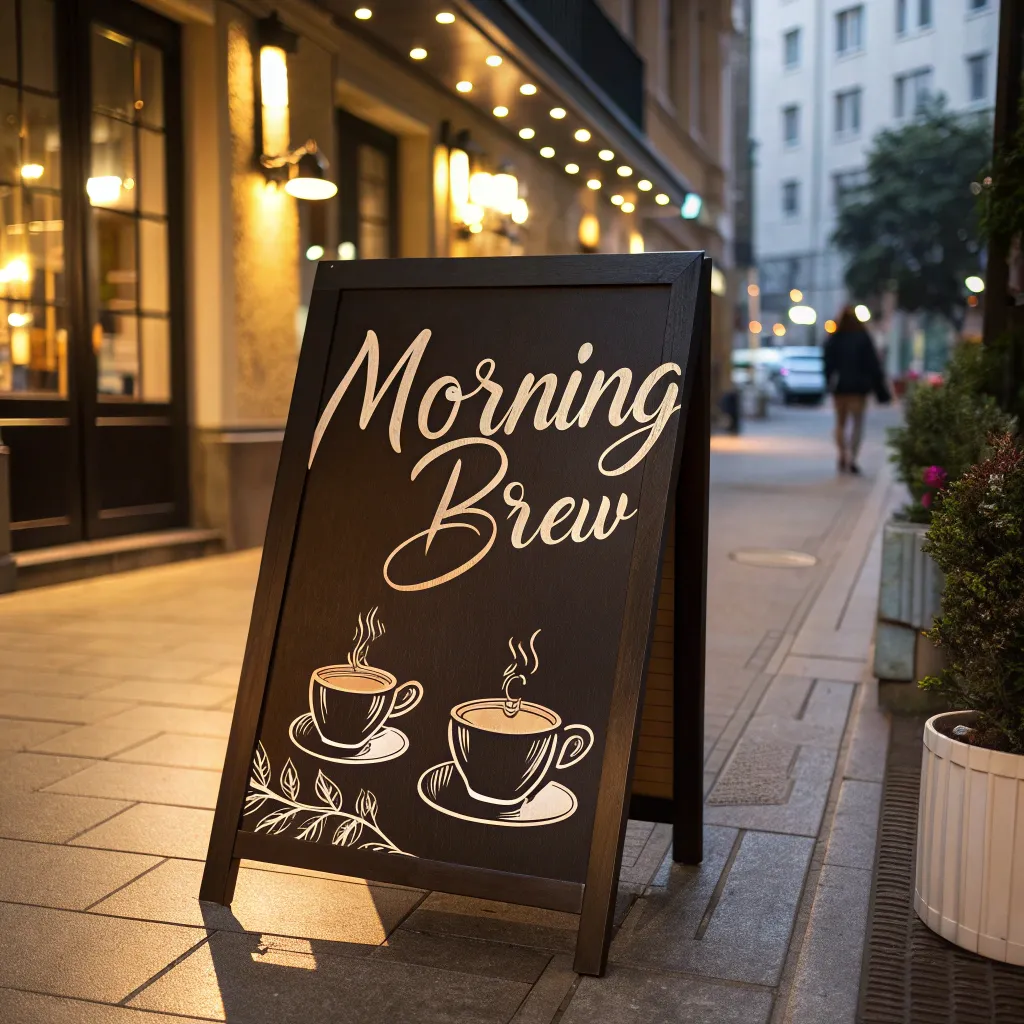 |
| A futuristic holographic poster floating in a sci-fi marketplace, showcasing 'Explore Tomorrow' in bold, glowing sans-serif font, with neon accents and bustling crowds. |
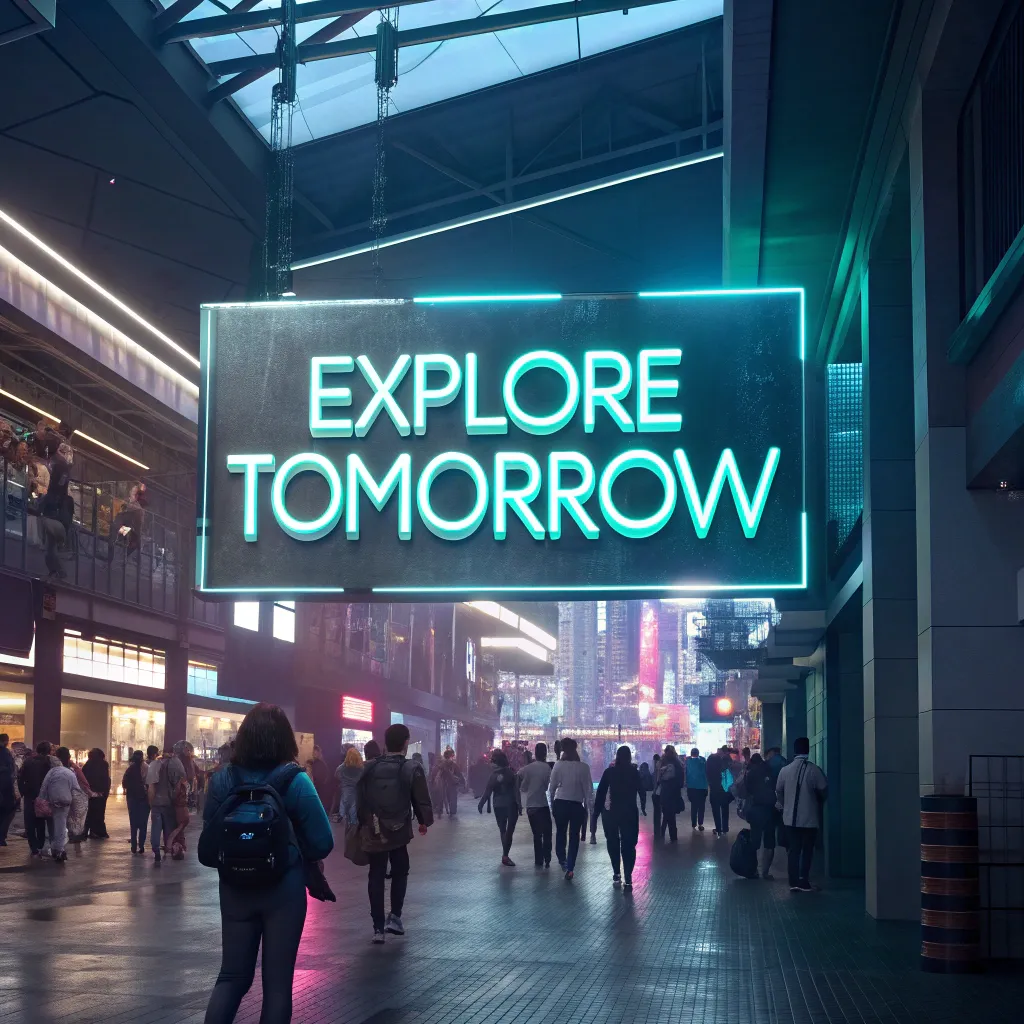 |
Multiple Style Creation
Recraft allows users to create high-quality images in a wide range of style options such as realism and illustration for fine-grained experimentation.
| Styles | Output Image |
| Realism |
 |
| Illustration |
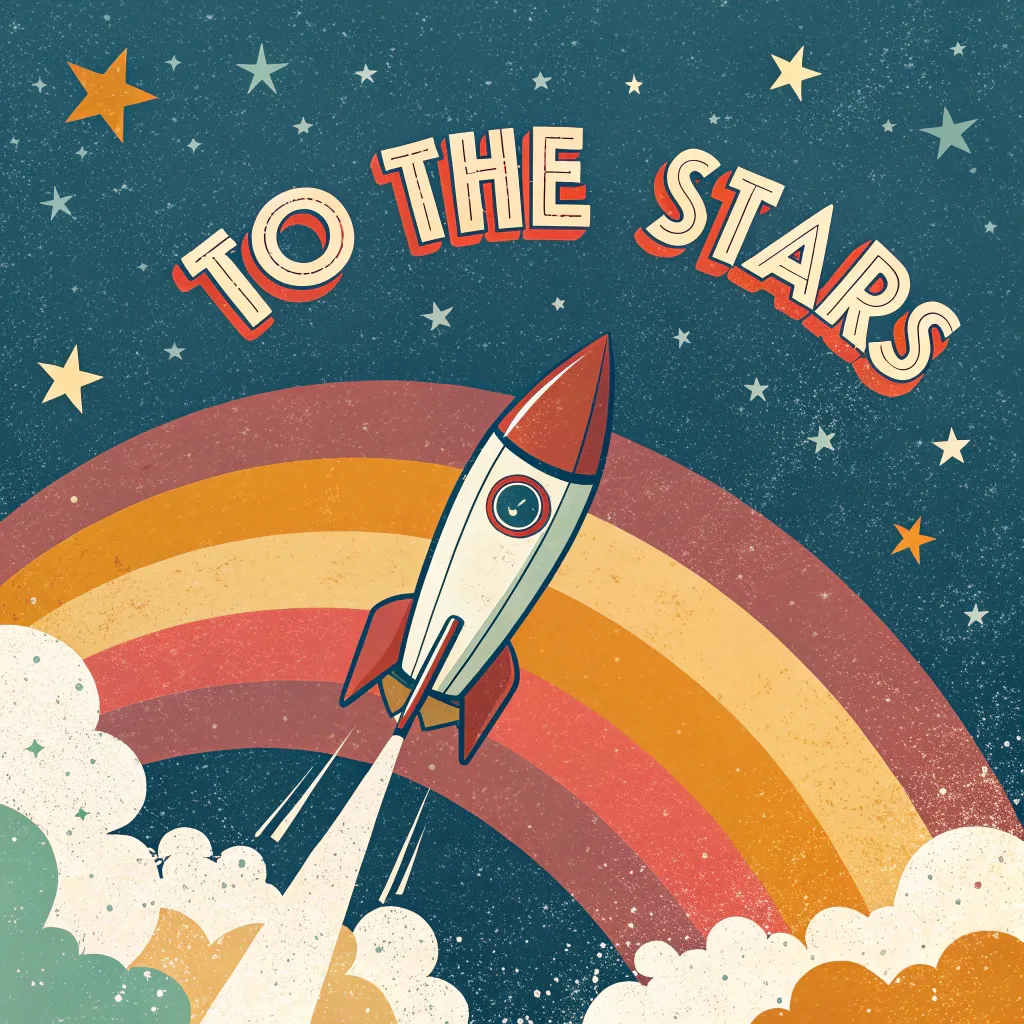 |
Seamless Pattern Production
Recraft excels at generating seamless patterns from text prompts, ideal for textiles, wallpapers, or digital backgrounds.
| Text Prompts | Output Image |
| A seamless tropical pattern with vibrant hibiscus flowers and lush green leaves, accented with 'Aloha' in small, elegant cursive text scattered across the design, in a bright, summery color palette. |
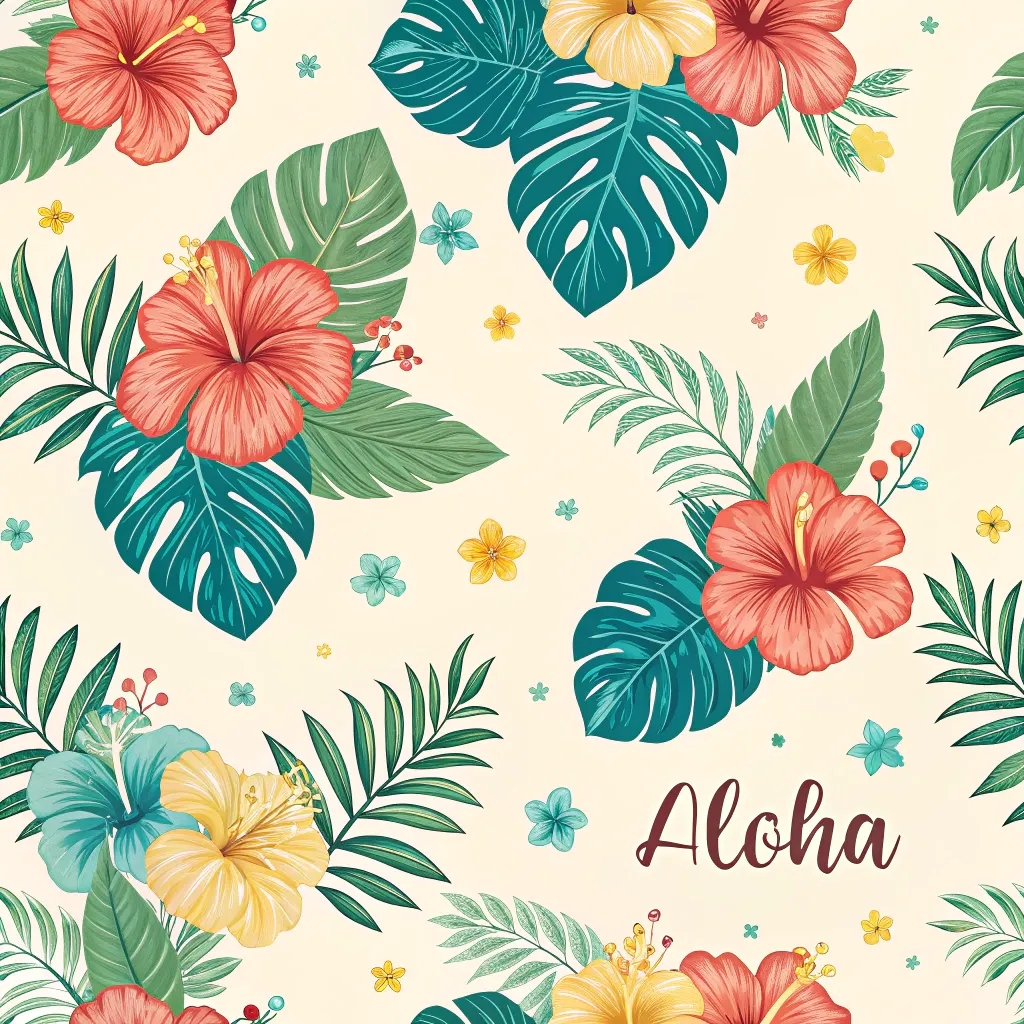 |
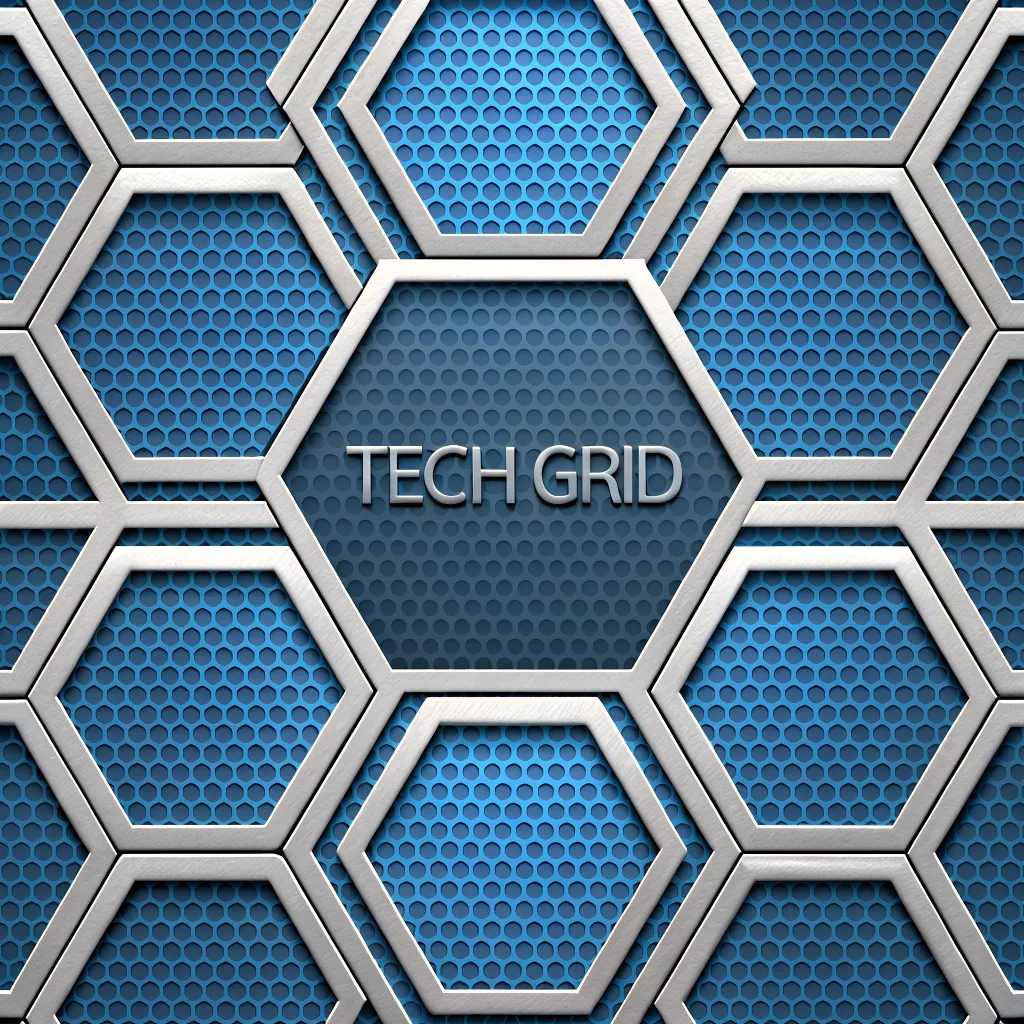
| A seamless geometric pattern of interlocking hexagons in a futuristic blue and silver palette, featuring 'Tech Grid' in subtle, bold sans-serif text woven into the design, with a sleek, metallic texture. |
 |
Recraft vs Stable Diffusion vs Ideogram: A Comparison
When comparing Recraft, Stable Diffusion and Ideogram, several key differences emerge:
| Aspect | Recraft | Stable Diffusion | Ideogram |
| Developer | Recraft AI (focus on design pros) | Stability AI (open-source community) | Ideogram AI (text-to-image specialist) |
| Quality | Excellent | Good | Very Good |
| Text Rendering | Flawless | Poor | Excellent |
| Prompt Accuracy | Superior (design-language thinking) | Reliable (customizable for complex prompts) | Strong (text-inclusive, but limited edits) |
| Generation Speed | Fast | Variable | Fast |
| Ease of Use | Intuitive for designers | Complex | User-friendly |
How to Use Recraft on HIX AI
- 1
Choose Recraft AI Model
Go to the HIX AI text-to-image page and select the Recraft model.
- 2
Input Text Prompt
Enter text prompt and configure other settings.
- 3
Generate Image
Start image generation and download instantly.
YouTube Videos About Recraft AI
Reddit Posts About Recraft AI
X Posts About Recraft AI
Why do I love @Recraft?#AI_art #design #recraft
— Ali hamednia (@Alihamednia) May 16, 2025
Style reference 👇 pic.twitter.com/y9oDeUNrEL
By Recraft AI https://t.co/RyoEx01VW9 pic.twitter.com/typf3LGNLe
— Ali hamednia (@Alihamednia) May 17, 2025
This week, I’m planning to explore “AI Through a Designer’s Lens” using the amazing Recraft generator. I recently discovered its cool features and creative application and I’ve really enjoyed using it. Don’t miss out on what I’ll be sharing this week!😉#AI #art #desing #recraft pic.twitter.com/ULvCiEXCQN
— Ali hamednia (@Alihamednia) May 17, 2025
Revealing red_panda as Recraft V3, the new frontier Text to Image model!
— Artificial Analysis (@ArtificialAnlys) October 30, 2024
Recraft V3 is the latest model from London-based AI graphic design start-up @recraftai.
Since launching Recraft V3 under the the pseudonym ‘red_panda’ we have received >100k votes. With an ELO of 1172,… pic.twitter.com/NfhHE6WEIQ
Very impressed by Recraft AI - a new image generation service that can generate editable vector graphics that you can export as SVG
— Simon Willison (@simonw) November 15, 2024
This seems massively more useful than tools that can only output raster graphics pic.twitter.com/opPBCfiaC3
Same prompt, different style in @recraftai pic.twitter.com/5ngRDiyFs7
— Creative Diffusion FR (@StableTom) May 19, 2025
Red panda is Recraft.
— fofr (@fofrAI) October 30, 2024
It's live now on https://t.co/kulLc24Anc and on Replicate:https://t.co/fn4pqs9sZThttps://t.co/P8bF8KTumT
It's amazing. And it makes SVGs too. https://t.co/73XU5YZP8Y pic.twitter.com/6GYNiZtc8X
Recraft was just ranked the top performing image generation tool in @Project0dyssey Season 2, one of the biggest AI film competitions
— Anna Veronika (@AVWriting) May 13, 2025
500+ finalists were surveyed. While Kling was widely used, Recraft helped creators earn higher scores
Full PDF in comments 👇 pic.twitter.com/zJDk4gjHob
🧑⚖️ A giant AI company called @recraftai launched an upscaler this month
— @levelsio (@levelsio) January 30, 2025
But they named it after one of the most popular AI upscalers that already exists by an indie maker:
💎 Clarity by @philz1337x
They've been notified but are refusing to stop using the name
What should he… https://t.co/nfBjPPbcOb pic.twitter.com/j5mrczk2Go
Recraft - one of the best creative AI images platform - just introduced OpenAI Image Editing
— Macai (@piotrmacai) May 1, 2025
Now you can generate images and:
- upscale,
- edit,
- recolor,
- remove backgrounds,
- create mockups,
All with OpenAI image editing API inside of Recraft App 💯 https://t.co/f3QxoRraTE pic.twitter.com/YcCiJU9nM7
