Craiyon AI Image Generator

Initially founded as DALL-E mini, Craiyon pioneered accessible text-to-image art by offering a free, watermark-less 9-image grid with negative prompts and zero registration. While ideal for casual, open-ended brainstorming, professionals looking to bypass its trial-and-error limitations are rapidly upgrading to the multi-model precision of HIX AI. Generate Images with HIX AI!
Key Features of Craiyon AI
- Text-to-image Generation: You type a prompt, and Craiyon generates images based on your description.
- Fast, Simple Interface: It’s designed to be easy to use, even for beginners — no complex setup required.
- Multiple Image Outputs per Prompt: Instead of giving just one result, Craiyon usually creates several variations so you can choose the one you like best.
- Negative Prompts: Allow users to filter out unwanted elements and precisely refine their final images.
- Next-Level Upscaling / Enhancement: Offers one-click resolution enhancement and image restoration to sharpen edges and enrich details on selected drafts.
Text-to-image Generation
Craiyon AI turns written ideas into original visuals in seconds, making text-to-image creation accessible to anyone. Users simply describe a scene, concept, or style, and the platform generates imaginative results that help brainstorm campaigns, illustrate stories, prototype designs, or quickly visualize creative directions without complex tools.
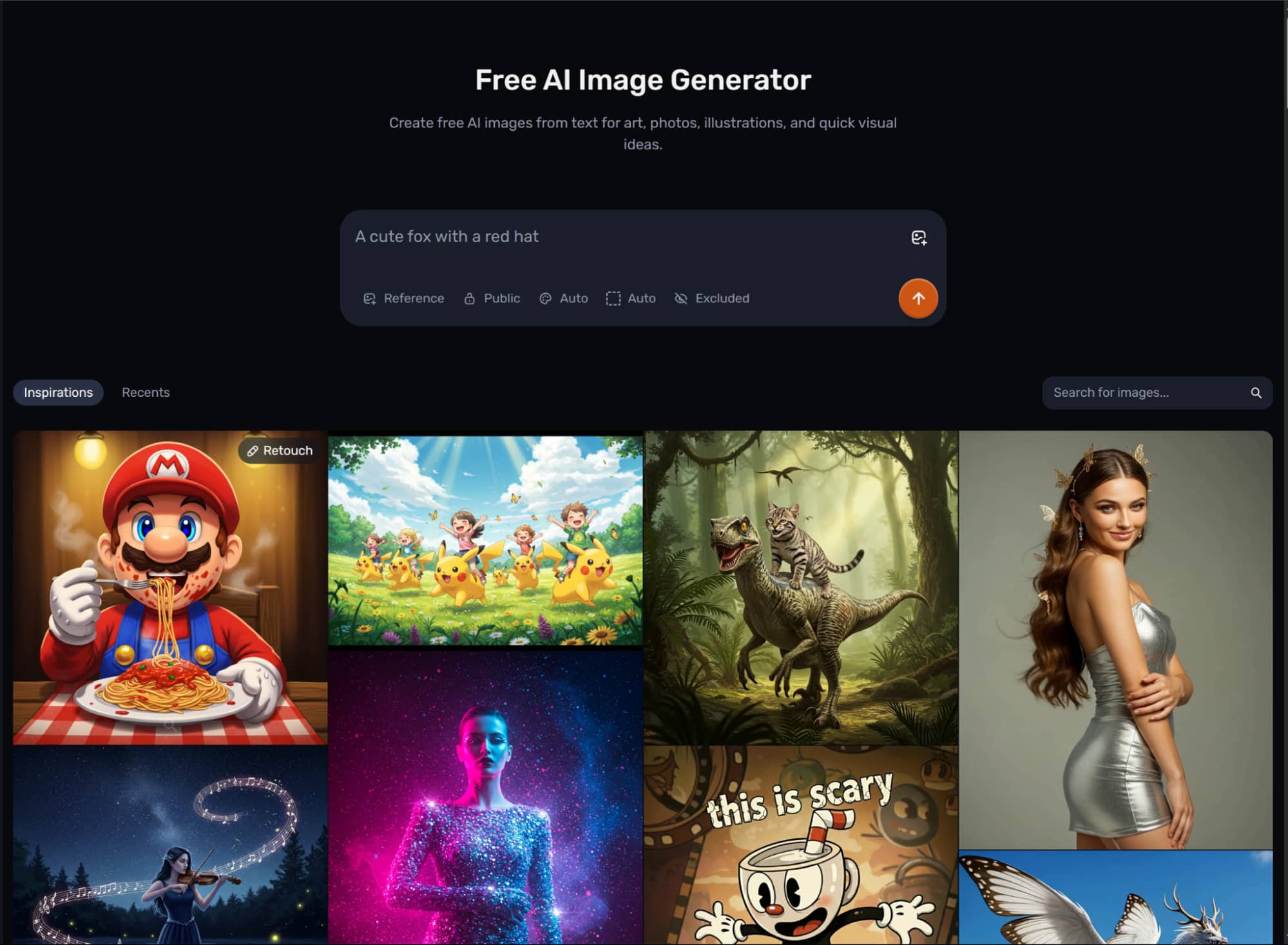
Fast, Simple Interface
Designed for ease, Craiyon AI offers a fast, simple interface that removes friction from the creative process. The prompt box is straightforward, generation begins immediately, and results appear quickly, so beginners and busy teams can move from idea to imagery without navigating complicated settings or technical workflows.
Multiple Image Outputs per Prompt
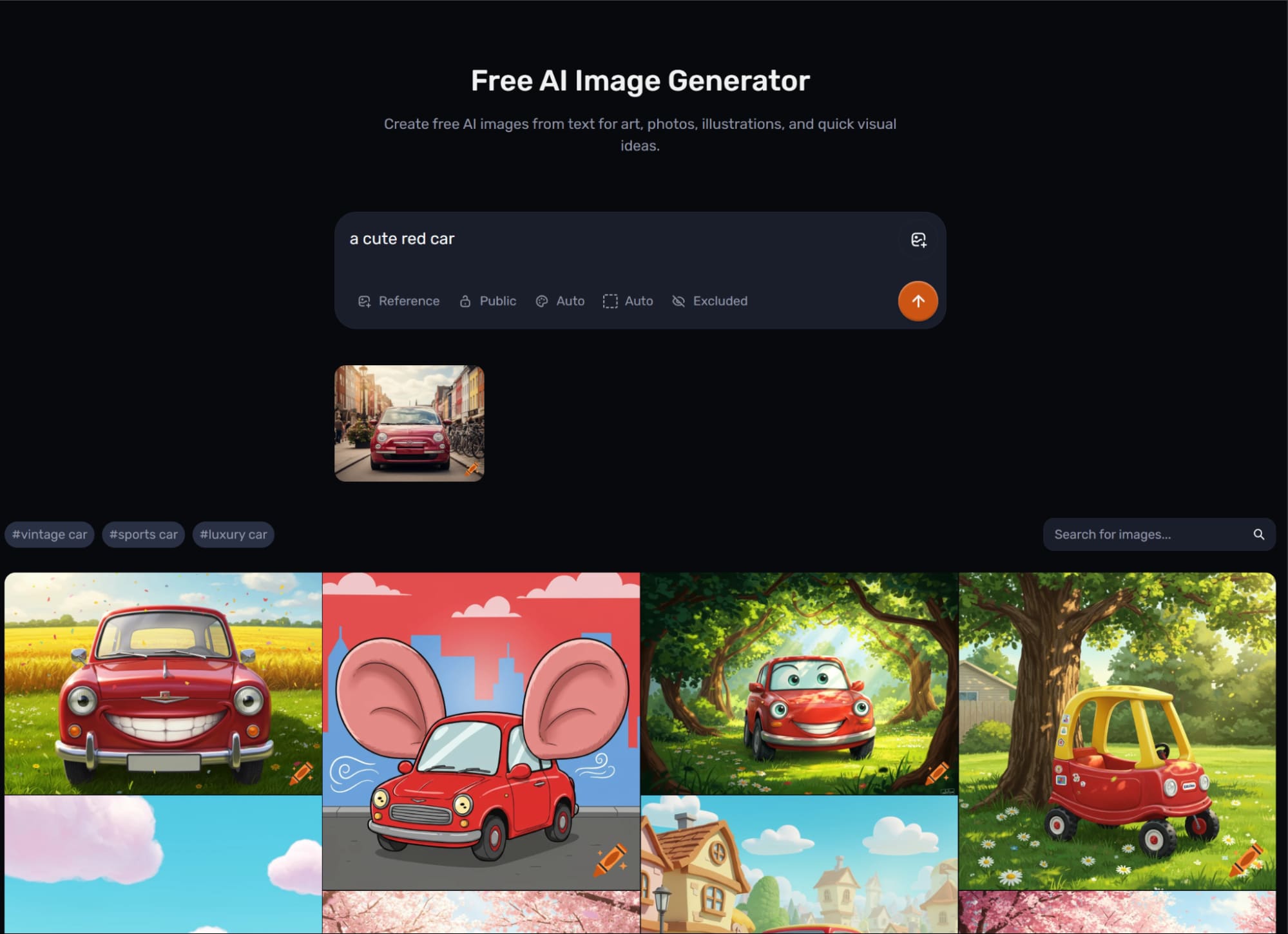
One of Craiyon AI’s practical strengths is producing multiple image outputs from a single prompt. Instead of receiving just one interpretation, users get several visual variations at once, making it easier to compare styles, refine ideas, spot unexpected directions, and choose the concept that fits best.
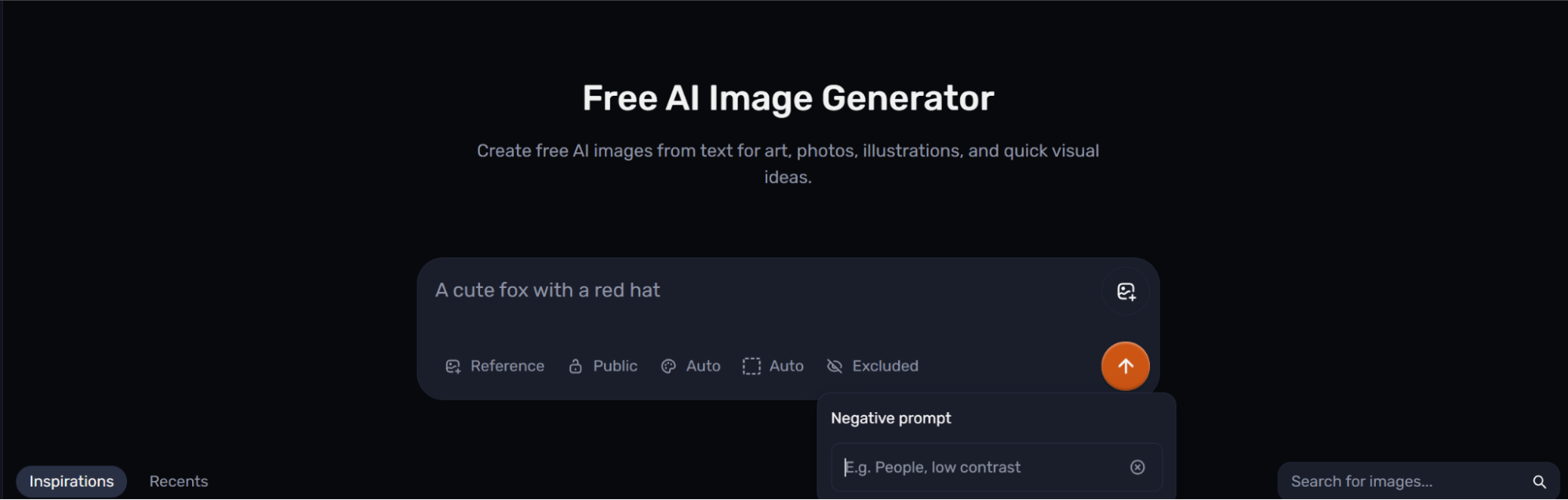
Negative Prompts
Craiyon AI also supports Negative Prompts, giving users more control over what should stay out of an image. By specifying unwanted elements, styles, colors, or distortions, creators can guide results more precisely, reduce irrelevant details, and improve consistency when aiming for cleaner, more targeted visual outcomes.
Next-Level Upscaling / Enhancement
Craiyon AI includes Next-Level Upscaling and Enhancement features that boost clarity, sharpness, and overall presentation. These tools help transform rough generations into more refined visuals, making them better suited for sharing, pitching, content creation, or any use case that benefits from stronger image quality.
Craiyon AI in Action: Top Use Cases
- Logo and brand concept brainstorming:Craiyon is well suited to early logo ideation when a user wants multiple directions before involving a designer or vector workflow.
- Fast creative exploration for content and campaigns:Craiyon works well for users who need quick visuals for brainstorming, mockups, social posts, or rough creative direction.
- Home and lifestyle concept visualization:Craiyon can help users turn loose visual ideas into draft concepts for spaces, posters, or decorative themes.
- Style-led hobby and fandom artwork:Craiyon’s themed tools make it approachable for users exploring anime, tattoos, and other stylized prompts.
Craiyon AI: What Real Users Are Saying
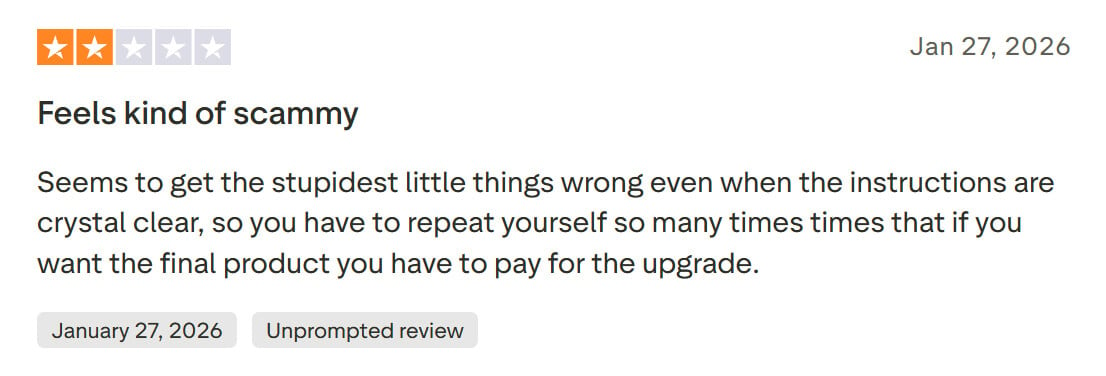
Holding a 3.8 out of 5-star rating on Trustpilot, Craiyon AI receives distinct feedback from its user base.The vast majority of users appreciate that the platform is completely free to use, requires zero registration, and leaves no watermarks on outputs. However, some users note that they frequently have to repeatedly re-run prompts and still struggle to obtain their expected images.
The HIX AI agent precisely understands the user's creative intent within the prompt. By intelligently optimizing the prompt to achieve optimal image quality, it eliminates the need for time-consuming trial-and-error and constant adjustments.
Expanding far beyond traditional text-to-image generation, the agent unlocks true multimodal flexibility by accepting rough hand-drawn sketches or reference images. Through real-time online visual reference analysis, it seamlessly cross-references these visual anchors with your textual descriptions to output stunning, high-fidelity images that perfectly mirror your envisioned final aesthetic.
Craiyon vs Adobe Firefly vs HIX AI
| Dimension | Craiyon | Adobe Firefly | HIX AI |
| Core Positioning | Accessible, web-based AI image generator focused on quick idea exploration | Adobe’s generative creative suite for polished workflows and commercial confidence | Multi-tool AI creation platform with multi-model access, image generation, and broader workflow support |
| Workflow Style | Prompt, generate, and refine selected concepts | Generate and edit inside a deeper Creative Cloud ecosystem | Generate, compare, and refine across models, with chat-led iteration and automation-friendly flows |
| Main Advantage | Easiest entry point for low-pressure experimentation | Strongest fit for professional Adobe-native creative production | Broadest option for users who want multiple models plus workflow automation in one place |
| Best For | Beginners, casual creators, founders, students, and quick concepting | Designers, marketers, Adobe users, and teams needing integrated workflows | Users who want model choice, chat-based editing, batch generation, and a more agent-like process |
Why Choose HIX AI
- 1
Elite Multi Model Stability
By integrating a powerhouse suite of top-tier AI models, it ensures dependable performance and consistently delivers flawless, studio-grade visuals.
- 2
Dynamic Versatility for Every Project
From polished e-commerce product imagery to striking post design, the platform effortlessly adapts to yield beautiful, high-impact results.
- 3
Infinite Artistic Style Support
It effortlessly spans across a massive spectrum of visual aesthetics. Whether your creative project calls for vibrant anime illustrations, classic oil paintings, or anything in between, the engine renders them with absolute aesthetic perfection.
