YouMind AI Agent
YouMind is an AI studio centered on Boards that links research, comprehension, and creation in one workspace, helping individuals and teams turn notes, links, media, and rough ideas into writing, images, slides, videos, webpages, and shared team projects. If you are looking for the best alternative, give HIX AI a try!
Key Features of YouMind
- AI Writer: Turn your saved notes and research into editable, source-backed drafts in your own voice across posts, articles, scripts, and proposals.
- AI Image: Instantly generate stunning visuals from text with YouMind's advanced AI image capabilities.
- AI Slides: Turn research, notes, and outlines into customizable presentations—complete with slide-level editing, AI iteration, and flexible sharing or export options.
- AI Video: Turn your notes, visuals, and ideas into narrated, captioned videos with custom motion, transitions, and music.
- AI Webpage: Build responsive, no-code webpages from rough notes, links, or visual references, then tweak elements in chat and publish by link or HTML.
- Web Clipper: Clip, translate, transcribe, and chat with web content right from your browser, sending sources straight to your YouMind Board.
- AI Collaboration: Collaborate on a shared YouMind Board in real time with role permissions, shared AI chats, Skills, and team-created files in one place.
AI Writer
YouMind AI Writer turns scattered research—such as webpages, PDFs, videos, podcasts, and rough notes—into structured drafts across social posts, blog and SEO articles, newsletters, video scripts, business proposals, and academic papers.
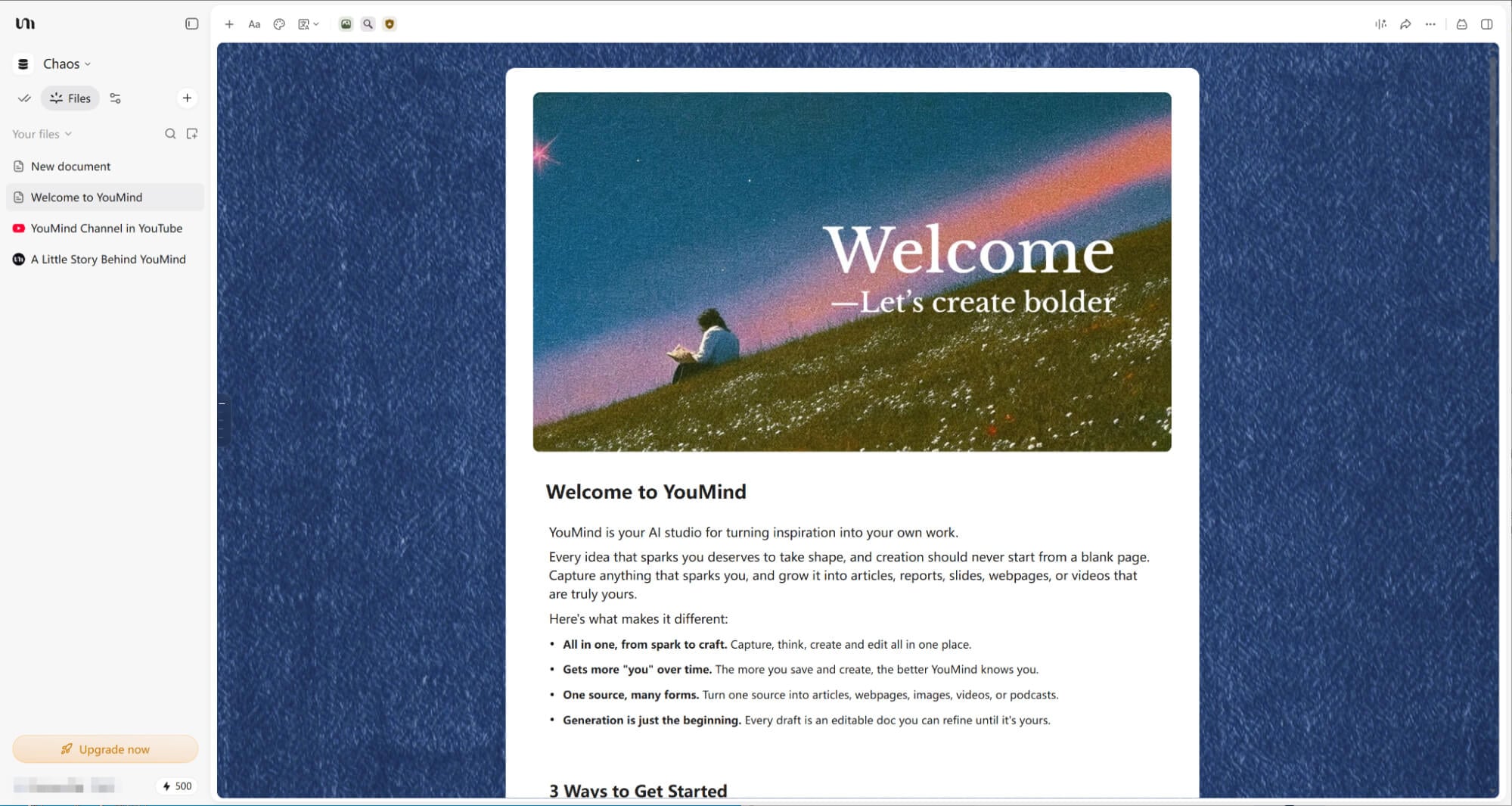
Working directly alongside your saved sources inside an editable workspace, it helps you build outlines, trace claims back to original materials, and shape arguments in your own voice rather than producing generic chat replies.
You stay in full control as you draft and refine: highlight any passage to rewrite, review or reject suggested edits line by line, restore earlier versions when needed, and export finished work to Markdown, Word, PDF, or shareable cards.
AI Image
YouMind AI Image brings visuals directly into your creative workspace, letting you build from rough notes, drafts, or visual references rather than starting from a blank prompt. Whether you need an editorial cover, an explanatory diagram, a poster, a social graphic, or an illustration, you can steer the aesthetic and tap into reusable style workflows as you go.
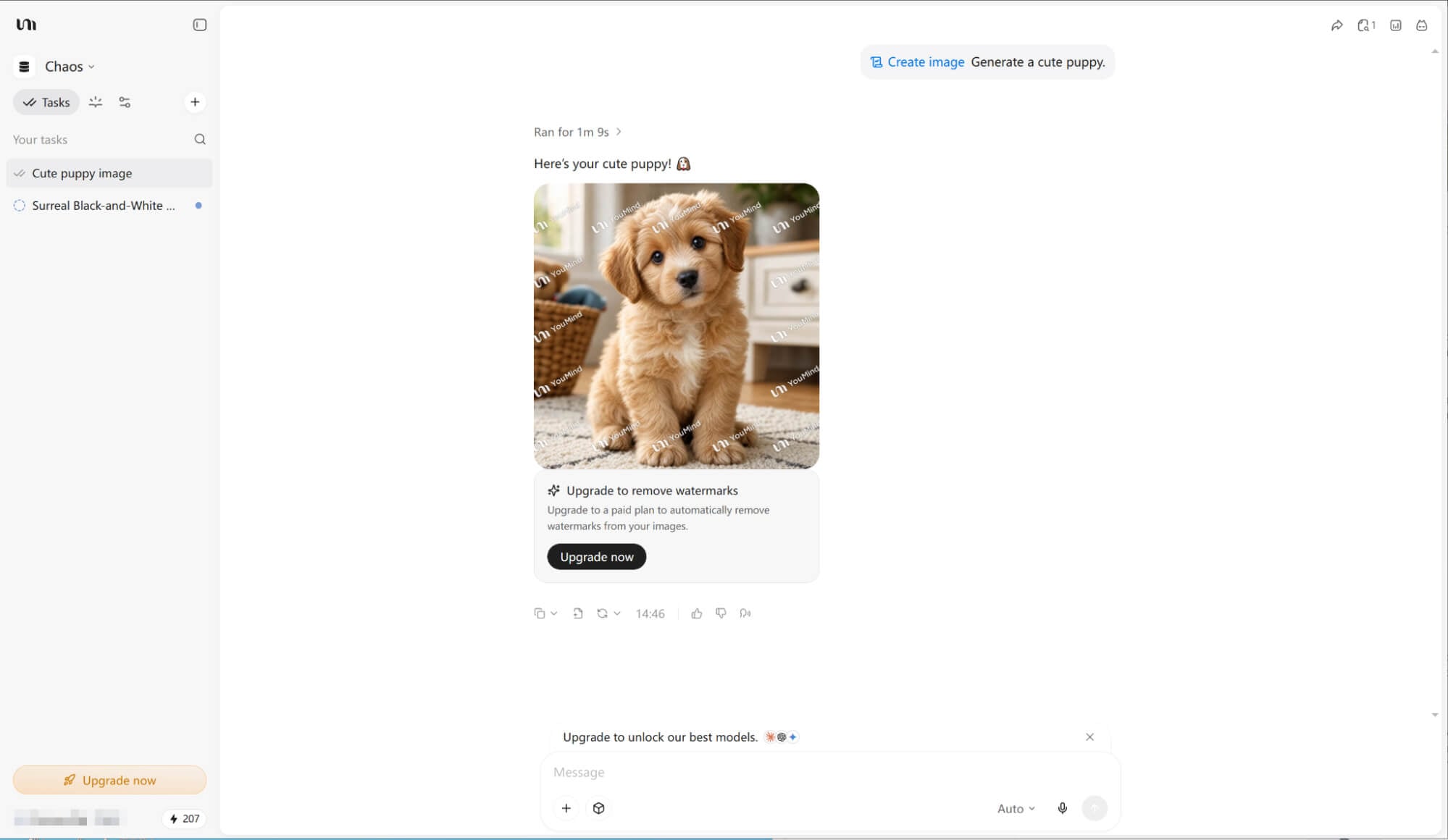
Rather than regenerating from scratch when something feels slightly off, you can fine-tune the details in place. Swap out text on the canvas, apply distinct adjustments to multiple zones at once, and reframe the composition to fit any channel before exporting.
AI Slides
YouMind AI Slides lets you build presentations from research, notes, links, PDFs, and outlines while keeping your source material connected to the final deck. It supports visual style customization through presentation Skills or style prompts, covering use cases such as pitch decks, reports, strategy updates, and training materials.
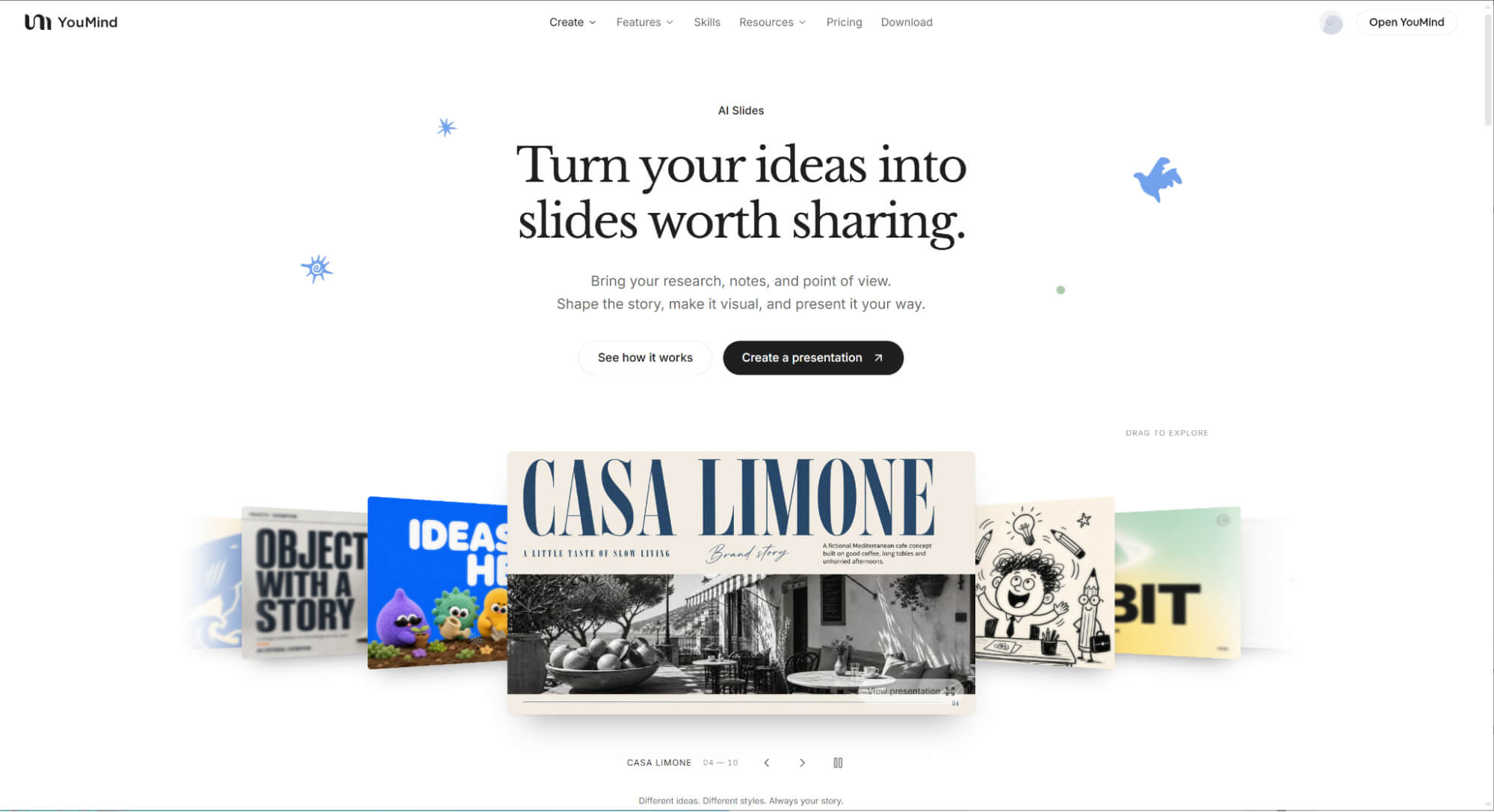
After generating a draft, you can edit individual slides, revise copy and visual elements, and continue iterating with AI. Output options include presenting directly in the app, sharing a deck link, exporting to PowerPoint, PDF, or an image ZIP, and generating a narrated recording.
AI Video
YouMind AI Video helps you move from raw research, still images, or visual cues to dynamic video—whether you are putting together an explainer, a campaign spot, a snappy social clip, or extra B-roll. You can shape camera movement and pacing, apply reusable style presets, and test new takes within a single thread while choosing the aspect ratio your platform needs.
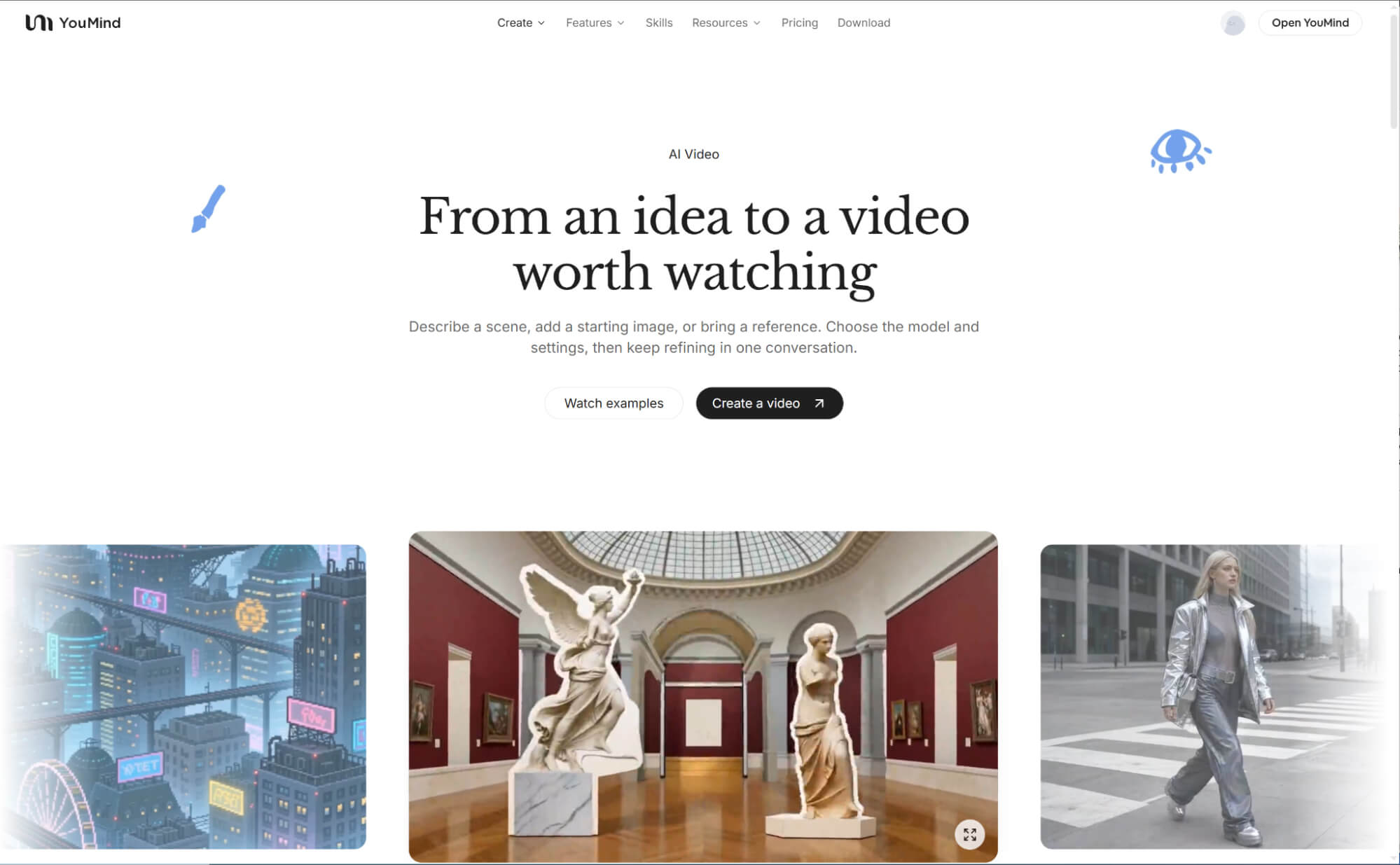
During editing, you can build out each scene with tailored voiceover—picking a voice, tuning the volume, generating narration per scene, and checking the spoken track against its captions—while also adding subtle zoom to stills, setting scene transitions, and previewing how the visuals flow with the narration.
You can also pick a caption style and fine-tune its text, placement, and look, generate mood-matched background music for your video, and export an MP4.
AI Webpage
YouMind AI Webpage turns rough notes, links, or visual examples into responsive sites with no coding required. It supports landing pages, portfolios, resume sites, product showcases, event pages, interactive decks, and visual reports. You can pick a style preset and build alongside your references in one workspace.
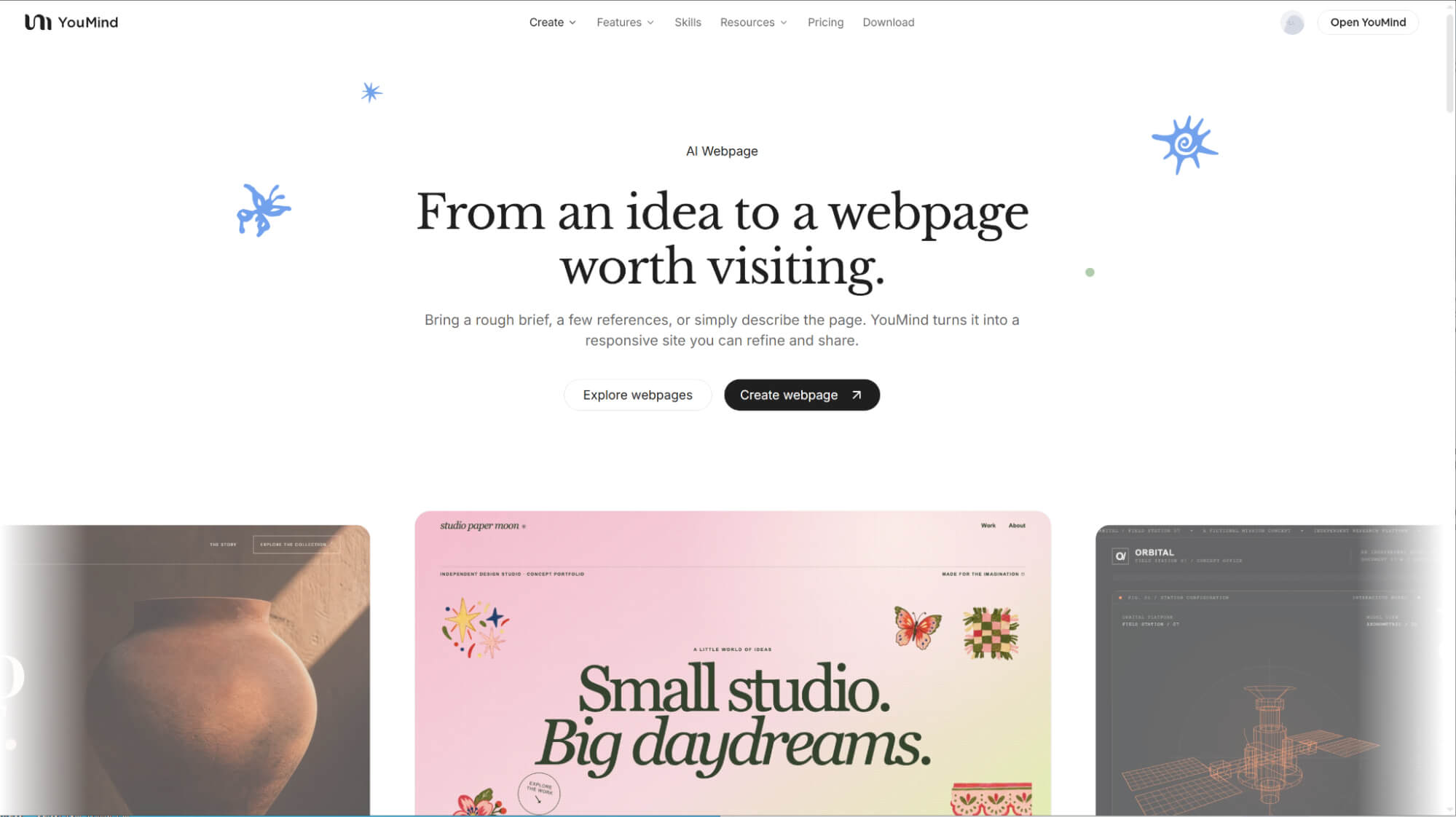
Once a draft is ready, you can click specific text or images for targeted edits. You can also refine copy, layout, and mobile responsiveness in chat. When finished, share a link or export the HTML file.
Web Clipper
Designed as a browser extension, YouMind Web Clipper sends articles, YouTube videos, podcasts, PDFs, and X posts straight to a chosen Board with one click. It also supports batch link saving, dragging to clip specific page sections, saving or extracting text from images, and hourly sync for X bookmarks and posts while preventing duplicate saves.
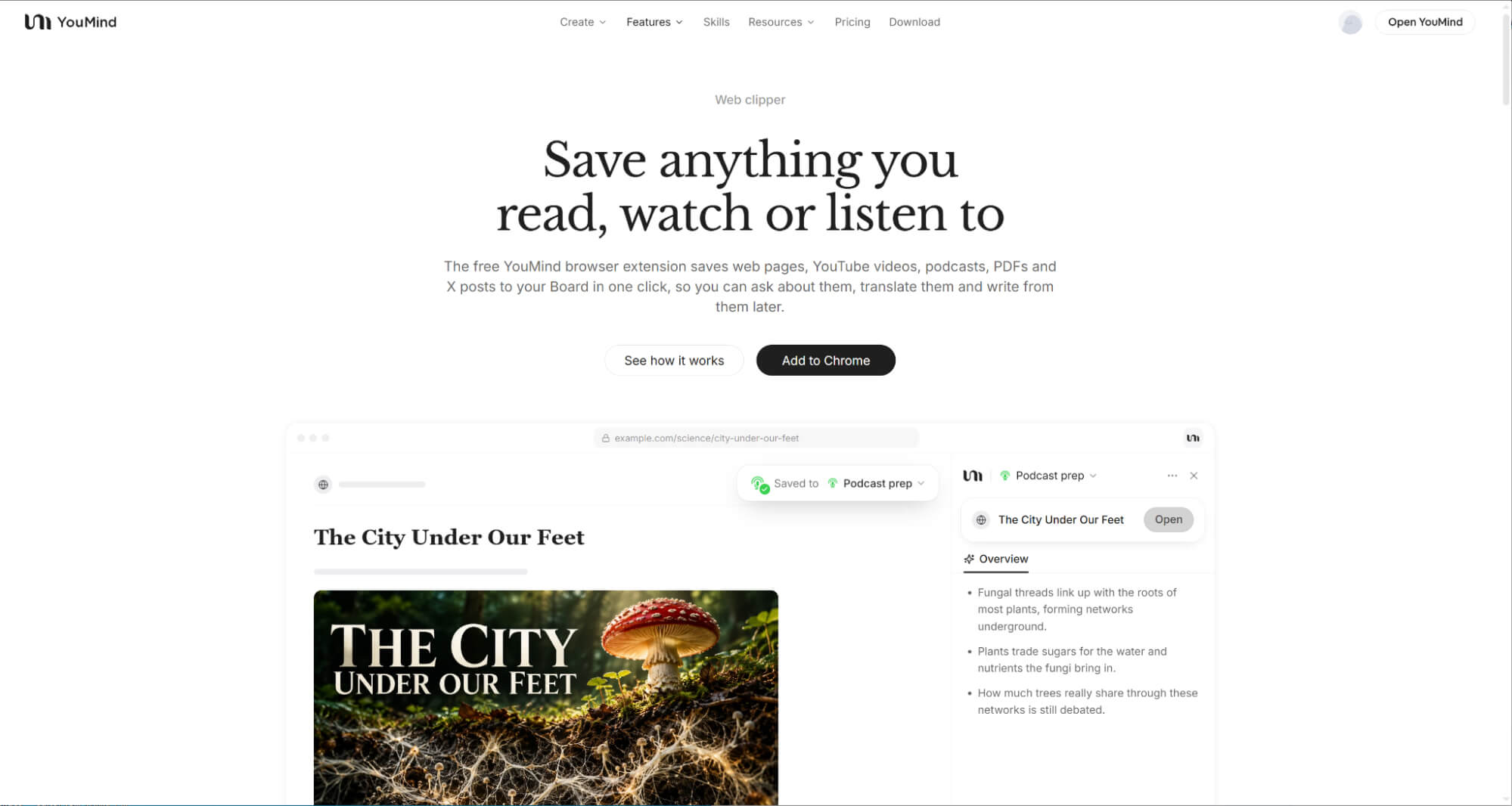
Right inside your browser, you can read translated pages side by side with the original, view YouTube transcripts or transcribe subtitle-free videos after saving, and chat with the current page for grounded answers. Everything you collect stays connected to your Board so you can turn saved sources into drafts, slides, visuals, videos, or webpages later.
AI Collaboration
With YouMind AI Collaboration, teams can work together inside a shared YouMind Board, keeping source materials, AI chats, Board Skills, and finished outputs—such as articles, slides, images, videos, and webpages—in one live space. Members join via email invite, see file and chat updates automatically without refreshing, and work under owner, admin, editor, or viewer roles.
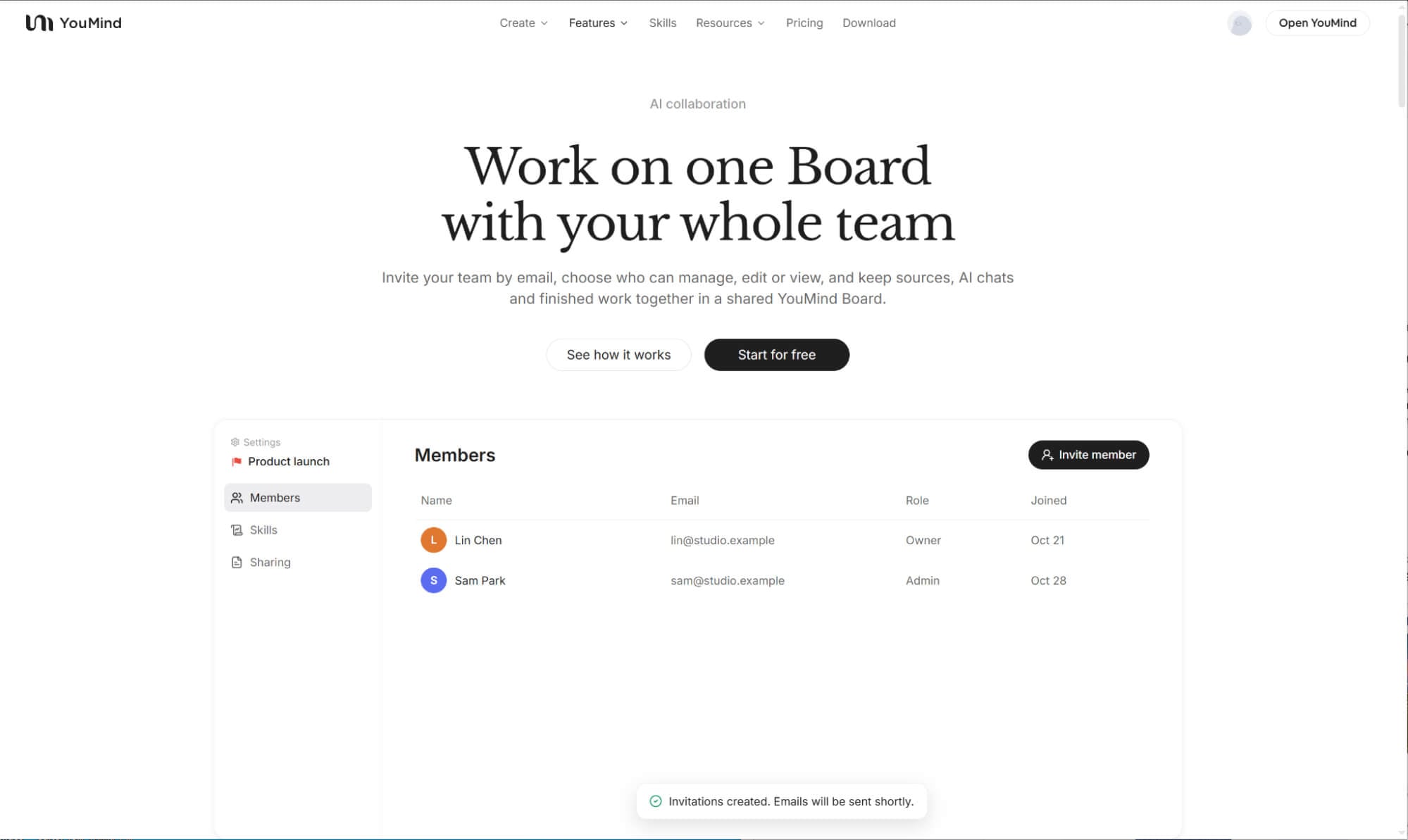
Teammates can read shared AI conversations while keeping chat threads tied to their original author, and editors can launch new AI chats or run shared Board Skills using the common sources. Owners and admins can adjust roles, manage membership, and track or revoke publicly shared links from settings.
YouMind Plans & Pricing
| Plan | Price | Best For |
| Starter | $20 / month | Individuals and newcomers starting out with YouMind for multi-modal creation and MCP tool connections |
| Pro | $40 / month | Regular creators and professionals who need cross-session memory, leading models, and automated task execution |
| Max | $200 / month | Heavy users and teams running parallel workflows, large-context tasks, desktop automation, and high-volume generation |
YouMind Pros and Cons
| Pros | Cons |
| Unified Research-to-Creation Workspace | Credit-Based Usage Limits on Heavy Workflows |
| Multi-Modal and Multi-Format Versatility | Tiered Paywalls for Top Models and Agents |
| Multi-Model Access with Persistent Context | Performance Slowdowns on Large, Media-Heavy Boards |
| Fast Web Clipping and Media Transcription |
YouMind Use Cases
- Topic Research and Structured Reports: Kick off a new Board with a single topic prompt to gather sources, extract key insights, and build a structured research report you can expand with your own notes and highlights.
- Repurposing Videos and Podcasts into Articles: Clip YouTube videos, podcasts, and transcripts into one Board, then turn key takeaways and personal annotations into structured blog posts, newsletters, or social threads while keeping your own voice.
- Multi-Format Content and Visual Production: Transform saved research into pitch decks, visual reports, custom diagrams, social graphics, explainer videos, or interactive product webpages—all stored and edited inside the same project Board.
- Collaborative Campaign and Product Launches: Invite teammates to a shared Board with role-based permissions to centralize competitor notes, shared AI chats, press kit drafts, and launch assets in real time.
YouMind vs Top AI Agents
| Feature | YouMind | Chatly AI | HIX AI |
| AI Image | Generates images, diagrams, infographics, and thumbnails from text or reference images with in-workspace editing. | Creates and edits brand-aligned images and ad visuals using multiple built-in image models. | Creates posters, product ads, e-commerce visuals, and infographics, with an Infinite Canvas that displays generated images in one space for easy side-by-side comparison. |
| AI Video | Produces short ads, explainer videos, and narrated slide-to-video clips from prompts or product photos. | Generates AI videos, explainers, and ad clips directly from text briefs within the workspace. | Uses an editable storyboard workflow that walks users step by step from script and shots to BGM and final cut, enabling easy creation of faceless and explainer videos. |
| AI Slides | Turns PDFs, links, or notes into styled slide decks with single-slide editing, transitions, and PPTX/PDF export. | Generates presentation decks with speaker notes from prompts or uploaded files in one workflow. | Optimizes existing decks, converts various file formats into polished slides, and supports custom PPT template uploads to maintain strong brand consistency. |
| Deep Research | Uses multi-source research workflows and Skills to cross-reference sources and build structured reports. | Conducts source-cited research across web data, connected apps, and uploaded files. | Draws from authoritative data sources and provides traceable citation links to generate well-structured, comprehensive research reports. |
| Team Collabration | Shared Boards with role-based permissions (Owner, Admin, Editor, Viewer), live updates, and shared AI chats and Skills. | Team workspaces with shared projects, brand kits, pooled credits, and role permission controls. | Shared Project Spaces with persistent project memory where teammates share context, Skills, and final outputs, making it well-suited for long-term collaboration in small teams. |
Why More Creators Are Choosing HIX AI
- 1
Rich Library of Ready-to-Use Skills
Leverage an extensive collection of built-in Skills to eliminate AI guesswork and turn your ideas into accurate results faster.
- 2
Native Workspace Connectors
Connect HIX AI Agent directly with everyday tools like Gmail and cloud drives so it understands real workflow context and saves final outputs straight back to your storage.
- 3
Automated Brand Kit Extraction
Extract fonts, color palettes, and logos directly from images or website URLs to keep every AI-generated asset consistently on-brand.