FigureLabs AI Scientific Figure Generator

FigureLabs is an AI tool for creating scientific illustrations, flowcharts, and data plots. It turns written descriptions, documents, sketches, reference images, or datasets into figures that researchers can refine and export for papers, presentations, and grant proposals. FigureLabs is excellent at scientific visual creation, but if you want something more powerful and versatile, give HIX AI image generator a try!
Key Features of FigureLabs
- AI Scientific Illustration Generator: Generates layered, journal-styled scientific diagrams from text, documents, or images.
- AI Flowchart Generator: Creates editable vector flowcharts and research templates from text or sketches.
- AI Plot Generator: Turns CSV and Excel datasets into publication-ready statistical plots.
- Infinite Vector Canvas & AI Editing Suite: Combines multi-panel layouts with targeted AI tools.
- MCP & API: Integrates FigureLabs into external AI assistants via MCP and custom pipelines via API.
- Publication Compliance: Provides verifiable publishing certificates, and rewards for published authors.
AI Scientific Illustration Generator
FigureLabs is able to convert rough research inputs into domain-accurate diagrams from text prompts, uploaded documents (PDF, Word, TXT), hand-drawn sketches, lab photographs, or reference figures.
Unlike biology-only icon libraries, FigureLas spans multiple disciplines—generating signaling pathways and immunological mechanisms for life scientists, experimental setups and 3D material structures for engineers and physicists, and neural network architectures for computer scientists.
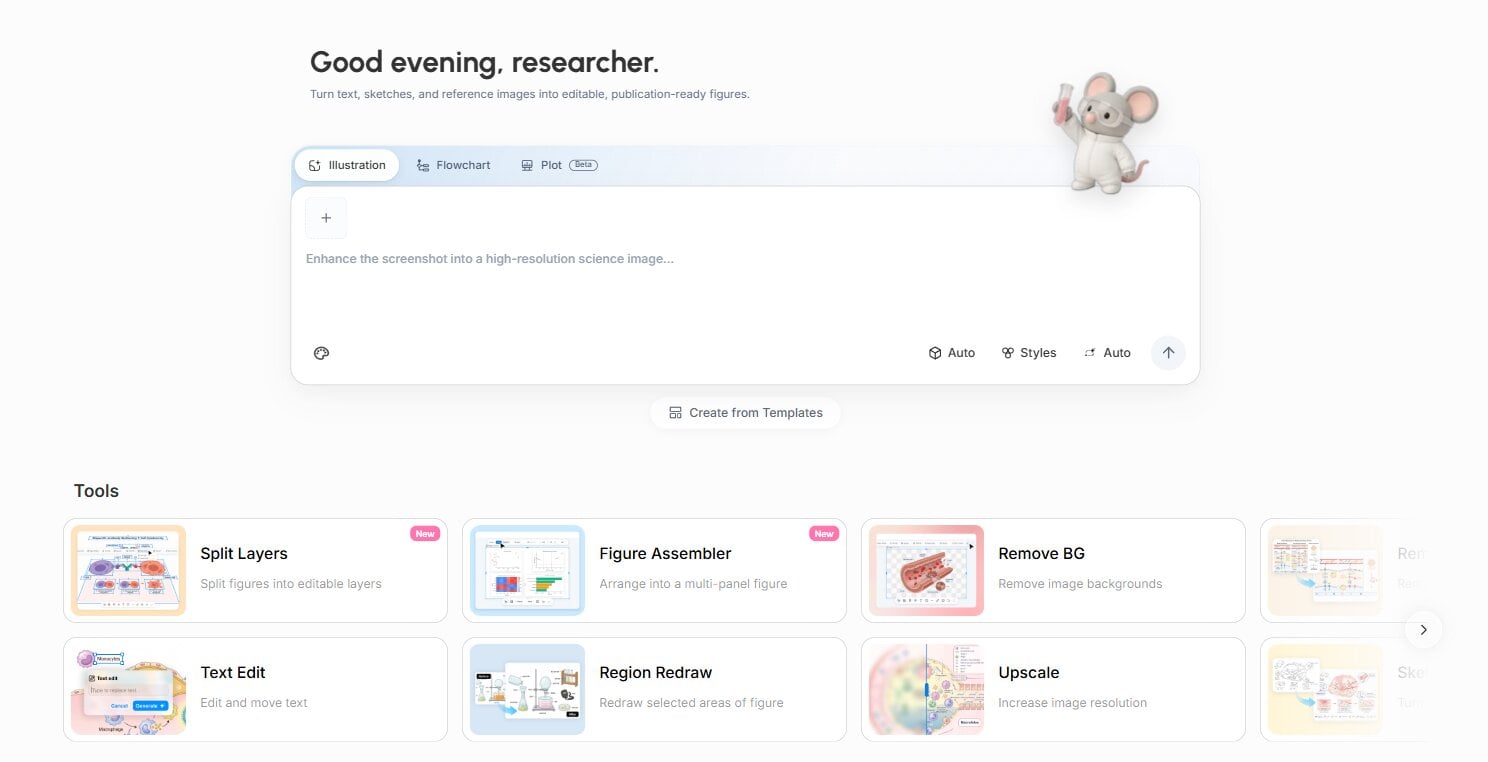
Users can select from multiple AI agents, image generation models, and journal-appropriate visual styles to match publication standards. Once an illustration is generated, built-in Auto Split and Custom Split tools separate flat visuals into independent layers so researchers can reposition elements and refine details without starting over.
AI Flowchart Generator
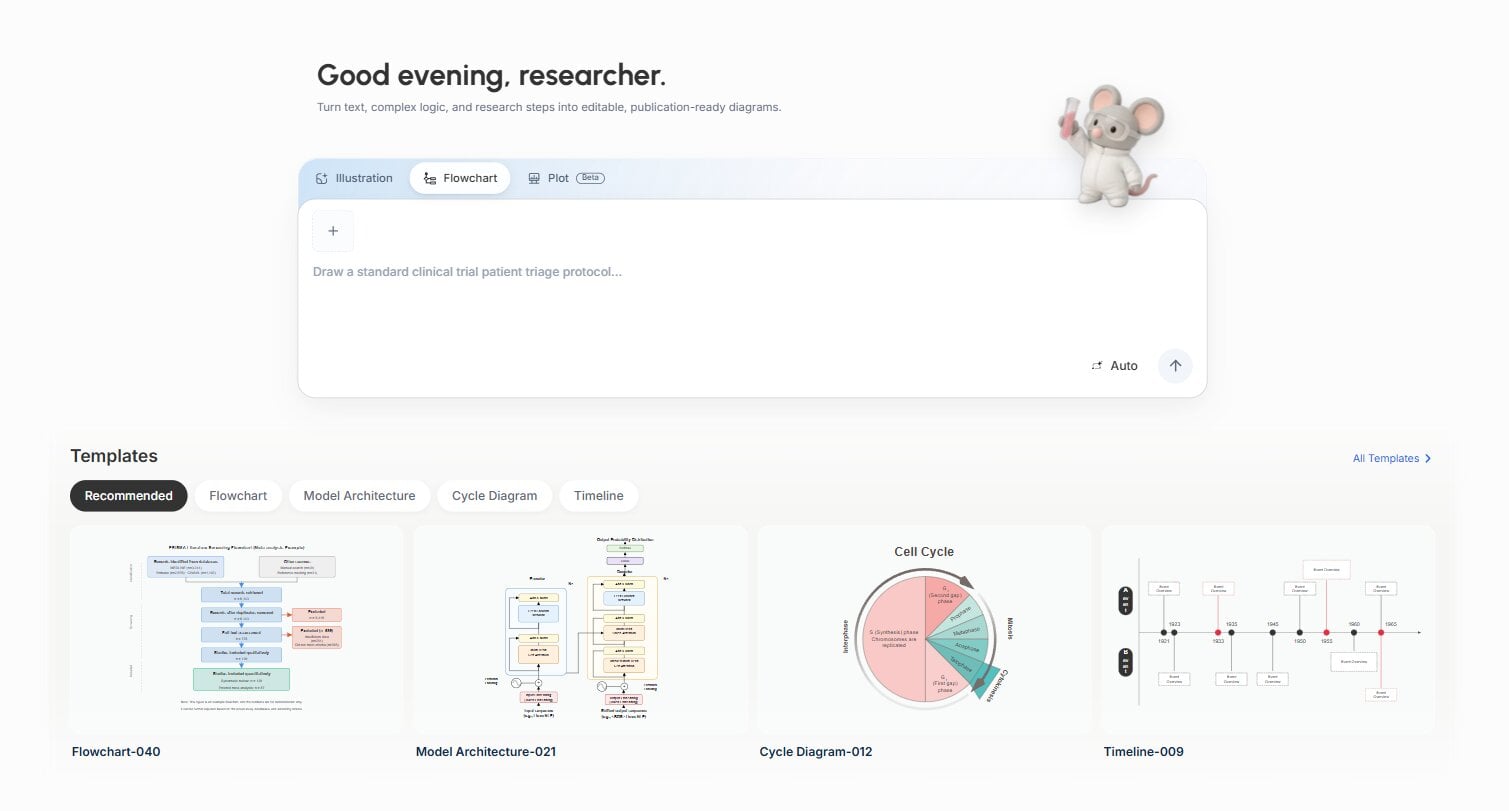
Built for methodologies, protocols, and system architectures, the flowchart generator of FigureLabs creates structured, vector-based diagrams rather than flattened raster images. It includes research-ready templates for PRISMA systematic reviews, CONSORT clinical trials, machine learning model architectures, diagnostic and treatment algorithms, cycle diagrams, and timelines, while also parsing text descriptions, methods sections, or rough sketches into logical steps and branches.
AI Plot Generator
The plot generator of FigureLabs transforms raw experimental datasets—such as gene expression tables or research findings uploaded via CSV and Excel files—into publication-formatted data visualizations without requiring manual coding. It supports standard charts like bar plots alongside specialized statistical and bioinformatics visualizations tailored for academic manuscripts.
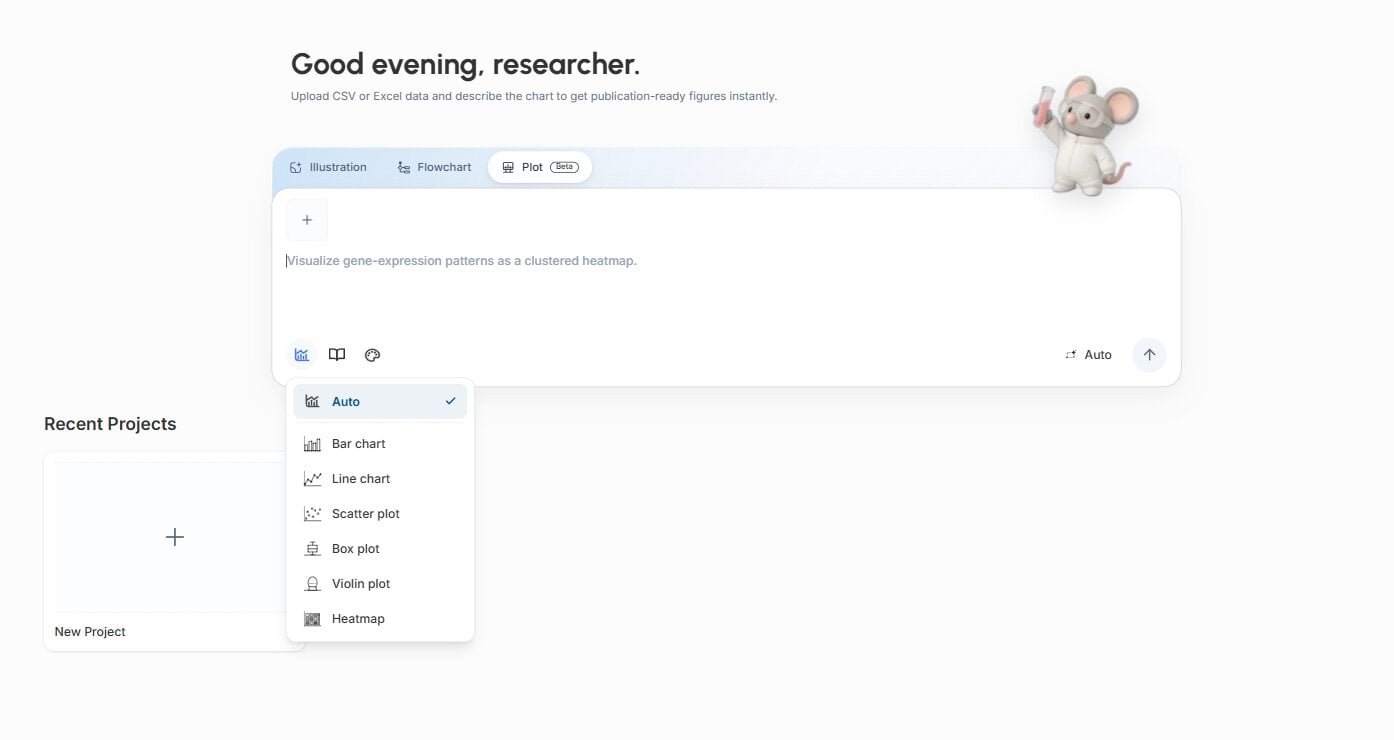
Researchers refine plot layouts, axis labels, and color palettes iteratively through conversational chat prompts directly within the workspace. Each generated chart remains saved inside the project session so users can combine statistical plots with diagrams and illustrations in a single multi-panel figure.
Infinite Vector Canvas & AI Editing Suite
All three generators feed into a unified infinite canvas equipped with multi-panel layout frames, custom panel labels, and visual consistency locks that standardize icons, arrows, fonts, and styles across an entire manuscript. Users can also mark multiple images in chat to combine separate visuals or transfer color and design styles from one figure to another.
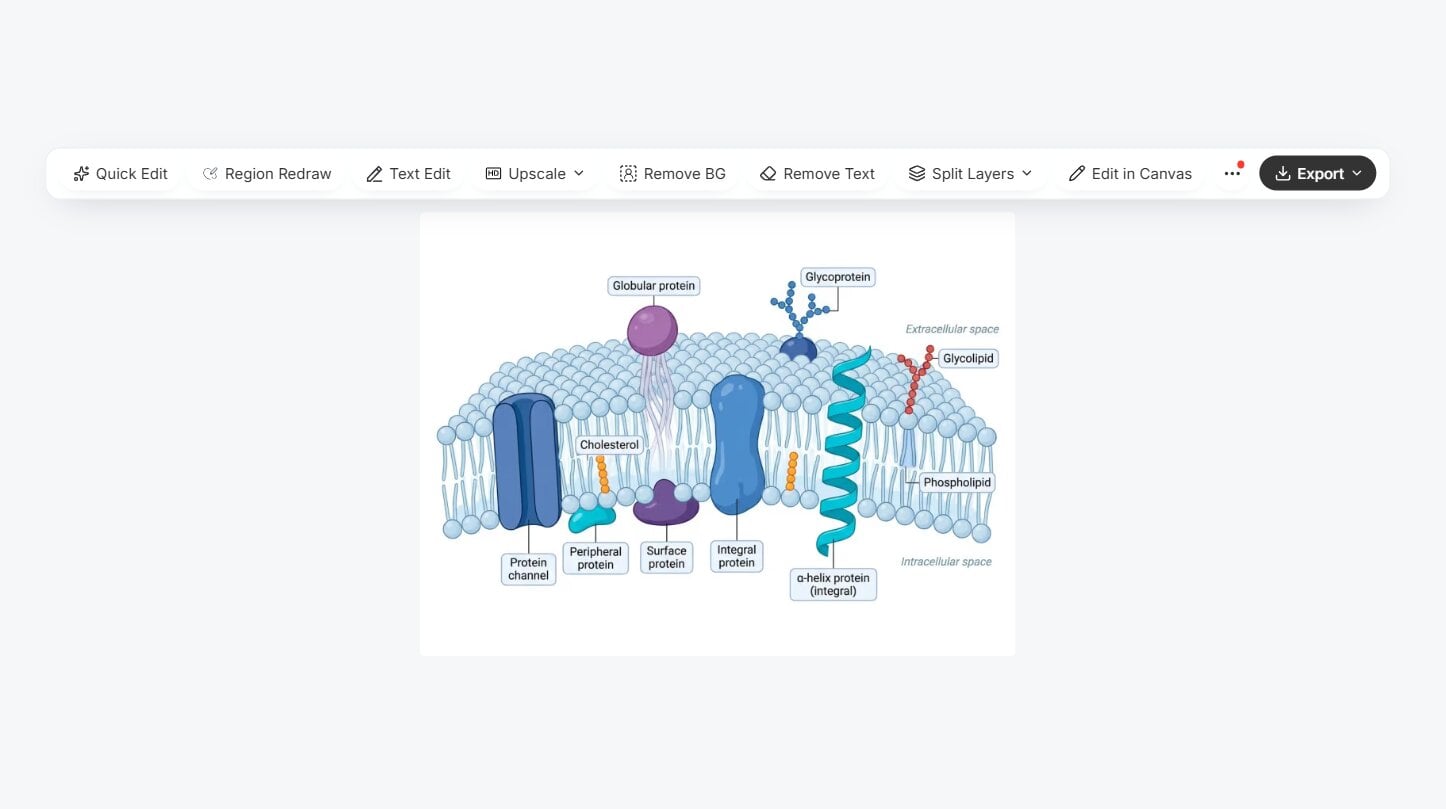
Specialized AI editing tools let researchers adjust outputs without regenerating entire graphics, including Region Redraw for localized fixes, in-place Text Edit and Text Removal, one-click Background Removal, and Recolor with reference-image palette sampling. Integrated upscaling enhances raster figures up to 2K, 4K, or 8K resolution for high-DPI print requirements.
MCP Integration & Developer API
FigureLabs supports Model Context Protocol (MCP) integration, enabling researchers to connect the platform directly to external AI agents and assistants. Through MCP, an assistant can draw context from manuscripts, protocols, or spreadsheets in an active conversation, trigger scientific figure generation, and save versioned outputs directly into the user's FigureLabs project.
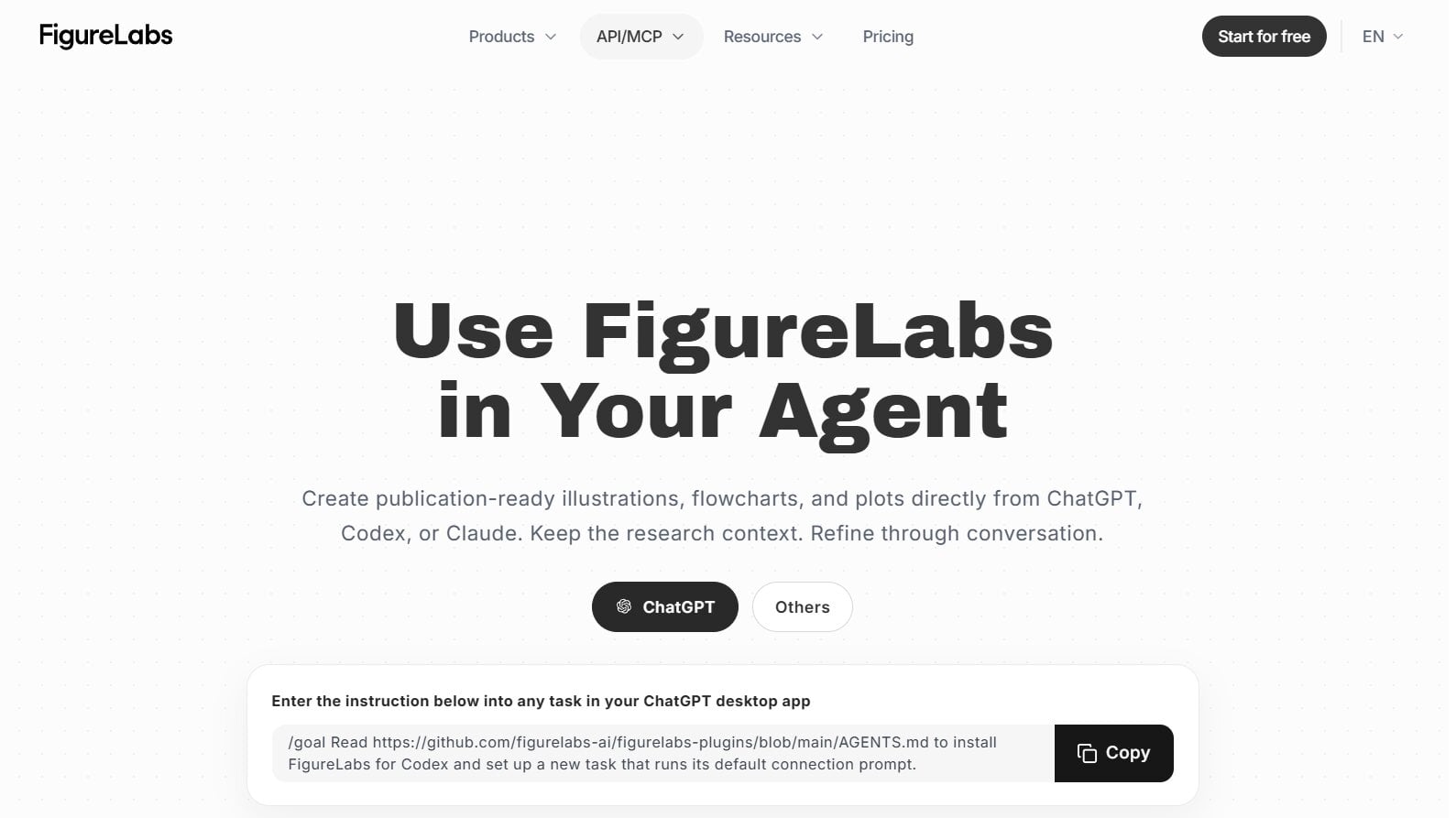
For software teams and institutional pipelines, FigureLabs also provides a developer API to embed scientific illustration, editing, and vectorization capabilities into external research workflows. Generation workflows preview execution plans upfront and charge credits only for successful outputs.
Publication Compliance
To meet academic publishing standards, FigureLabs does not train its models on user uploads and issues eligible paid exports with a verifiable Publication Authorization Certificate confirming commercial and academic publishing rights. The platform also runs an Author Program that rewards researchers who publish papers featuring figures created on FigureLabs.
FigureLabs vs Other AI Visual Generators
| Specification / Feature | FigureLabs | Recraft AI | Canva | HIX AI Image Agent |
| Core Positioning | Academic & scientific illustration generator | Brand design & native vector graphic studio | Template-first all-purpose graphic design platform | Agentic, multi-model AI image & content creation suite |
| Workflow Architecture | Infinite canvas with domain presets & layer splitting | Infinite design canvas with brand style locking | Drag-and-drop template editor with Magic Studio | Multi-agent collaboration (search, analysis, generation, & chat-based editing) |
| AI Model Access | GPT Image 2.6, Nano Banana 2, Sora, Flux.2 Max, Seedream 4.5 | Proprietary Recraft family (V4 / V4.1, Pro, Flash) + select third-party APIs | Proprietary models only (Magic Media / Canva Craft) | GPT Images 2.6, Nano Banana 2.1, Seedream 5.5, Midjourney, |
| Prompting & Ease of Use | Specialized scientific/diagram prompts & sketch-to-figure | Supports long art-direction prompts (up to 10,000 chars) & style references | Short prompts paired with 10+ preset styles and layout templates | Low-friction scenario skills (posters, ads, infographics) + automatic model selection |
| Editing Capabilities | Region redraw, direct text edit, layer splitting, multi-panel framing | Inpainting, AI eraser, mockups, palette swapping, raster-to-vector | Magic Edit, Magic Eraser, Magic Expand, Magic Layers, background remover | Conversational chat refinement, object/text replacement, restyling, & parallel batch generation |
| Output Formats & Resolution | PNG, JPG, PDF, editable SVG & PPTX, Python code; up to 8K upscale (~1200 DPI) | PNG, JPG, WebP, native editable SVG; up to 4MP (Pro) / 16MP max canvas export | PNG, JPG, PDF, PPTX, SVG (design export); up to 2K (2048×2048) AI generation | High-res raster web/print exports integrated directly into slides, docs & campaigns |
Why Choose HIX AI Image Agent Over FigureLabs
- 1
All Top-Tier Models in One
HIX AI image agent integrates all the most powerful models into one platform. You can easily choose the right one for your scientific visualization without paying for multiple subscriptions.
- 2
End-to-End Agentic Visual Creation
HIX AI automates complex steps from research and analysis to output refining, turning initial concepts into polished, publish-ready visuals in one workflow.
- 3
Conversational Agentic Editing
Refine generated visuals through natural chat dialogue while maintaining original compositions and creating consistent batch variations effortlessly.