Get Effortless Insights with Our AI Data Analysis Workflow

Your Automated All-in-One AI Data Analysis Workflow
Process and analyze raw data and get presentation-ready insights without the manual grind.
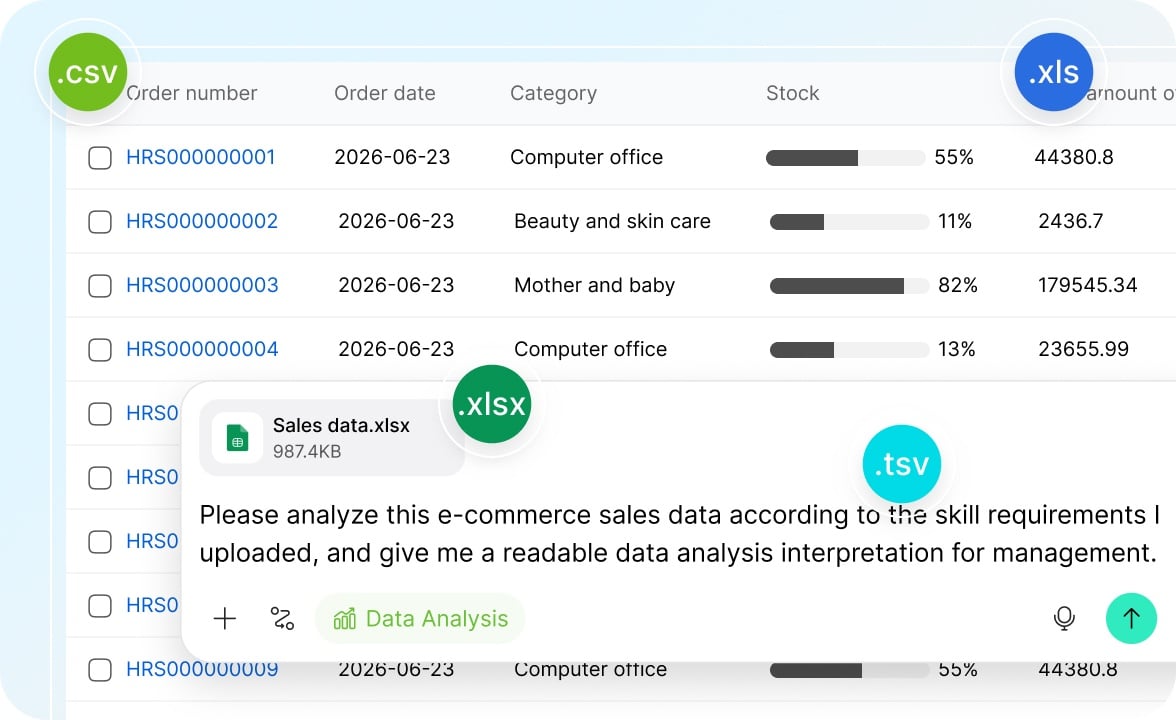
Any Sheet Supported
Supporting .xlsx, .xls, .csv, and .tsv formats, our smart workflow automatically parses your headers and data structure—no cleanup, no reformatting, no prep work required. From sales reports to daily operations logs, your files are ready to analyze the moment you upload them.
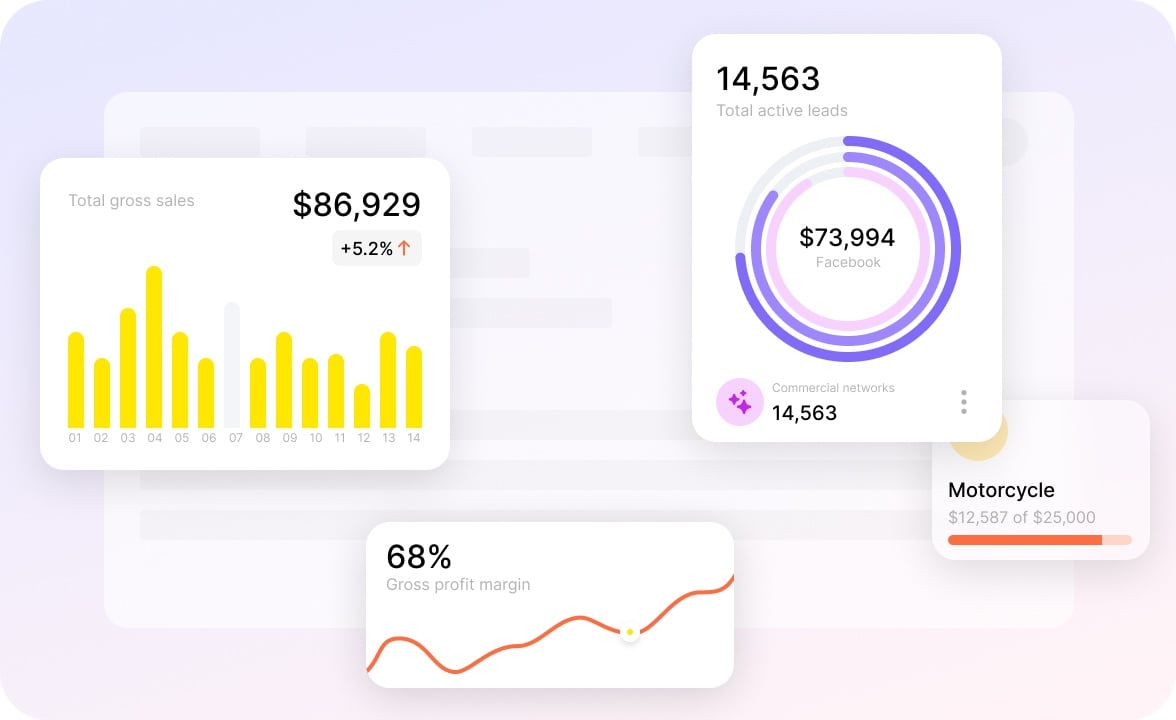
Multi-Dimensional Analysis
Our workflow can run period-over-period comparisons, group aggregations, filtered breakdowns, and more. Whether you're tracking sales targets, breaking down costs, or comparing budgets against actuals, you always get analysis that handles your most complex scenarios.
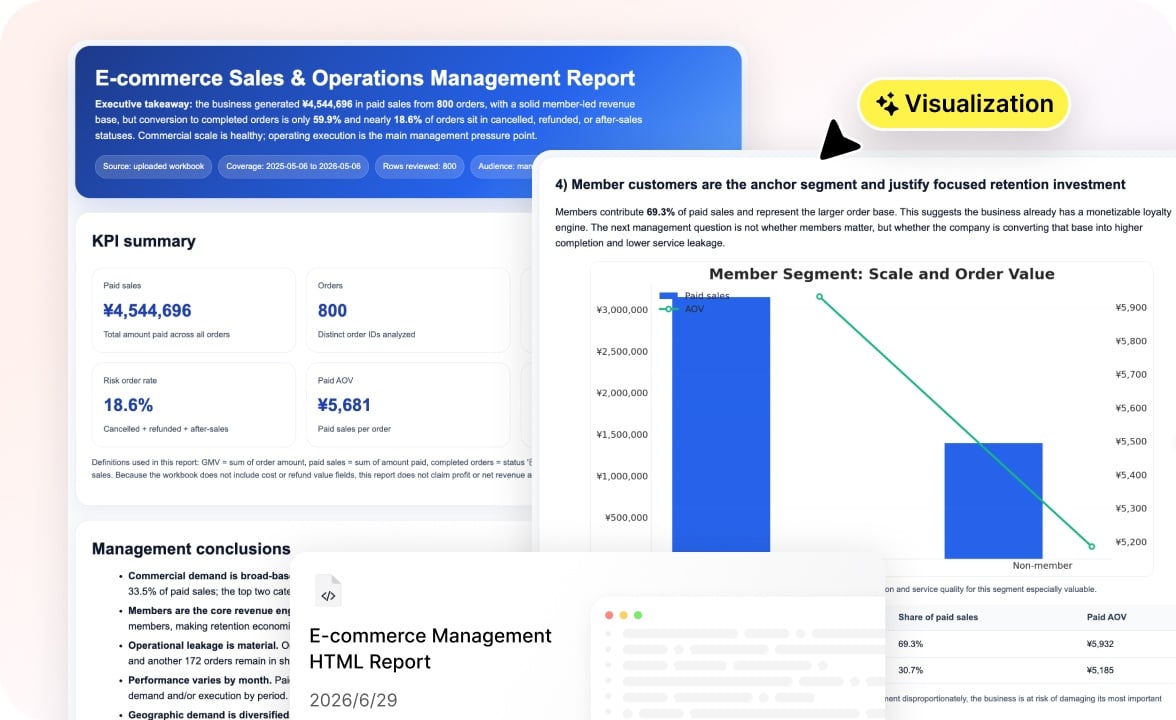
From Data to Report in One Step
Receive your results as a polished, visual report with charts and narratives seamlessly woven together. Your report is instantly ready to be included in weekly updates, monthly reviews, or executive presentations. No more tedious reformatting!
AI Data Analysis Workflow Built for You

Business Analysts
Spend less time wrangling data and more time finding the story within it. Skip the repetitive pivot tables and let the workflow handle the heavy lifting.
Finance Teams
From cost breakdowns to budget-versus-actual comparisons, get accurate calculations and clear visualizations.

Sales Operations
Track sales performance, measure target attainment, and compare results across periods with year-over-year and month-over-month analysis built in.
Marketing Teams
Make sense of campaign performance, channel metrics, and conversion data without exporting to a dozen tools.
How to Use Our AI Data Analysis Workflow
No technical skills, no manual prep—here's how it works.
- 1
Upload your data files and tell our workflow how to analyze your data.
- 2
Our workflow parses your files, analyzes your intent and data, and compiles a report.
- 3
Get a polished report and a cleaned spreadsheet. Export the files or chat with the workflow to make edits or change the analysis direction.
Questions and Answers
Explore Our Other Workflows